
Construction photo app
Site photos in one place. Holiday photos in another.
Thanex files your site photos by project and tags as you take them, so every photo is easy to find and ready to turn into a PDF report.


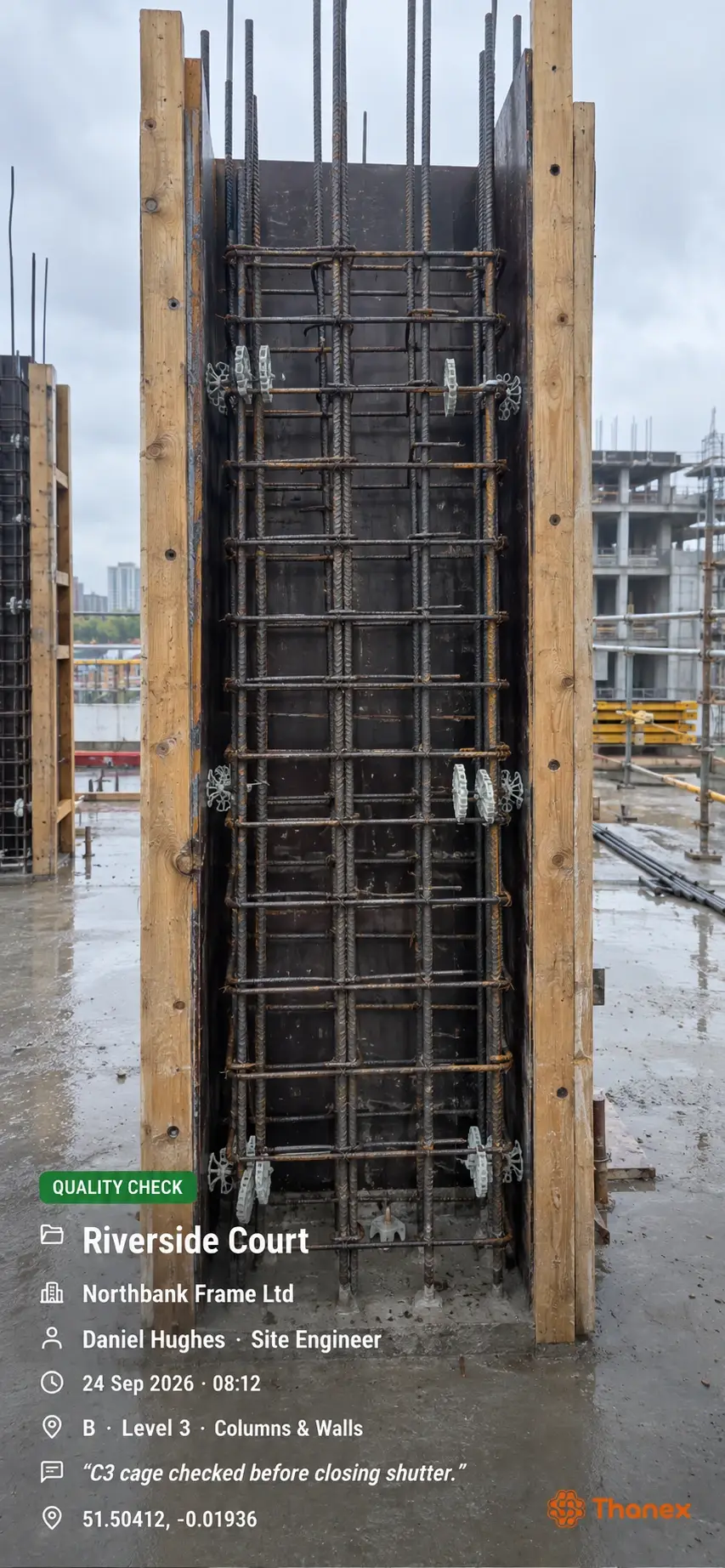
Your photos are organised the moment you take them
Choose your project, pick a record type and add tags such as Block A, Ground Floor and Slab. Then take the photo as normal.
- 01
Choose your tags
Pick the block, level and element on the camera screen, and add a note if you need one.
- 02
Take the photo
Thanex saves who took it, when and where, and files it in the right project straight away.
- 03
Make the report
Filter by date or tags, select the photos and share a PDF anyone can open.
Find the photos you need
Choose tags like Block A, Ground Floor and Slab to find photos taken there over different days. You can also filter by date or record type, or search the notes you've added.
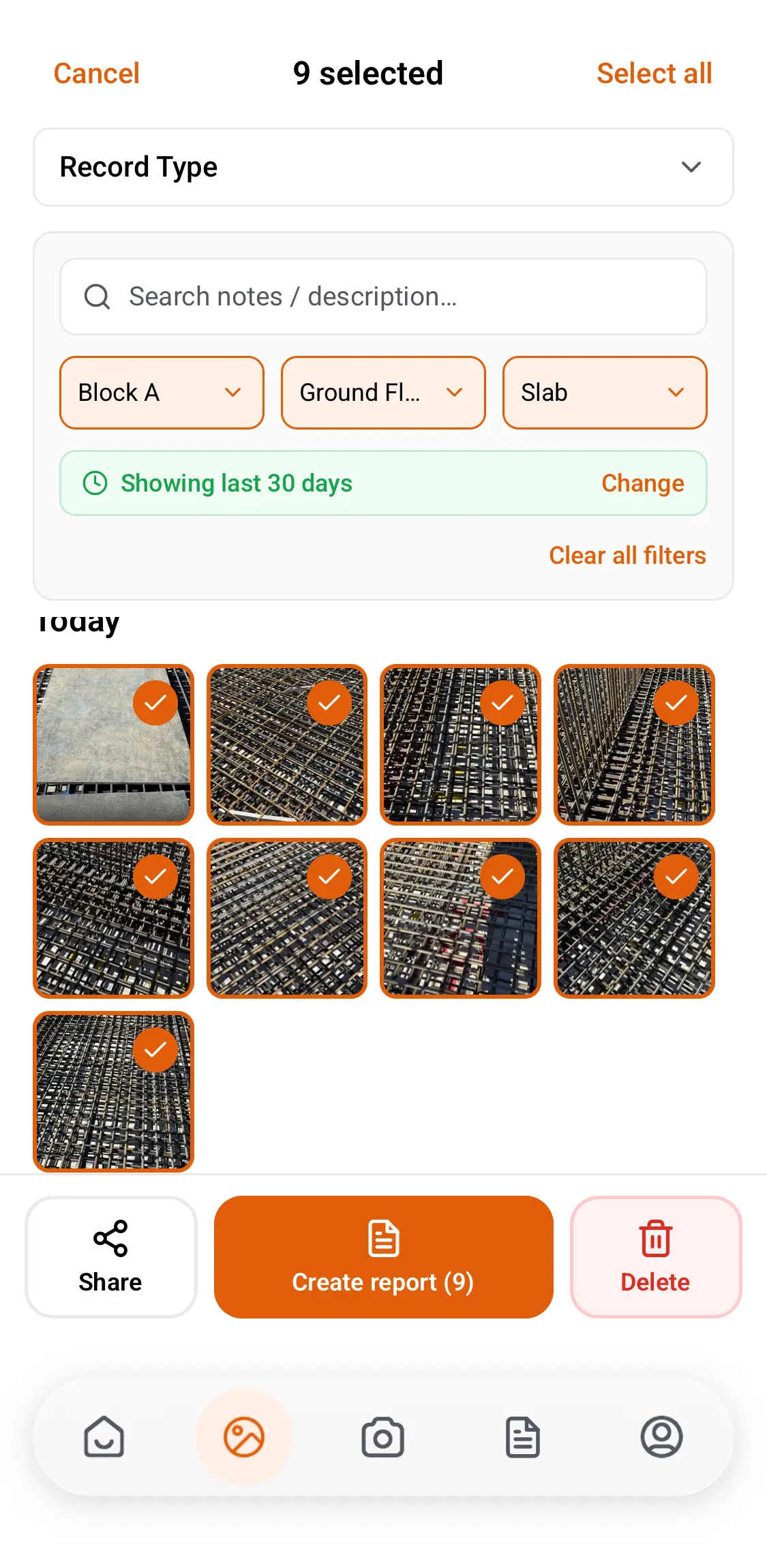
Turn your site photos into professional reports
Select the photos you need, choose how many go on each page and add a comment to any photo. Thanex turns your selection into a construction photo report you can share as a PDF.
Every photo is tagged as you take it, so you can come back to the same spot any day.
Progress reports
Show the client or your manager what's been done this week, area by area.
Inspections
Photos of the work before it's covered, with who took them and when on every page.
Snag lists
One photo per page, with a comment on what needs fixing.

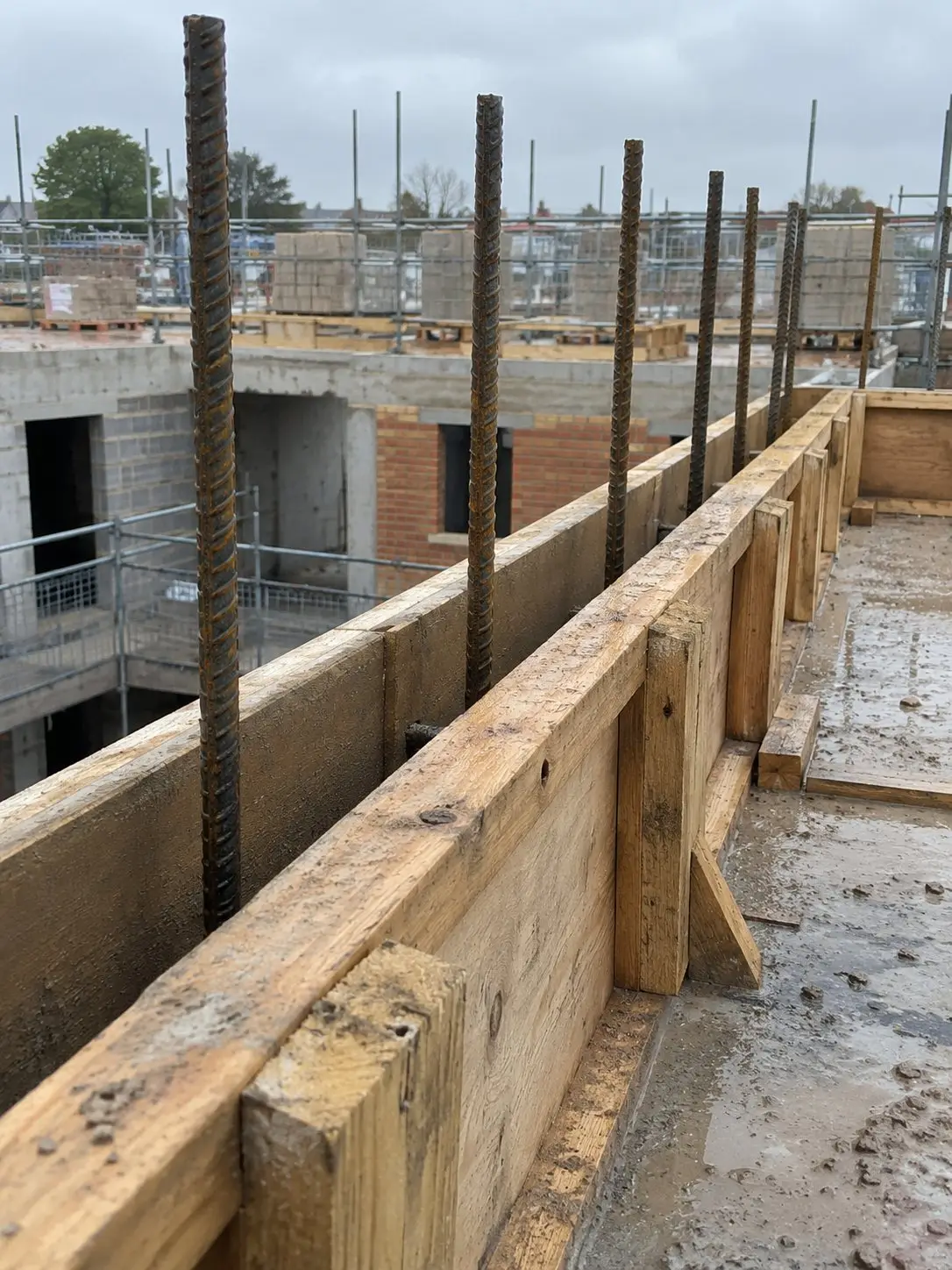
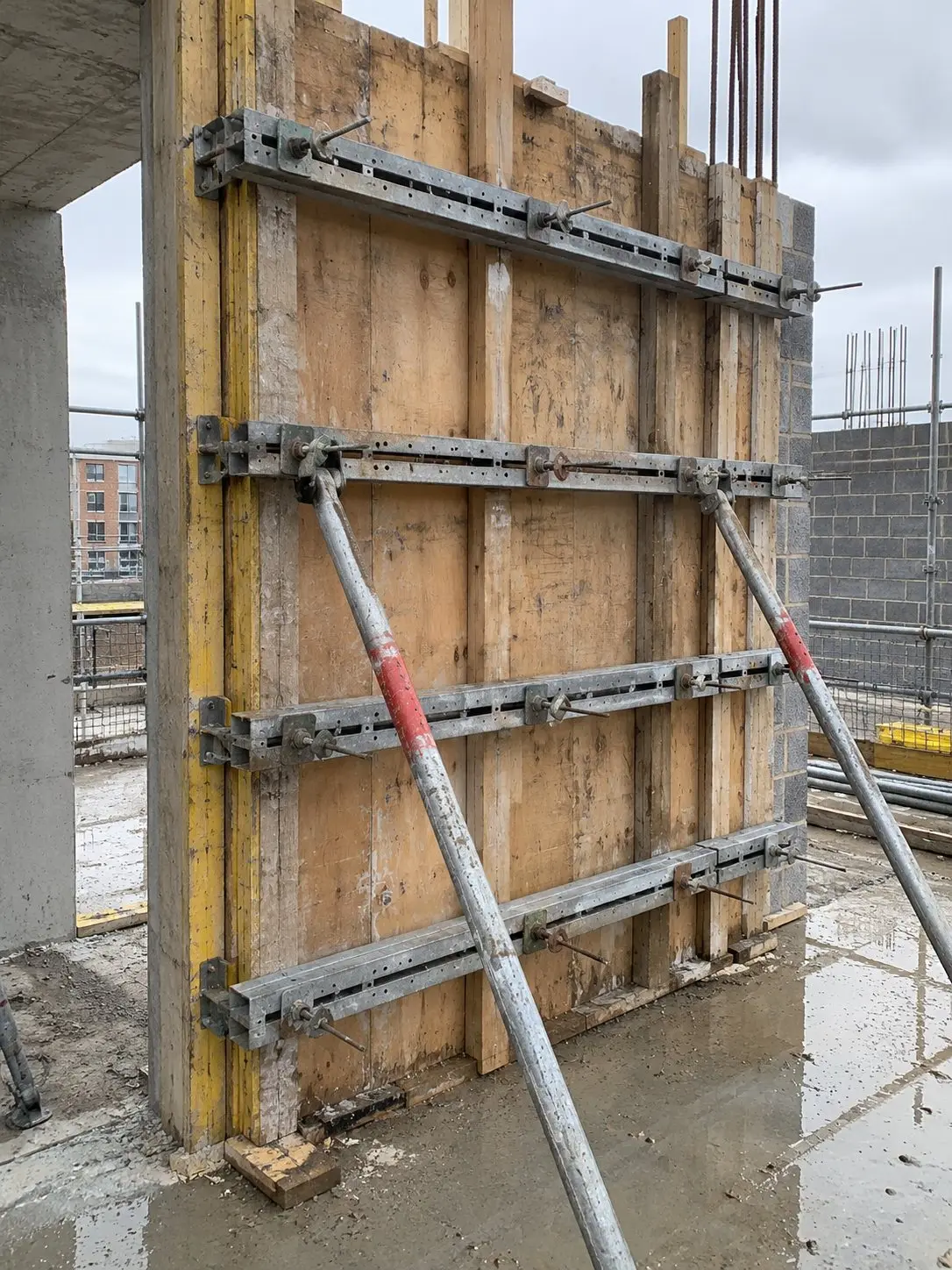
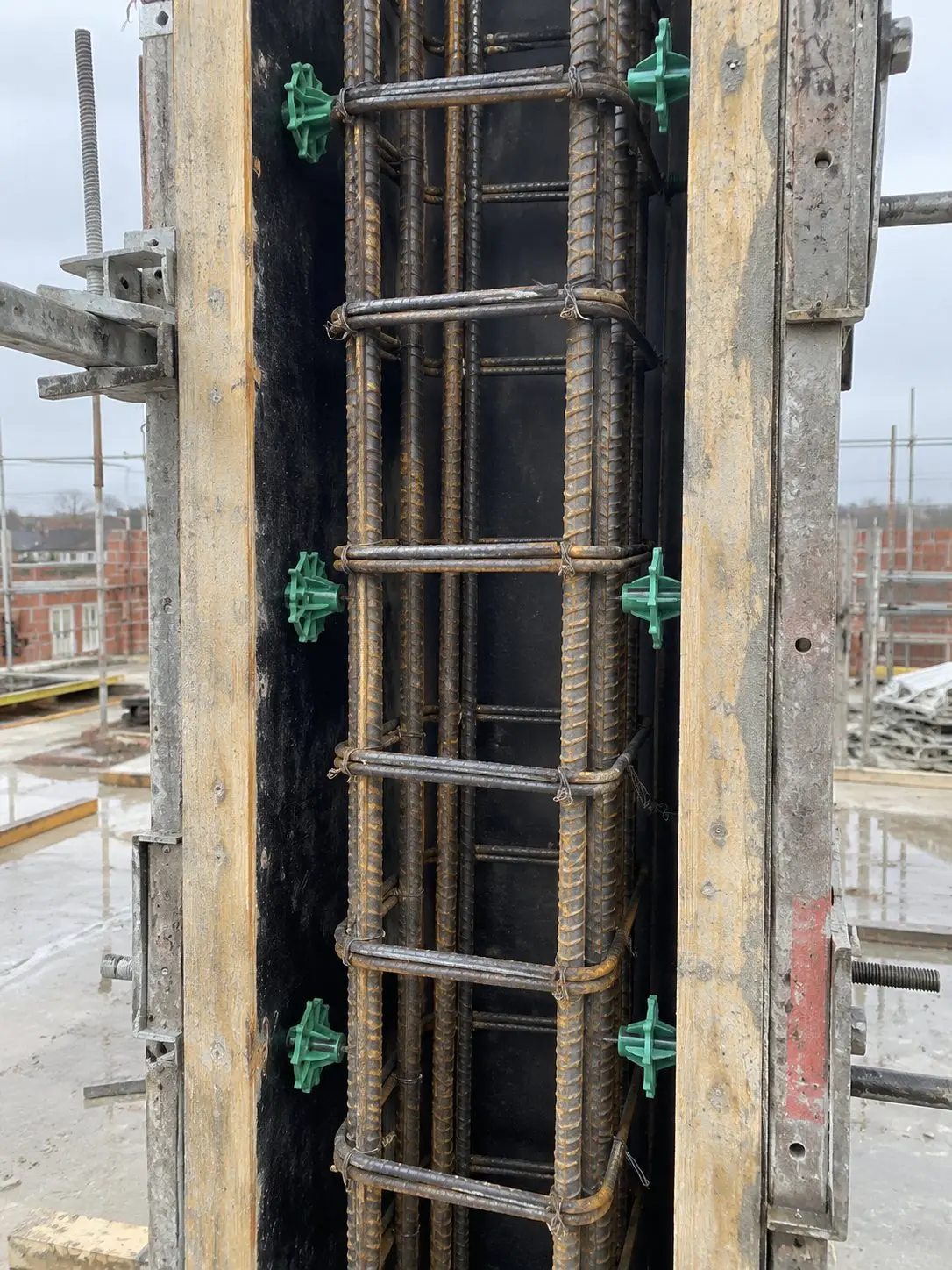
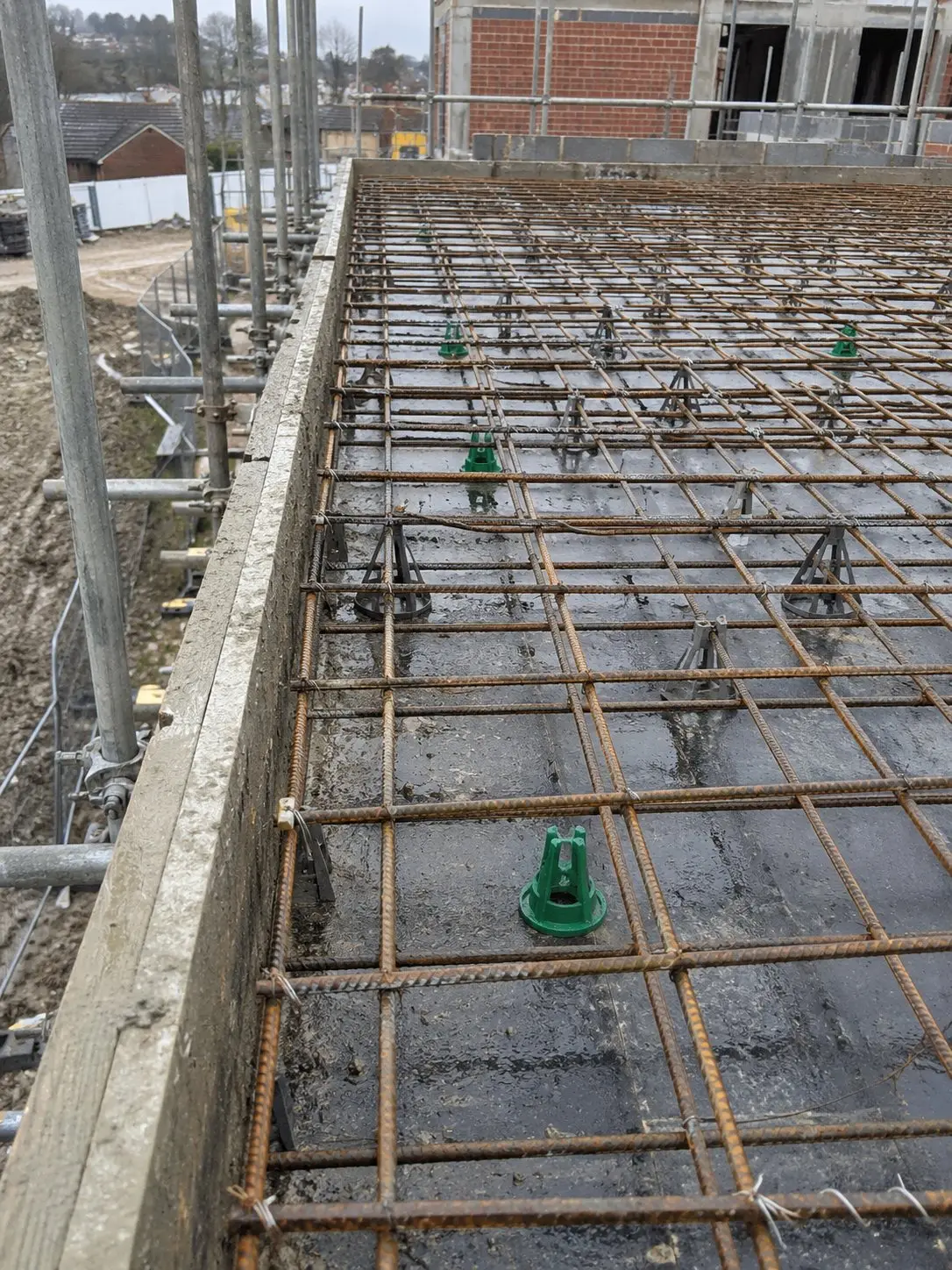
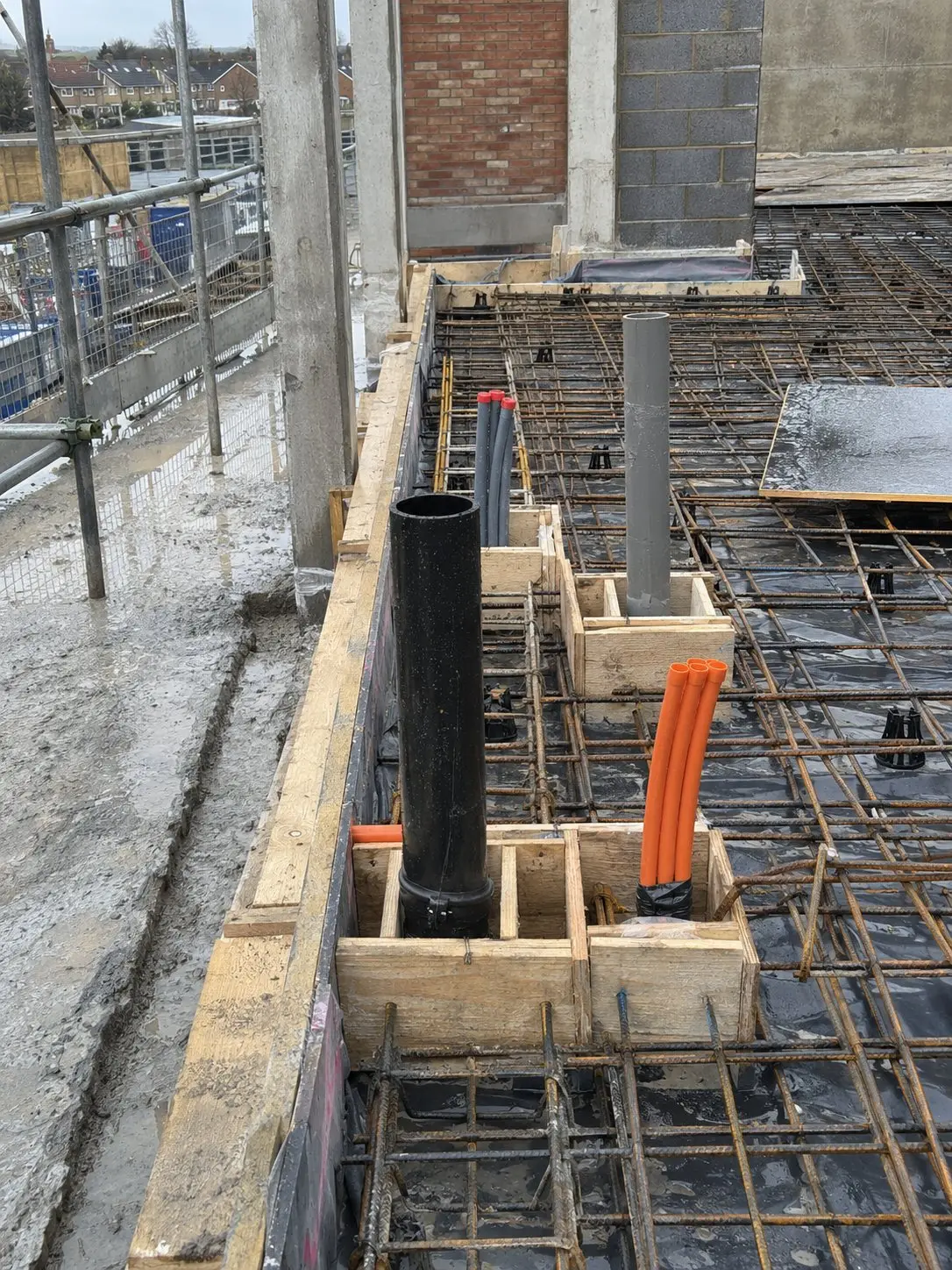
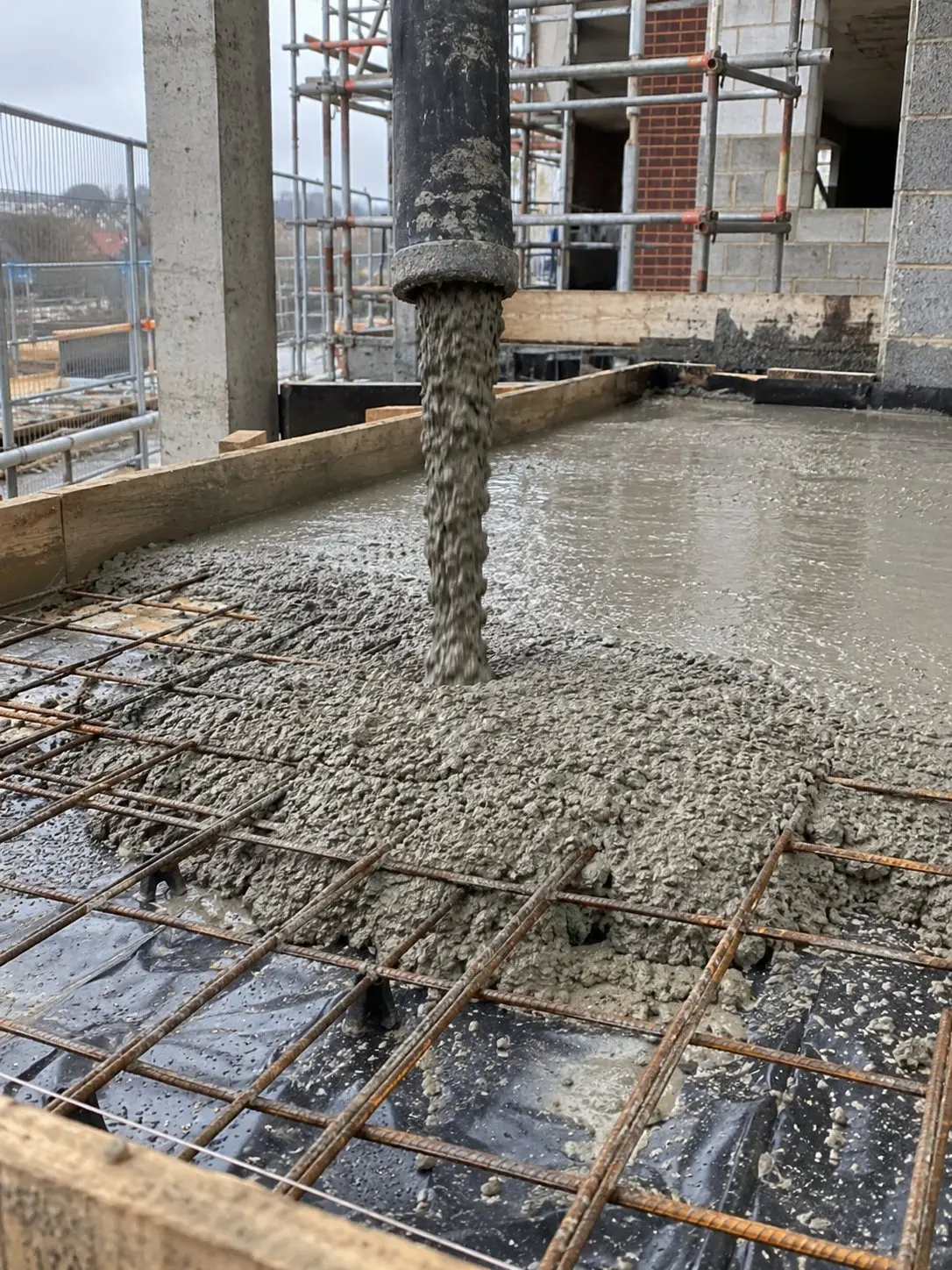
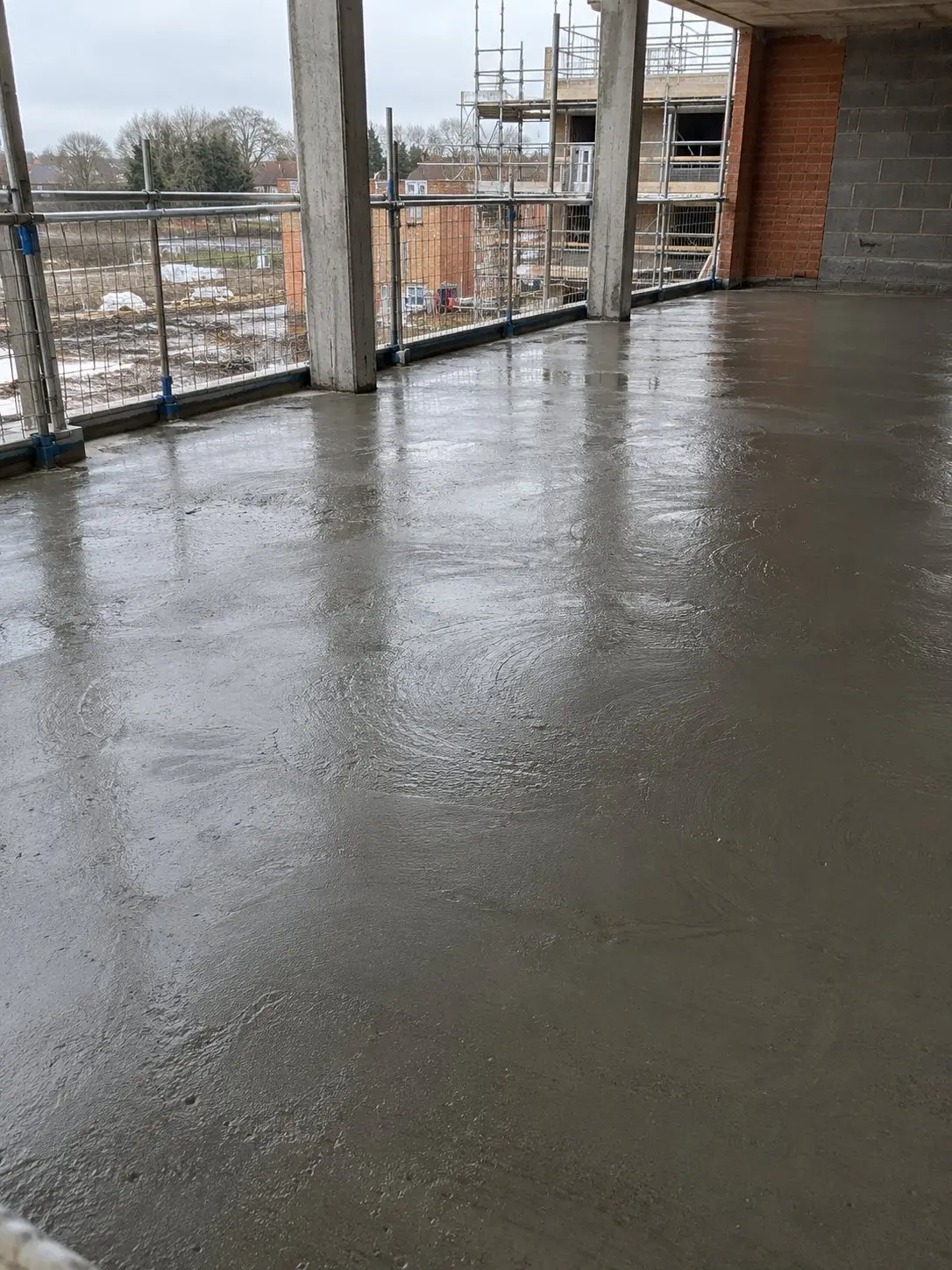
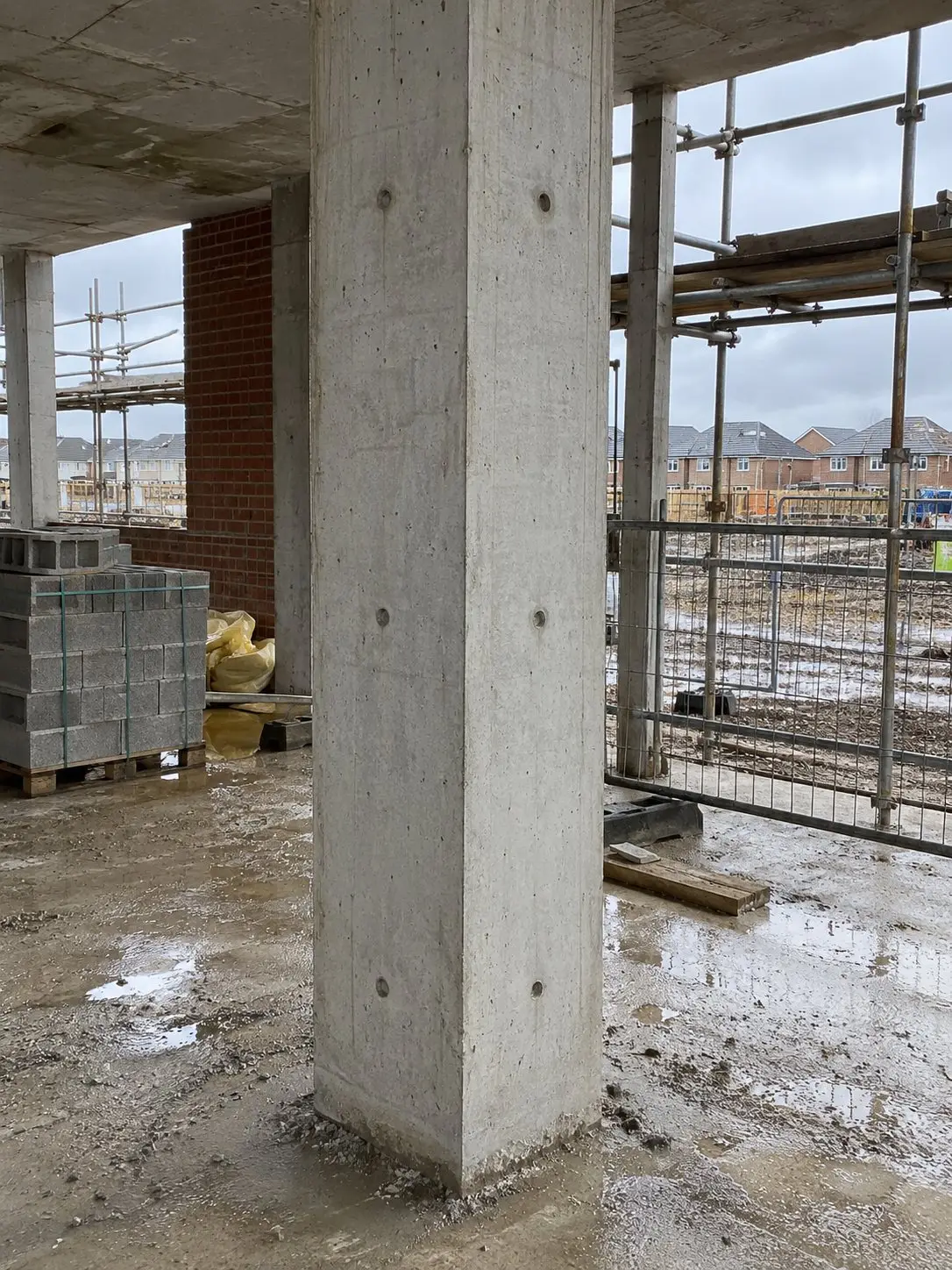
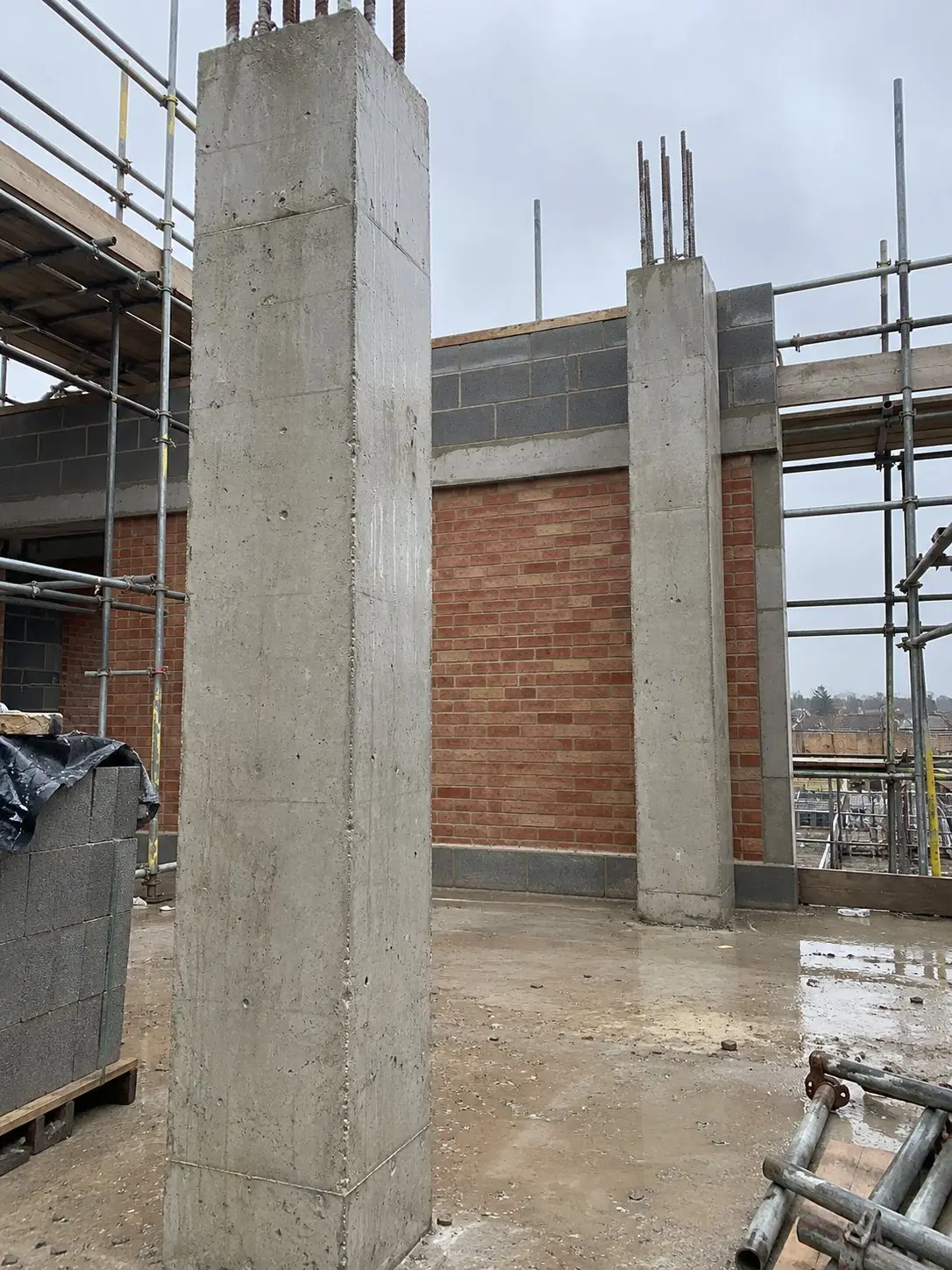
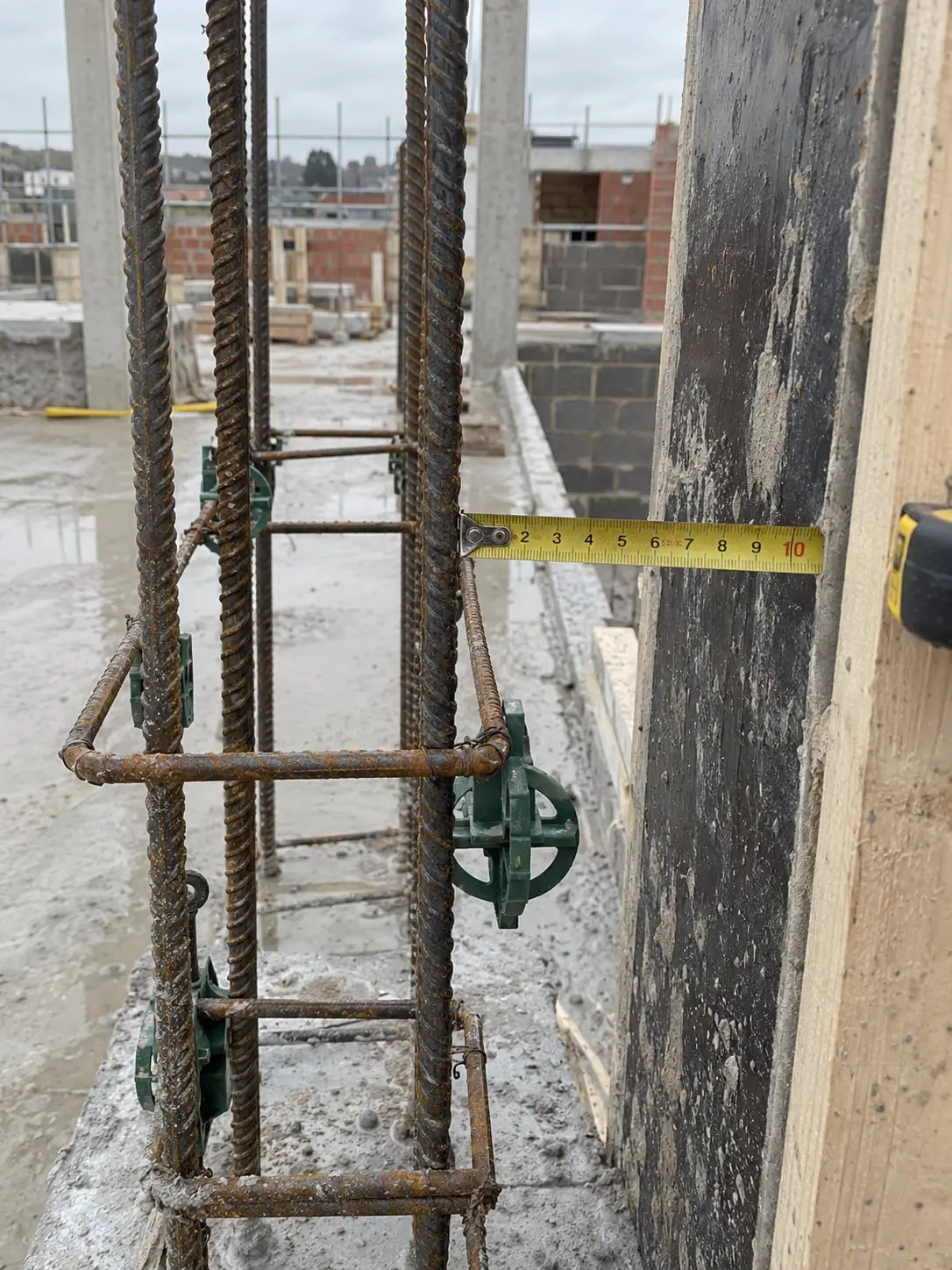
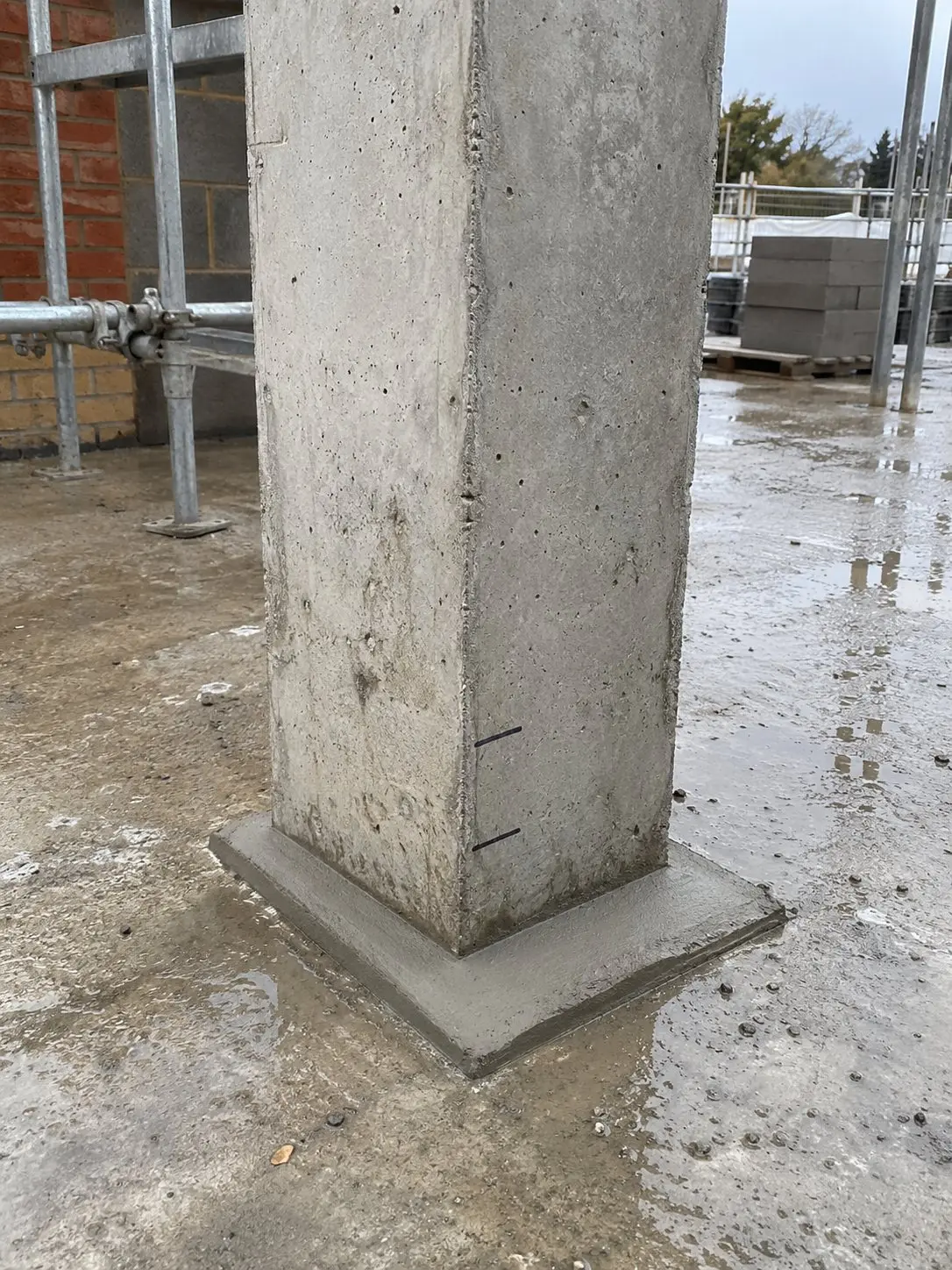
Every photo has the details to back it up
Everything you need to refer back to a photo, even months later, is saved alongside it.
Saved automatically
Who took it, their job title, organisation, project, date and time, GPS location and a unique photo ID.
Added by you
Choose the record type and project tags, and add a note if needed.
Stamp on or off
Show the details on the photo itself, or keep a clean image with the information still saved in Thanex.
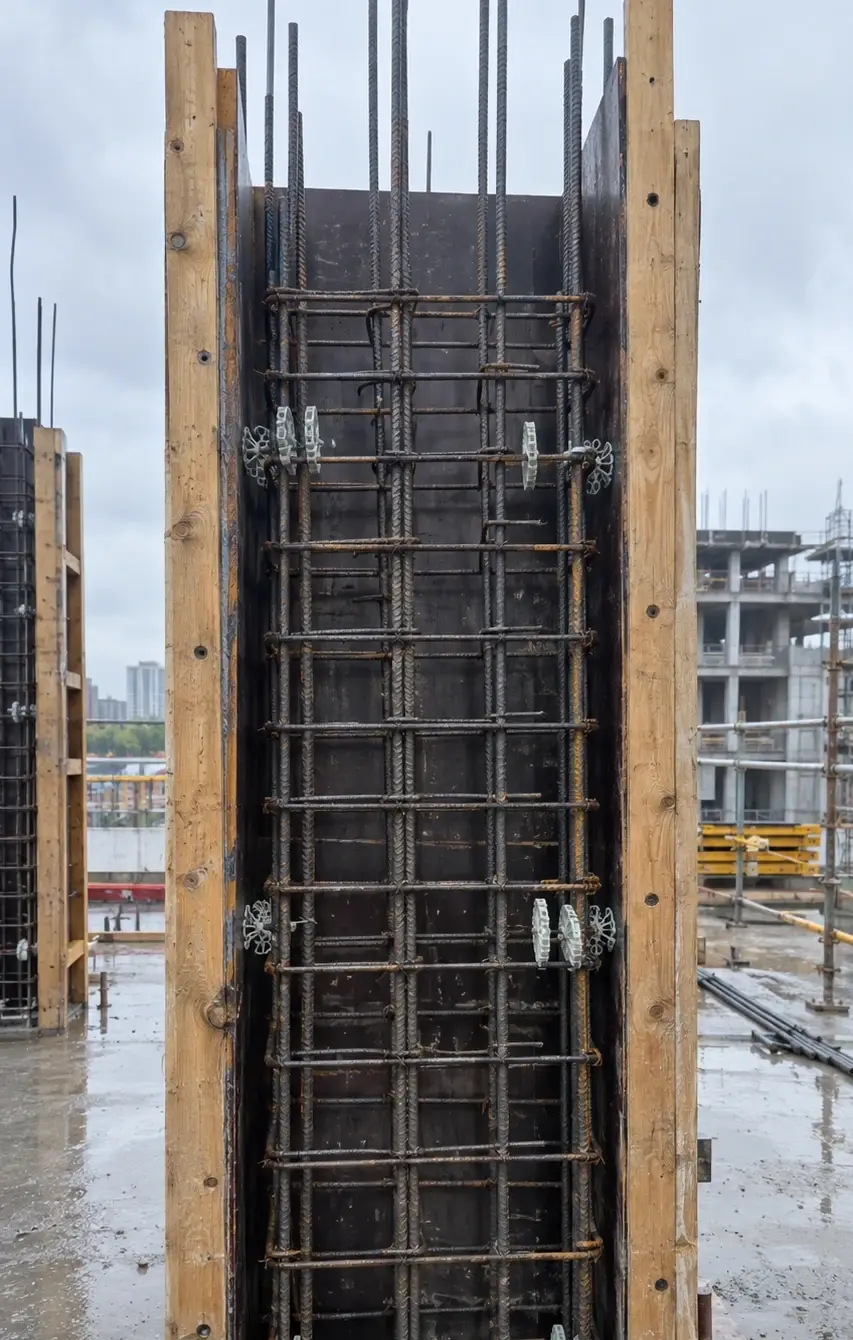
Photo details Captured with Thanex
- Record type
- QUALITY CHECK You
- Project
- Riverside Court Auto
- Organisation
- Northbank Frame Ltd Auto
- Date & time
- 24 Sep 2026 08:12 Auto
- Member and job title
- Daniel Hughes · Site Engineer Auto
- Tags
- B · Level 3 · Columns & Walls You
- Notes
- C3 cage checked before closing shutter. You
- GPS
- 51.50412, -0.01936 Auto
- Photo ID
- P000205 Auto
One app for every kind of site photo
Progress photos
Keep a photographic record as the work develops, with photos organised by date and area.
Quality checks
Record work before it's covered up, with the location and details saved for later.
Snagging
Photograph what needs attention and use the images to make snag lists with actions.
Inspections
Find the relevant photos and put together a clear report without searching through folders.
Deliveries
Photograph materials as they arrive, keeping a dated record under the right project.
You don't need your company to use Thanex
Create your own projects, choose your tags and keep an organised record of your work.
Keep work photos separate
Your site photos stay in Thanex, so they won't fill up your personal camera roll.
Get photos from anyone
Need a photo from someone else? Send them a link so they can upload it straight to your project, without creating an account.
Access everything on your computer
Use Thanex Web to find photos, download what you need and create PDF reports.
Bring the whole team together
Engineers, supervisors and subcontractors can all use the same project tags. Their photos appear in one shared workspace, ready to review, search and use in reports.
Photo evidence, kept with the rest of your site photos
Part L, NHBC stages, fire stopping and quality photos sit alongside the rest of your site photos, filed under the same tags and ready to report.
What is Thanex?
Thanex is a construction photo app that saves who, when and where with every site photo you take and files it by project and tags, ready to report. Use it like your normal camera on iPhone or Android, then filter your photos and make a PDF report whenever someone asks for one.
How do I organise construction site photos on my phone?
Choose a project and tags before taking a photo in Thanex. It's filed with its date and location, separate from your personal camera roll, so you can find it again without searching through your phone.
Can I use Thanex if my company doesn't?
Yes. Thanex is for anyone who takes site photos for work, and your company doesn't need to use it. Start your own project, set your own tags and keep a record of your work, with every photo filed and ready to report when you need it.
Can I put photos taken on different days into one report?
Yes. Filter by project, tags and dates to find the photos you need, even if they were taken weeks apart, then select them and create your PDF report. The photos appear in order, so the report shows how the work changed day by day.
Can I share a report with someone who doesn't have Thanex?
Yes. Reports are PDFs, so you can send them to clients, contractors or colleagues by email, WhatsApp or any other way you share files. They can open the report and see every photo with its details without downloading Thanex.
How is Thanex different from a timestamp camera app?
A timestamp camera adds the date and location to a photo. Thanex does that too, then files the photo into the right project under your tags, keeps it out of your camera roll and lets you make a PDF report from any set of photos.
Will my work photos go into my camera roll?
No. Photos you take in Thanex stay in Thanex, filed under their project and tags, so your camera roll stays for your own photos. You can still download any photo from the app or from Thanex Web whenever you need it.
Does Thanex work on iPhone and Android?
Yes. Thanex works on iPhone and Android, and you can download it free from the App Store or Google Play. Your projects and photos are also on Thanex Web, so you can search, download and make reports from a computer.
Is Thanex free?
Yes. You can download Thanex free on iPhone and Android and start your first project straight away, with photo reports included from day one. If you need more projects or want your whole team on it, the Pricing page shows every plan.
Give your site photos a better home
Keep your work photos separate, organised and ready to use. Download Thanex for free and start building a better record of your work on site.