
Construction photo app for contractors
Every photo your team takes in one place
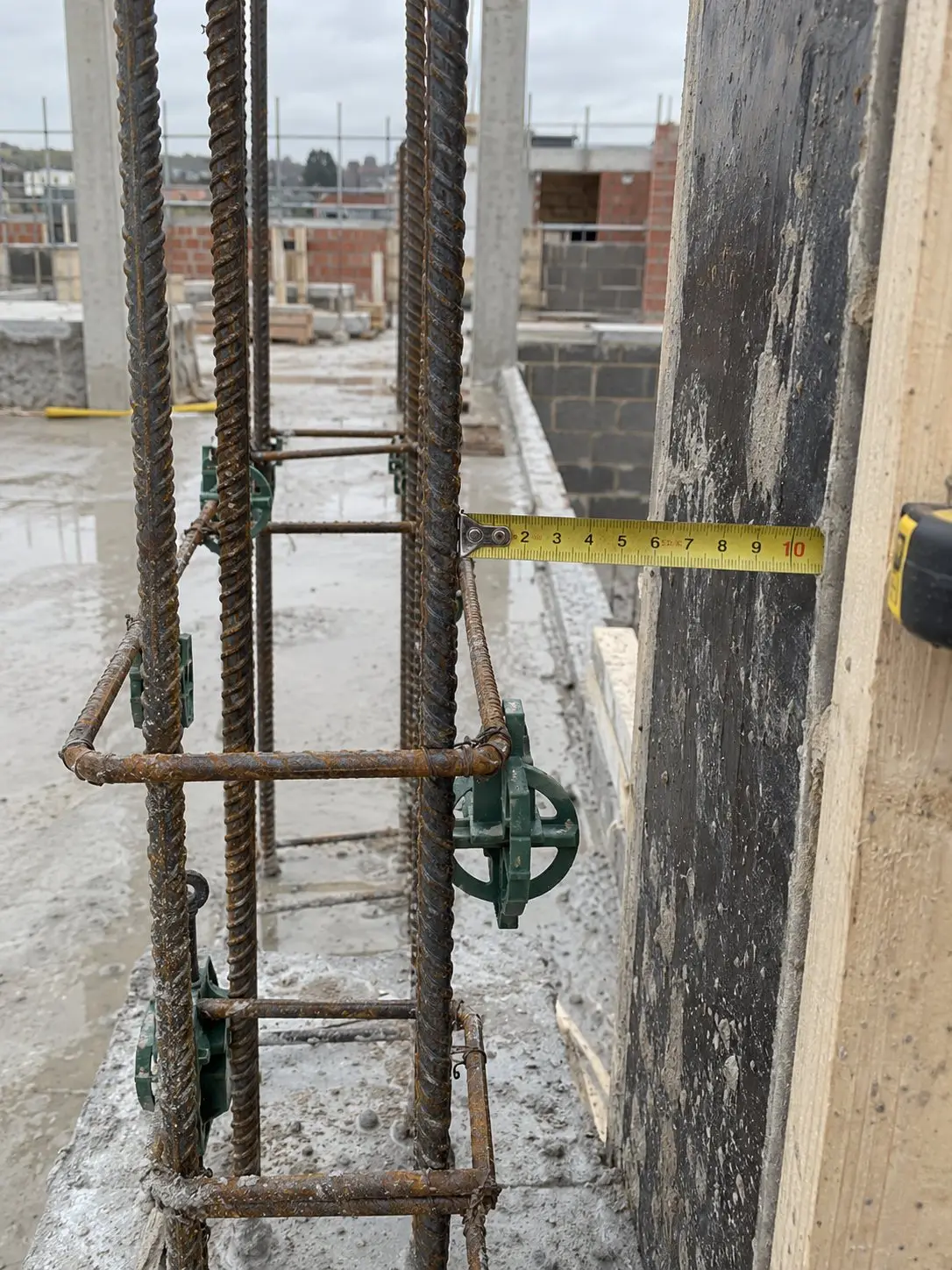
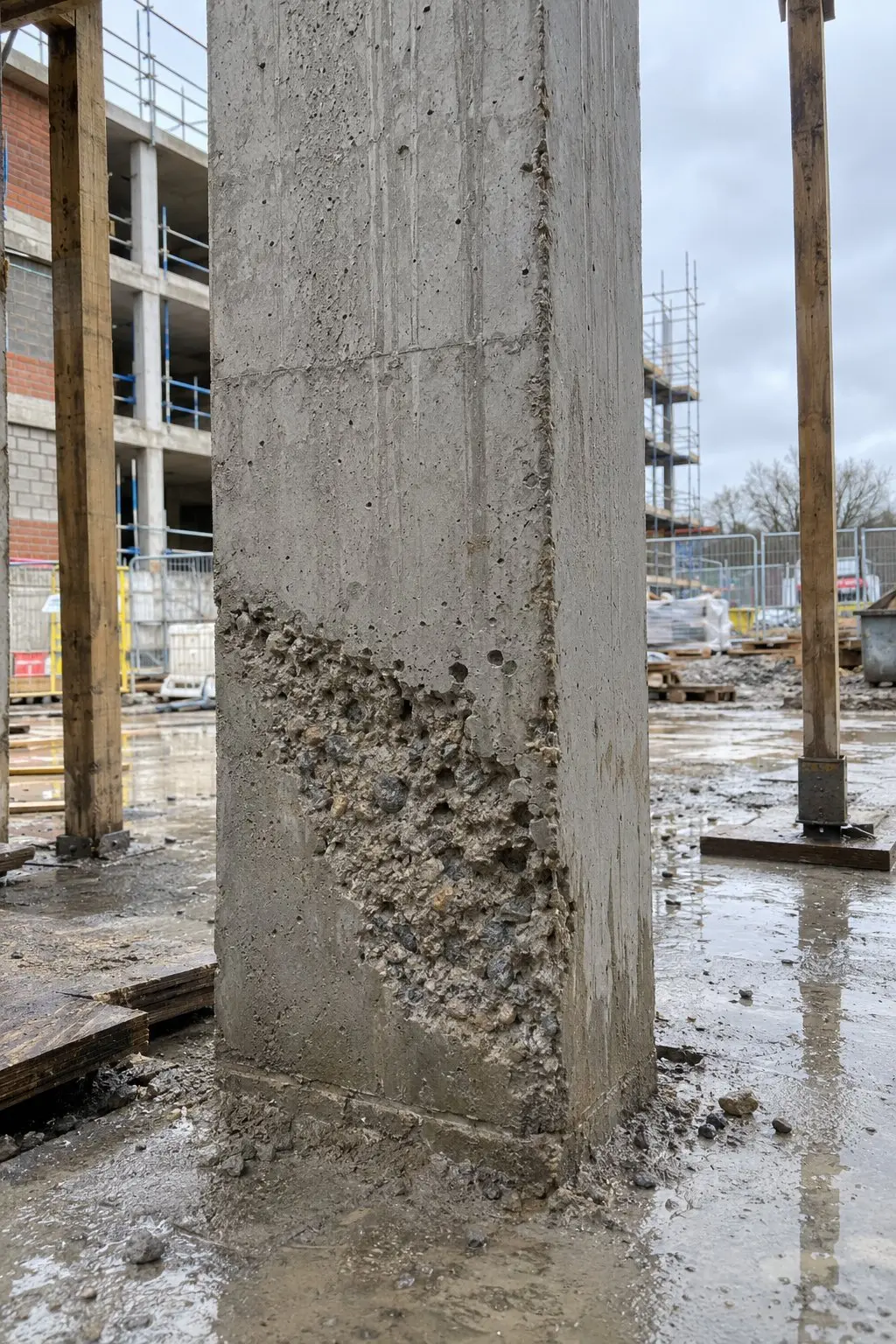
Know what's been done on every site today and send the client a report from the same photos. Thanex notifies you as photos arrive, with who took them and where.
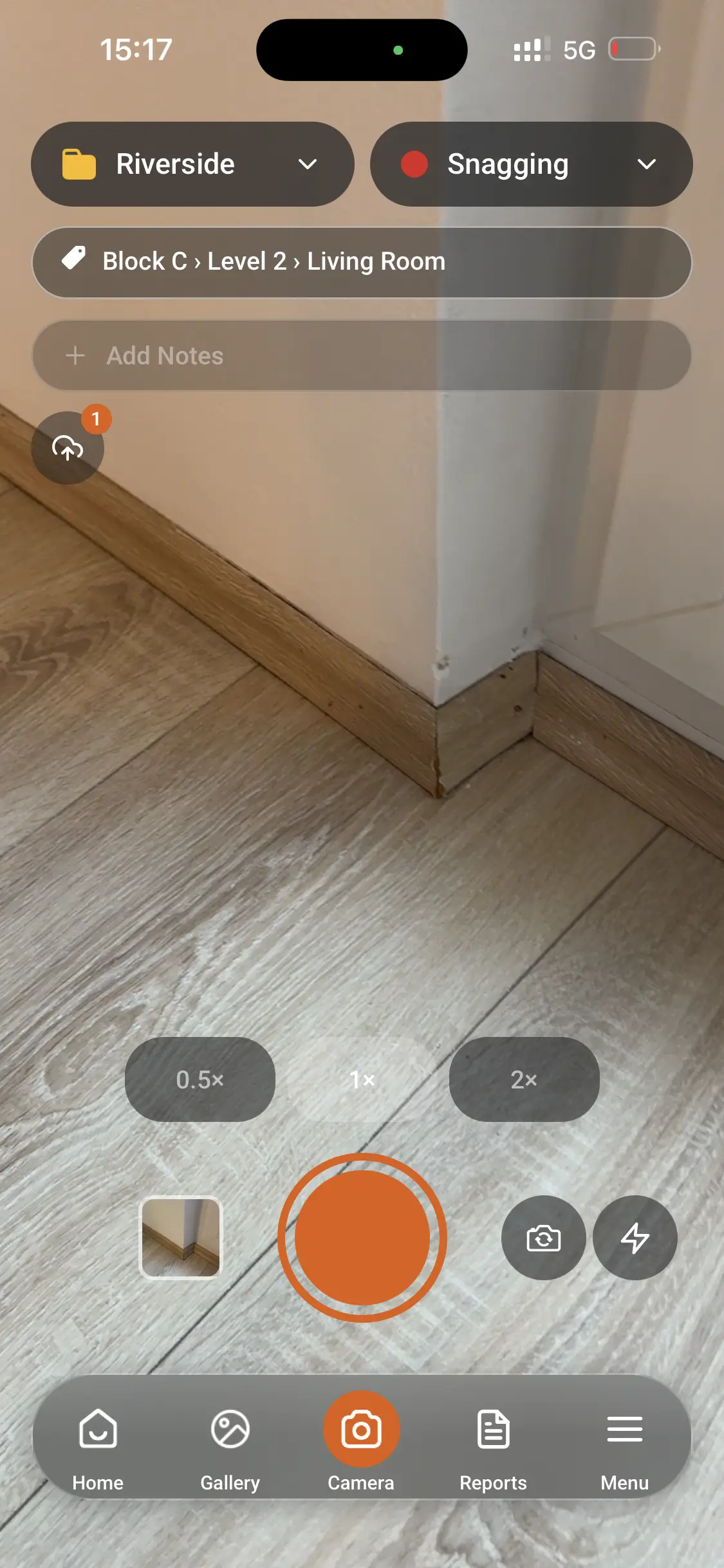
Everyone's photos filed the same way
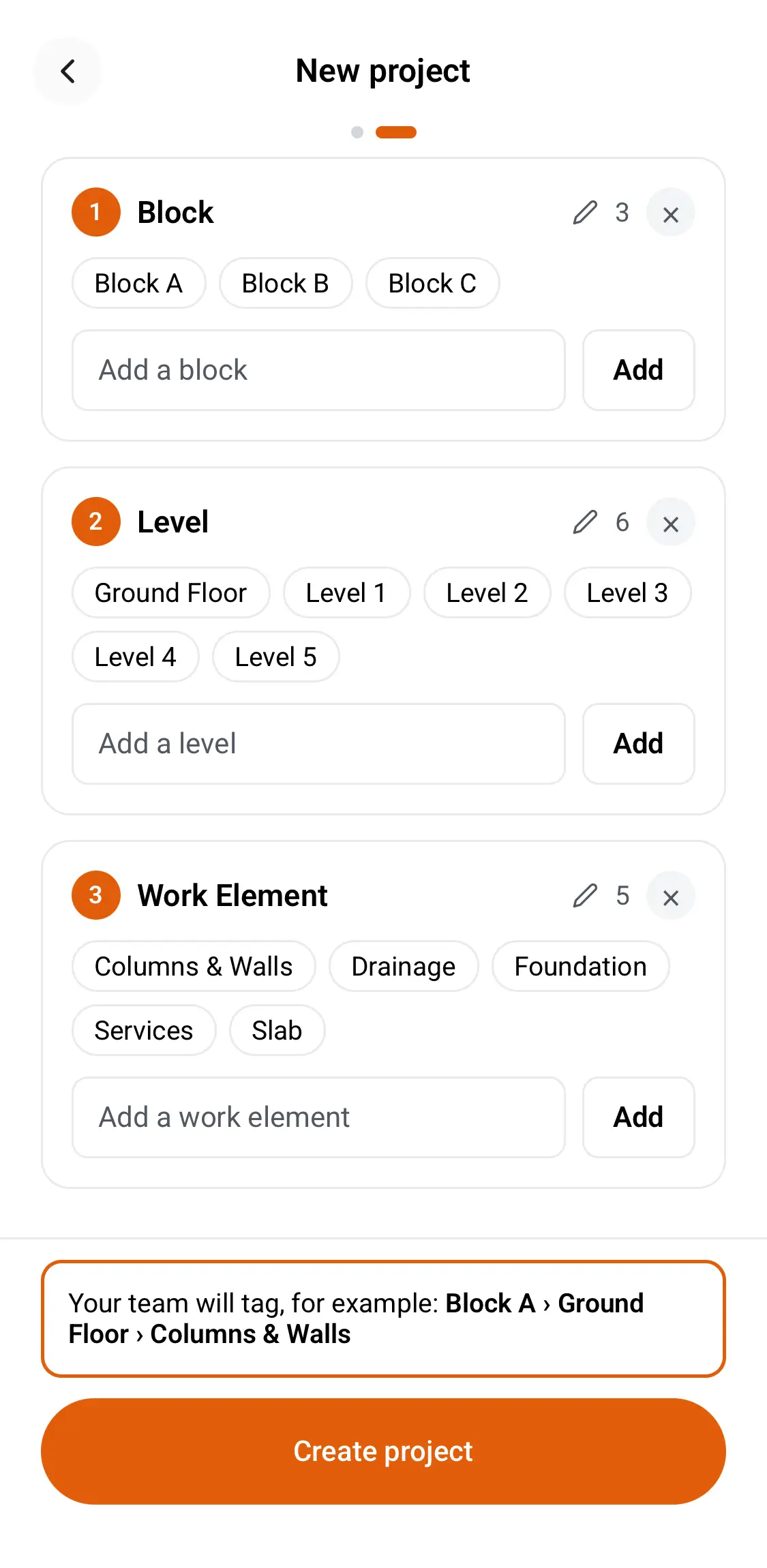
Your engineers, supervisors and subcontractors all choose from one list of tags, so photos from every trade end up organised in the same place.
- 01
Set the tags
Choose the blocks, levels and types of work for each project.
- 02
Everyone takes photos
Your team selects the relevant tags and takes photos as normal, with the details saved automatically.
- 03
Everything comes together
Photos taken by different people on different days are filed under the same tags, ready to find whenever you need them.
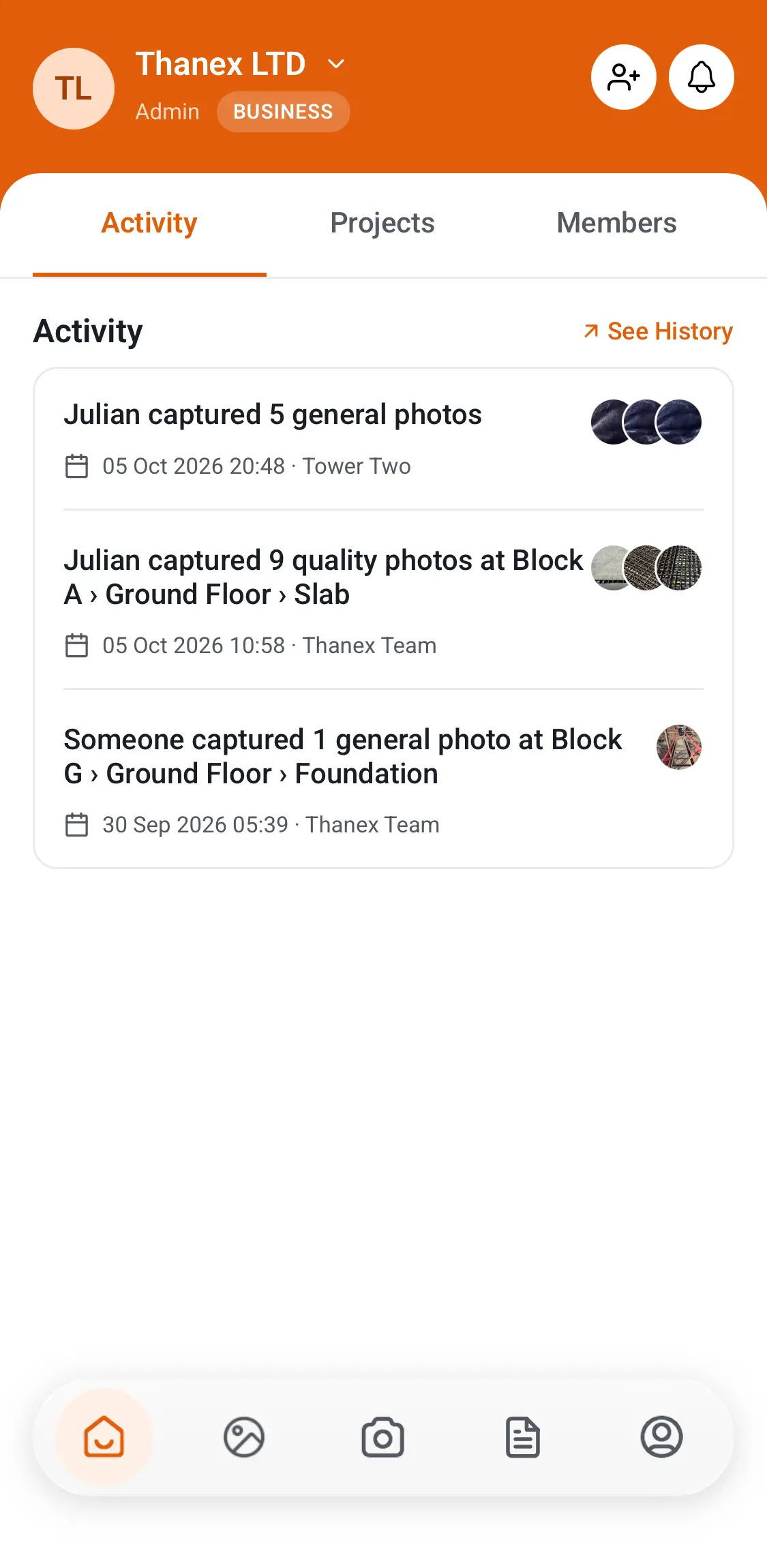
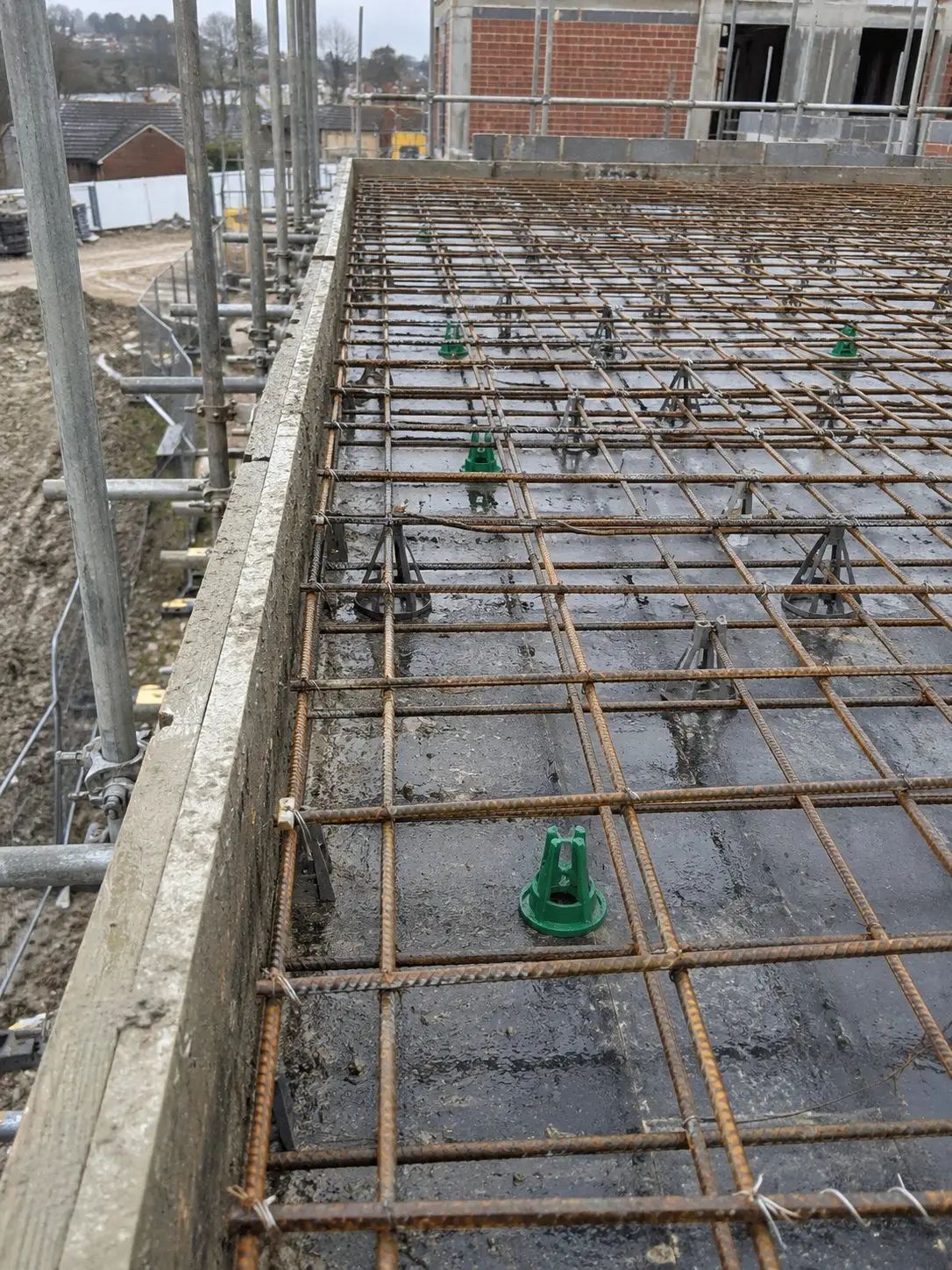
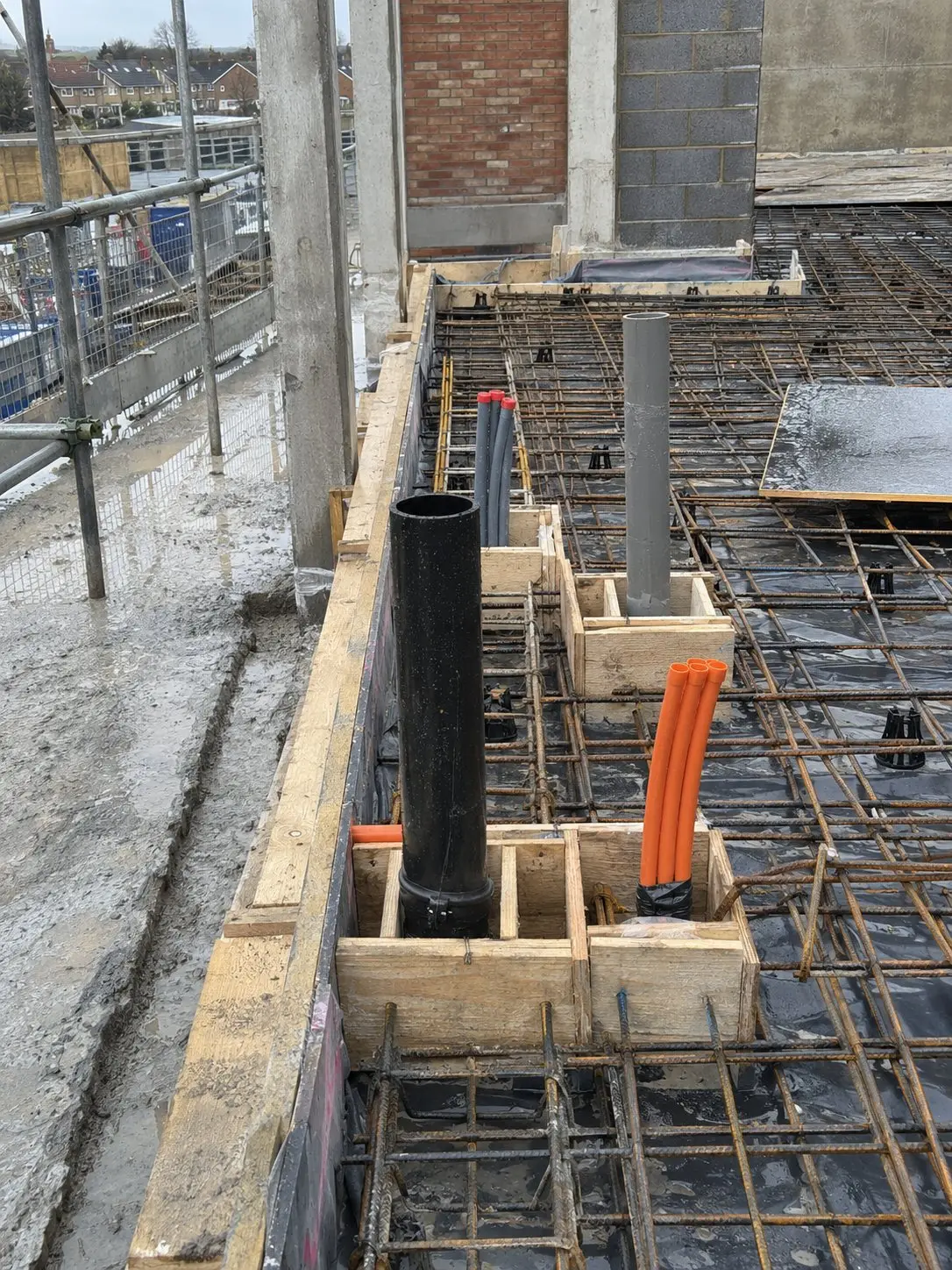
See photos as they arrive
Check progress on site from wherever you are. You'll get a notification when someone adds new photos, and you can open them to see who took them, where and when, along with any notes.

See what's happening on every site without ringing round
Thanex Web shows photo activity across your projects, including who's been taking photos, where they've been added and which areas have gone quiet.
Spot the quiet ones
If a project or area hasn't had any new photos for 7 days, Thanex flags it.
Look inside any project
Open a project to see its photos by area, record type or person.
Straight to the photos
Select a date or area to open the photographs behind the numbers.
 15:42
 15:40
 14:18
 13:05
 12:51
 11:37
 10:22
 09:14
Professional reports with photos from the whole team
Give clients, managers and other contractors one report that shows work from every trade. Choose the project, filter by date or tags and select photos from across your team. Thanex creates a professional construction photo report with the relevant details attached.
- Progress reports Show what's been recorded throughout the week, organised by area or type of work.
- Inspection reports Give the inspector every photo of the work before it was covered, with dates and details.
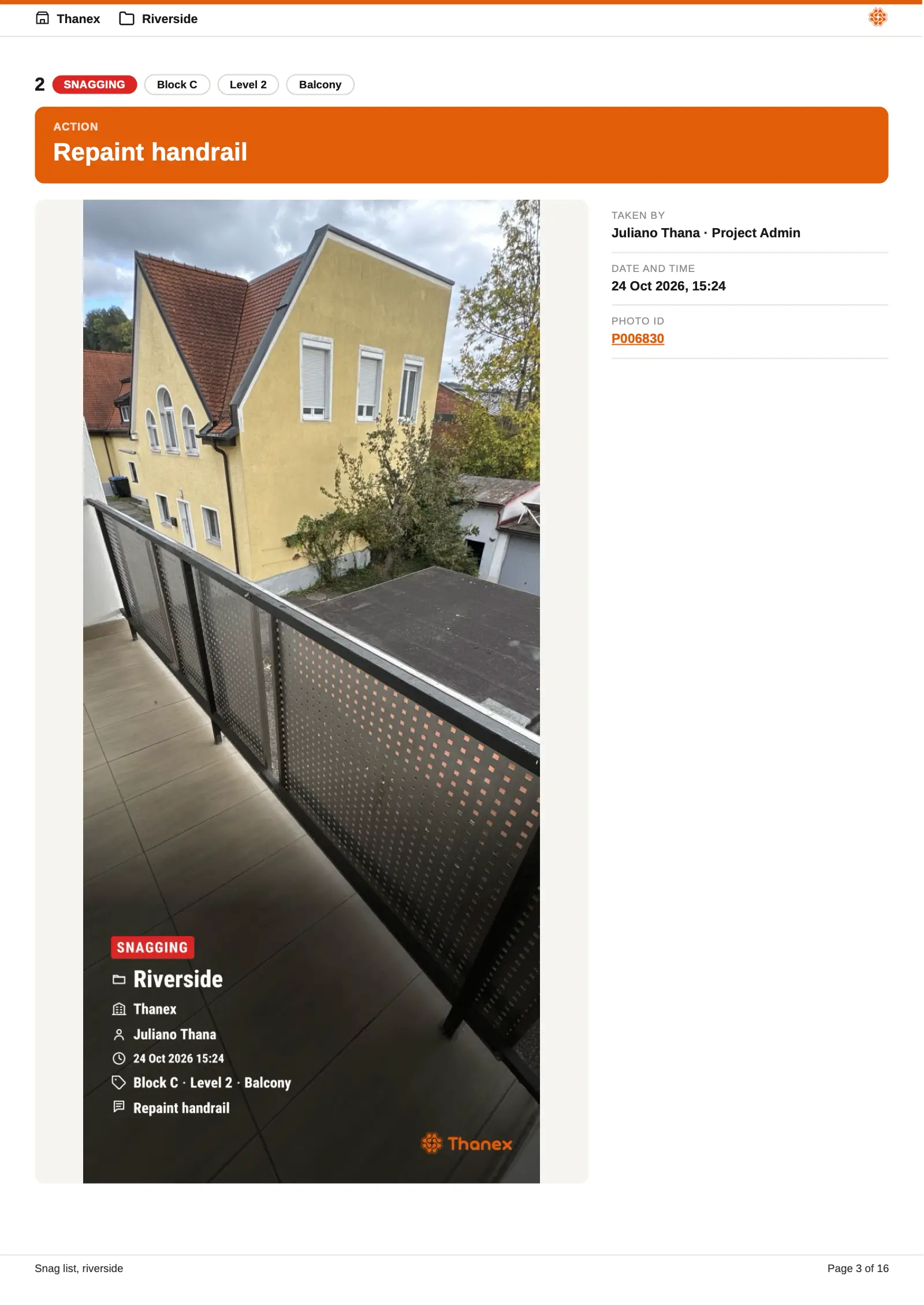
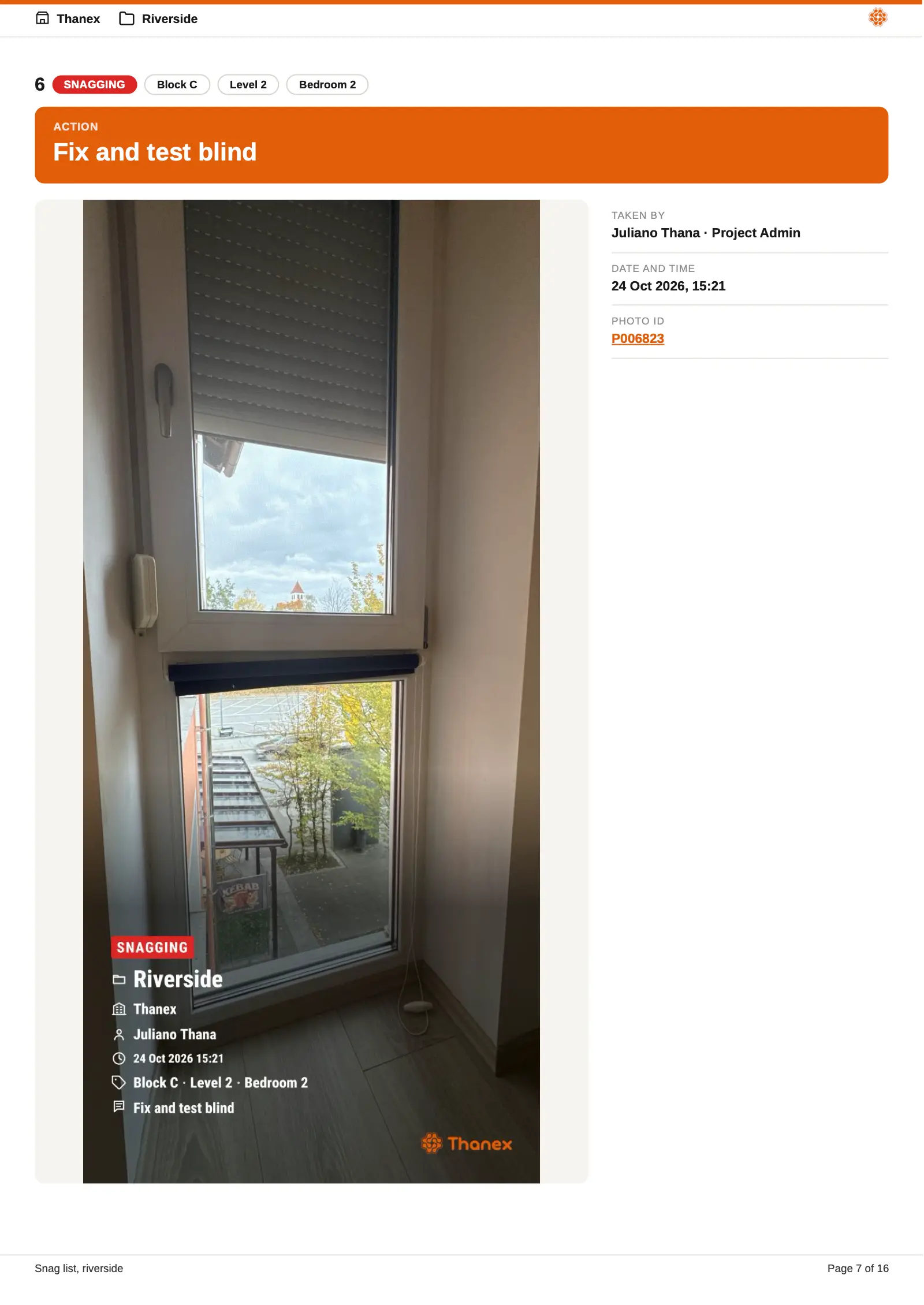
- Snag lists Make it clear to each trade what needs fixing, with an action on every photo.
Room for the whole team on every project
Engineers, supervisors, storemen, subcontractors and office staff can all add to the same project record.
Add everyone for the same price
Add as many team members as you need on Business plans, without paying per person.
Take photos anywhere on site
Take photos in a basement or anywhere with no signal, and they'll upload once you're back online.
Keep the company's records
Photos stay in your company workspace, even when someone leaves the team.
Control who has access
Admins manage project tags and permissions, so people see the projects they're authorised to access.
Nothing lost by mistake
People can only delete their own photos. Deleted photos go to a bin, and only admins can empty it.
Get photos from suppliers and clients
Send them a link and they can upload straight to your project without an account.
The office sees it too
The office can find, download and report on photos from a computer. Nobody has to ring site to ask for them.
Know where every photo came from
Photos taken in the Thanex camera are marked Captured with Thanex, while those sent through a shared link are labelled Uploaded to task. You can see exactly how each photo was added.
Captured with Thanex Uploaded to task
Have your site evidence in the same app
Progress photos, quality checks, Part L, NHBC stages and fire stopping all sit together, organised under your project tags and ready to include in reports.
Questions about Thanex for contractors
Can I add my whole team and subcontractors to Thanex?
Yes, as many people as you need. Business plans have no user limit, so you can invite engineers, supervisors, site managers and every trade working on the job. You pay for live projects, so the bill stays the same when another subcontractor starts on site.
How do subcontractors share site photos with the main contractor?
Invite them to your project and they take photos in Thanex like your own team. They pick from your tags, so their photos land under the right plot, level or area with their name and job title on each one. For a one-off, send a link from Tasks and they can upload without an account.
Is Thanex easy for site teams to use?
Yes. If they can take a photo on their phone, they already know most of it. They choose the project and tags, then take the photo the way they always do. Thanex adds who took it, when and where. Your admin sets up the tags beforehand, so there’s nothing for anyone on site to configure.
Can I see site photos without visiting the project?
Yes. When someone takes photos in your shared project, you get a notification and can check who took them and where they're filed. Thanex Web also shows photo activity across your projects, so you can see what's been recorded without going to site.
How do I make a construction progress report from site photos?
Open a project, filter the photos by date and area, then select the ones you need, including photos taken by different team members. Add any comments and create a PDF you can send to the client or bring to the progress meeting.
Does Thanex work offline on construction sites?
Yes. You can take and tag photos when there's no mobile signal, including in basements. They upload once you're back online.
What happens to site photos when an employee leaves?
They stay with your company. Every photo is still filed under its project and tags, with the name and job title of the person who took it. You can still search them and add them to reports, which helps when a client asks about the work long after that person has gone.
One clear record for every job
Know what's happening on every site and have the photos for every report in one place. Download Thanex for free and set up your next project with your team.