
Construction site evidence
Photo evidence for every inspection on site
Have the photos ready when NHBC, building control or your SAP assessor asks to see them. Take Part L, NHBC, fire stopping and progress photos in Thanex, and they'll be filed under your project tags for your next PDF report.


Jump to the evidence you need
Every photo keeps the details assessors ask for
When building control or your assessor asks for construction photo evidence, the date, time and location are already saved with each photo.
Saved by Thanex
The person who took it, their organisation, the project, the date and time, the GPS location and a Photo ID.
Added by your team
The record type, the tags for where the work is and any notes that help explain it.
On the photo or behind it
Show the details as a stamp on the photo or keep the image clean. They're saved in Thanex either way.
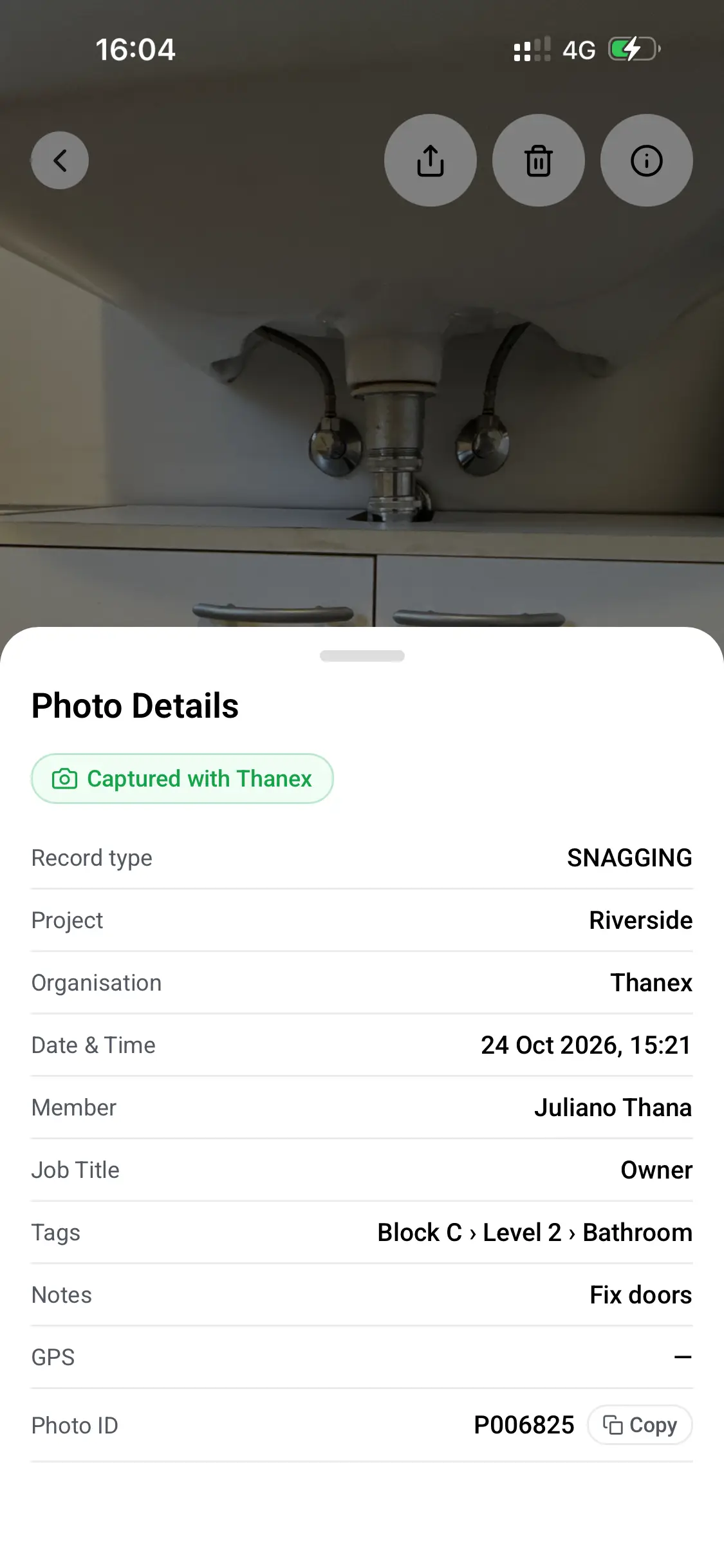
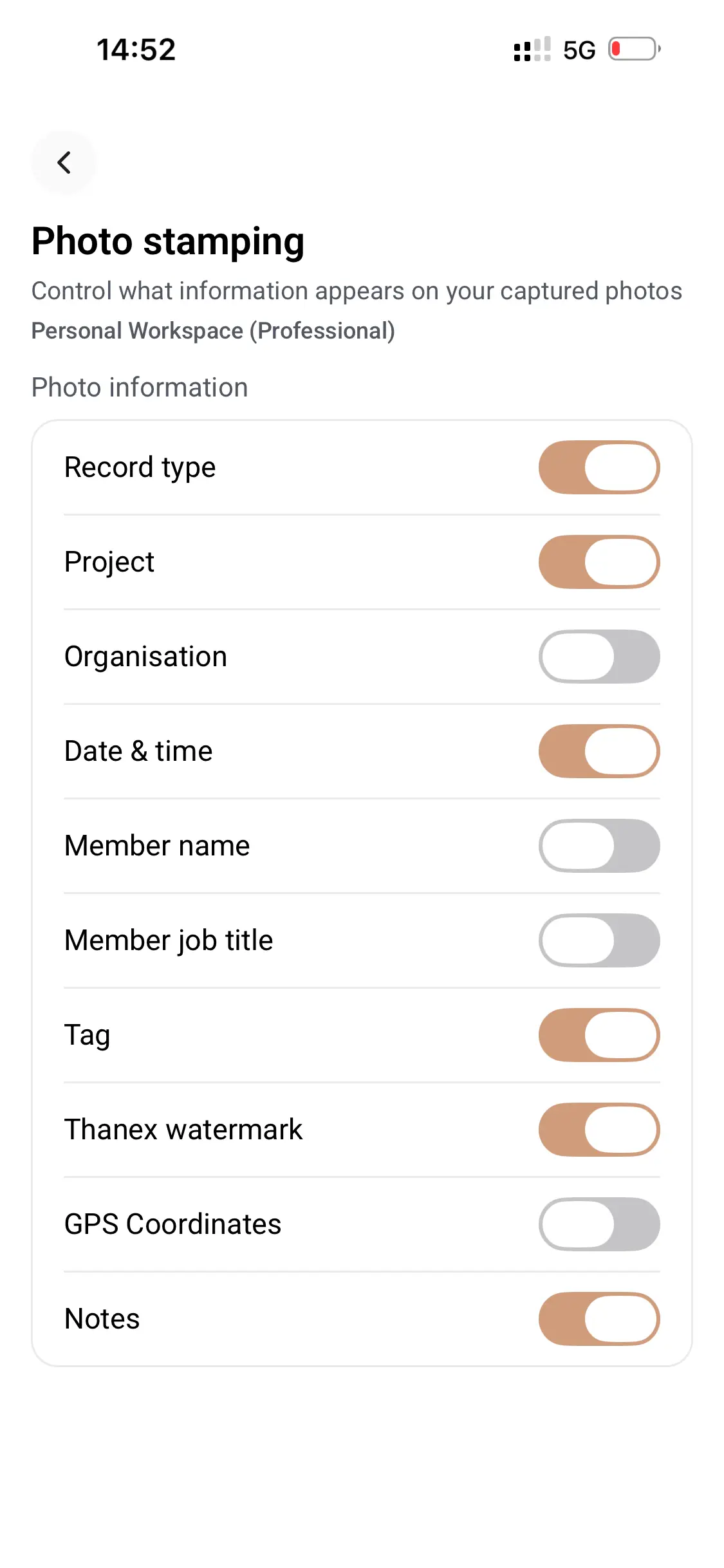
People have enough to remember on site without learning a different app for every type of evidence. It made sense to keep all the photos together.
Part L photographic evidence
Give your SAP assessor a report for each plot, with photos of every thermal detail taken before it was covered. Your team photographs insulation at door thresholds, around window openings and at roof junctions, tagged with the plot and detail references your assessor uses.
Source: GOV.UK Approved Document L (Checked October 2026)
Add your plots and details
Set up tags for each plot and the detail references your assessor uses, such as Plot 1 › 2a.
Take the photo while it's visible
Your team picks the plot and detail, then photographs the insulation or junction before it's closed in.
Send a report by plot
Filter by plot, choose the photos and share a PDF with your SAP assessor or building control.
NHBC inspection photos
When NHBC asks to see a stage, your photos are already filed by plot and stage. Keep your own record of excavation, superstructure, pre-plaster and pre-handover stages, available whenever you need to review the work or share supporting evidence.
Source: NHBC key stage inspections (Checked October 2026)
Housing plots
Tag by plot and stage, such as Plot 22 › Superstructure or Plot 22 › Pre-plaster.
Apartment blocks
Tag by block, level and stage, such as Block C › Level 3 › Pre-plaster.
Your own stages
Add any extra stages your site works to, and everyone picks from the same list.
Golden thread photo evidence
Give your client dated photos they can trace back to the person who took them, to add to their golden thread system. Every trade on a higher-risk building project photographs the work on the same project tags, and you can create PDF reports by area or type of work.
Source: Building Safety Regulator guidance (Checked October 2026)
Every trade on the same tags
Subcontractors pick from your tags, so their photos are filed the same way as your own team's.
Photos you can trace
Every photo taken in Thanex keeps the name and organisation of the person who took it, along with the date, time and location.
Reports for the client's system
Filter by block, level or trade and share a PDF to add to the golden thread.
Fire stopping photo evidence
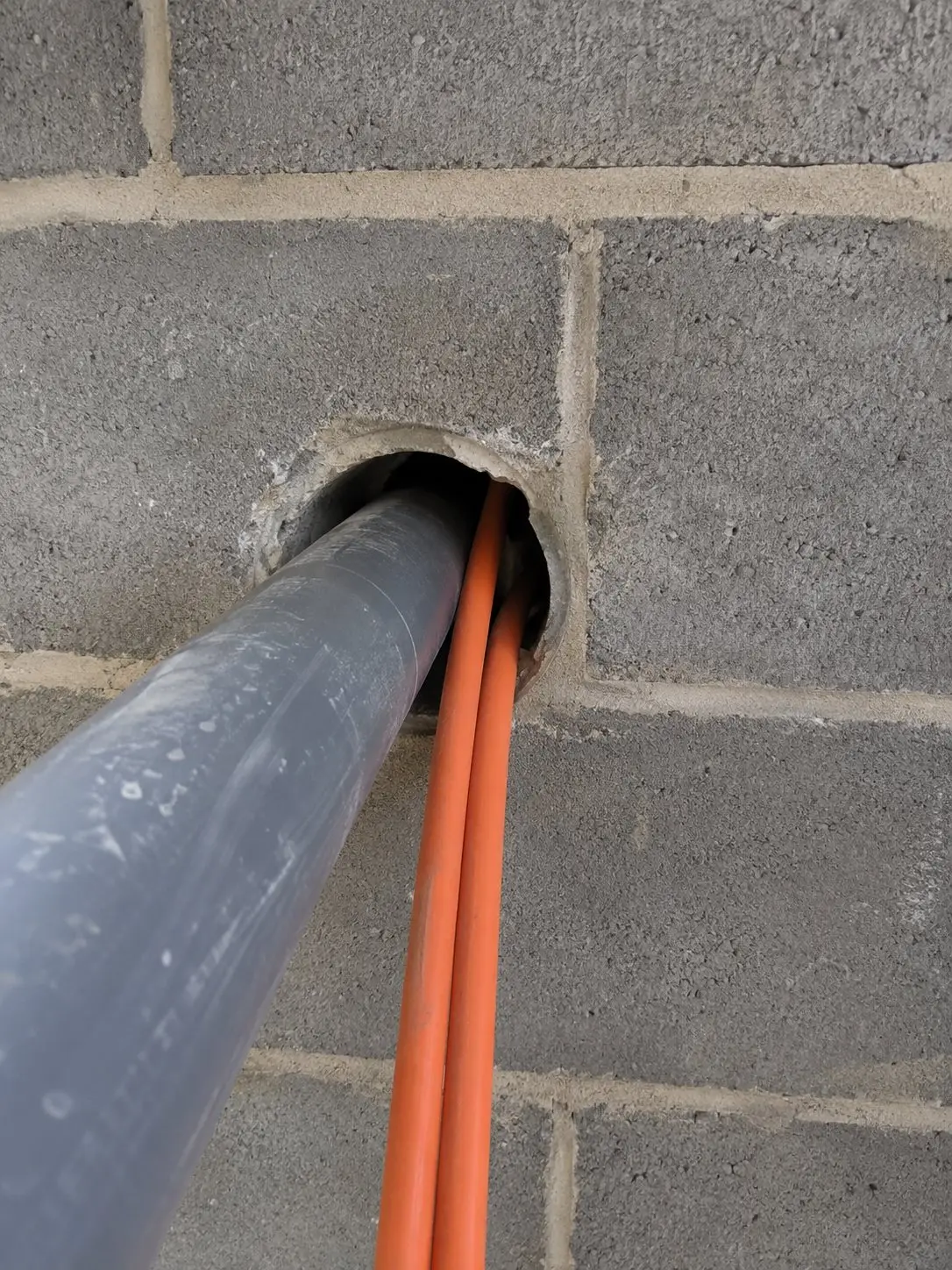
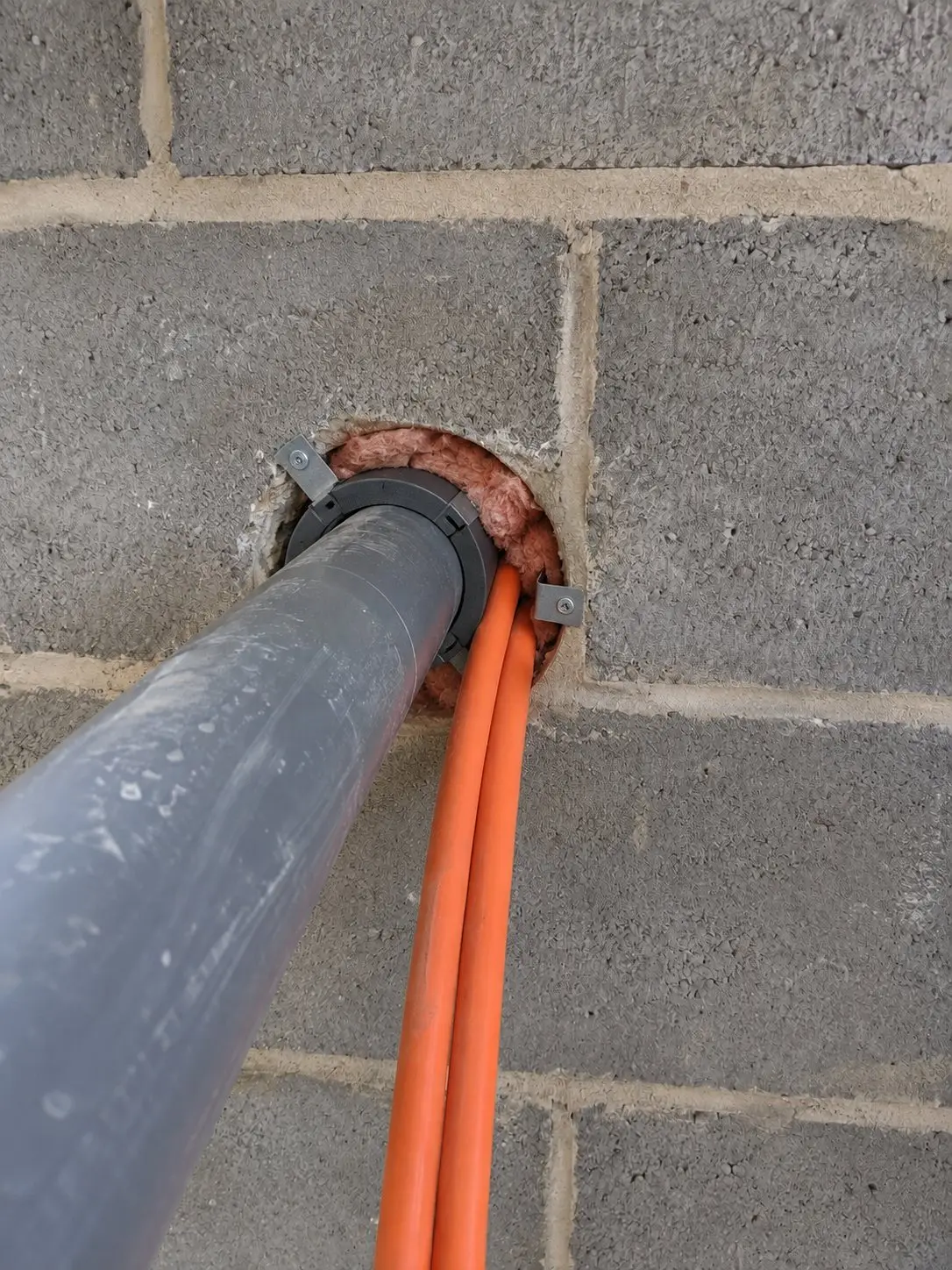
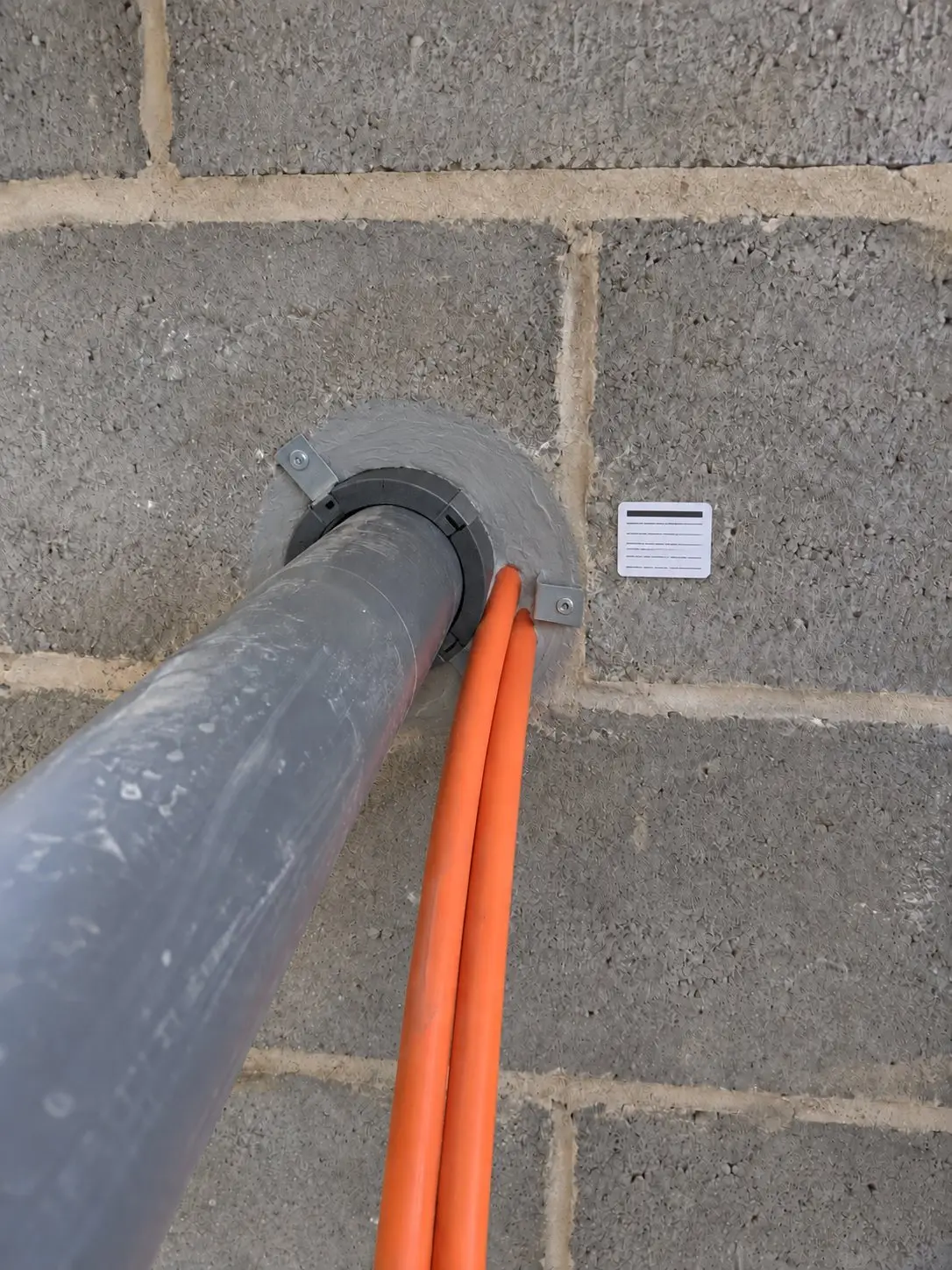
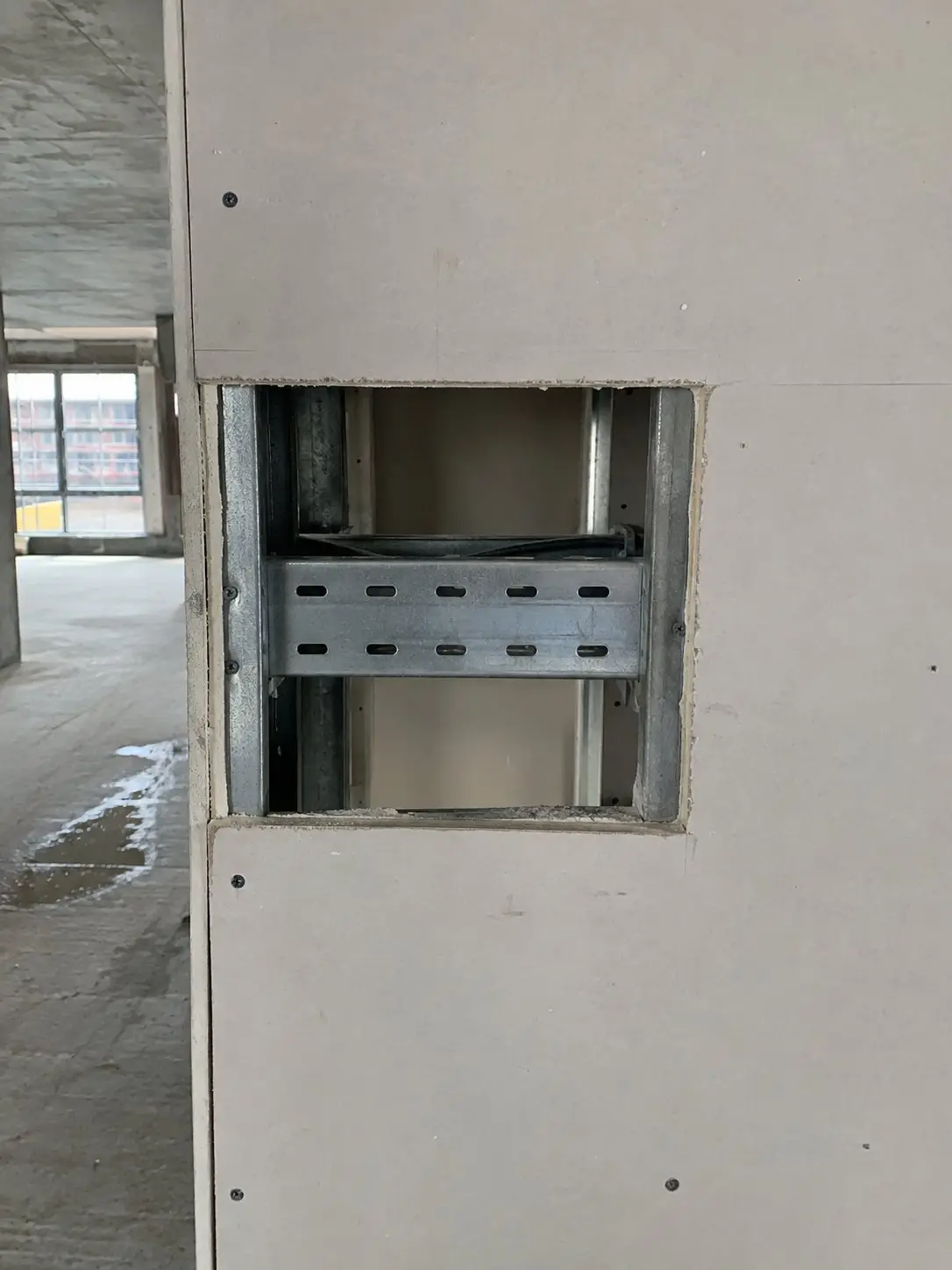
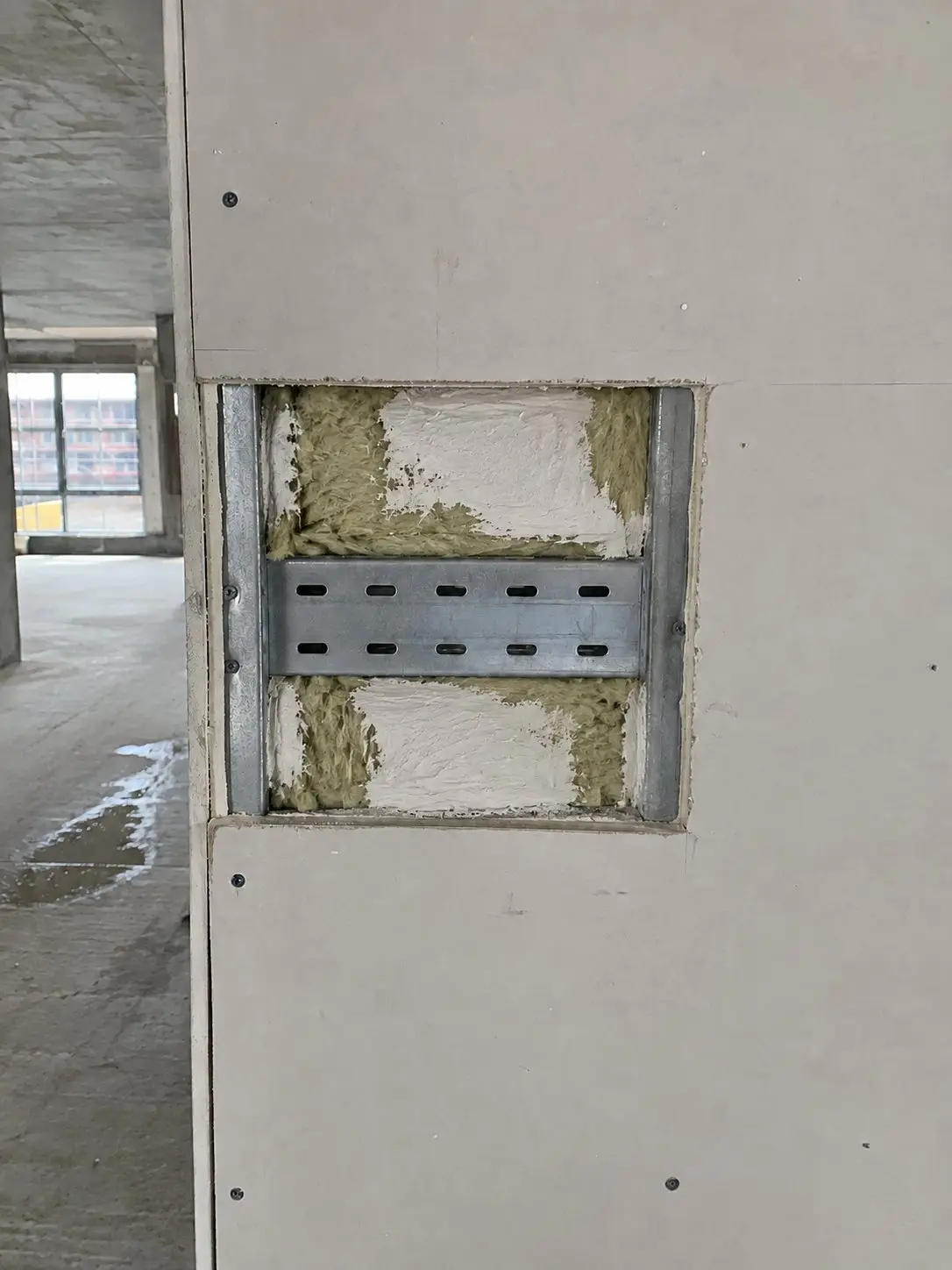
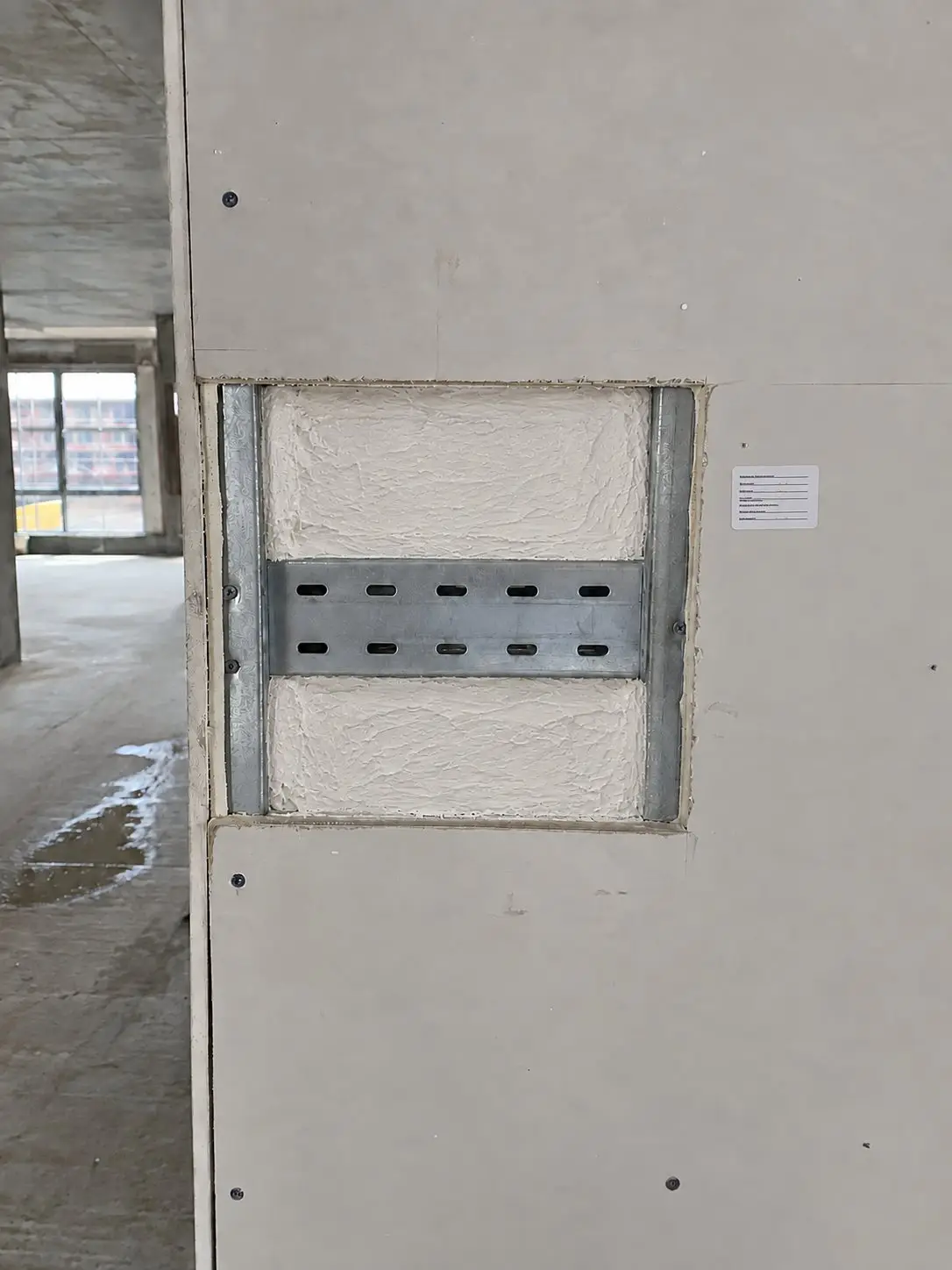
Show where every penetration was sealed, floor by floor. Photograph each one once it's sealed and before the ceiling or boarding goes on, and tag where it is.
Tag the location
Use tags like Block B › Level 4 › Riser 2, and you'll always know where each photo was taken.
Report by level
Filter by level and share one PDF with the fire stopping photos for the whole floor.

Quality assurance photos
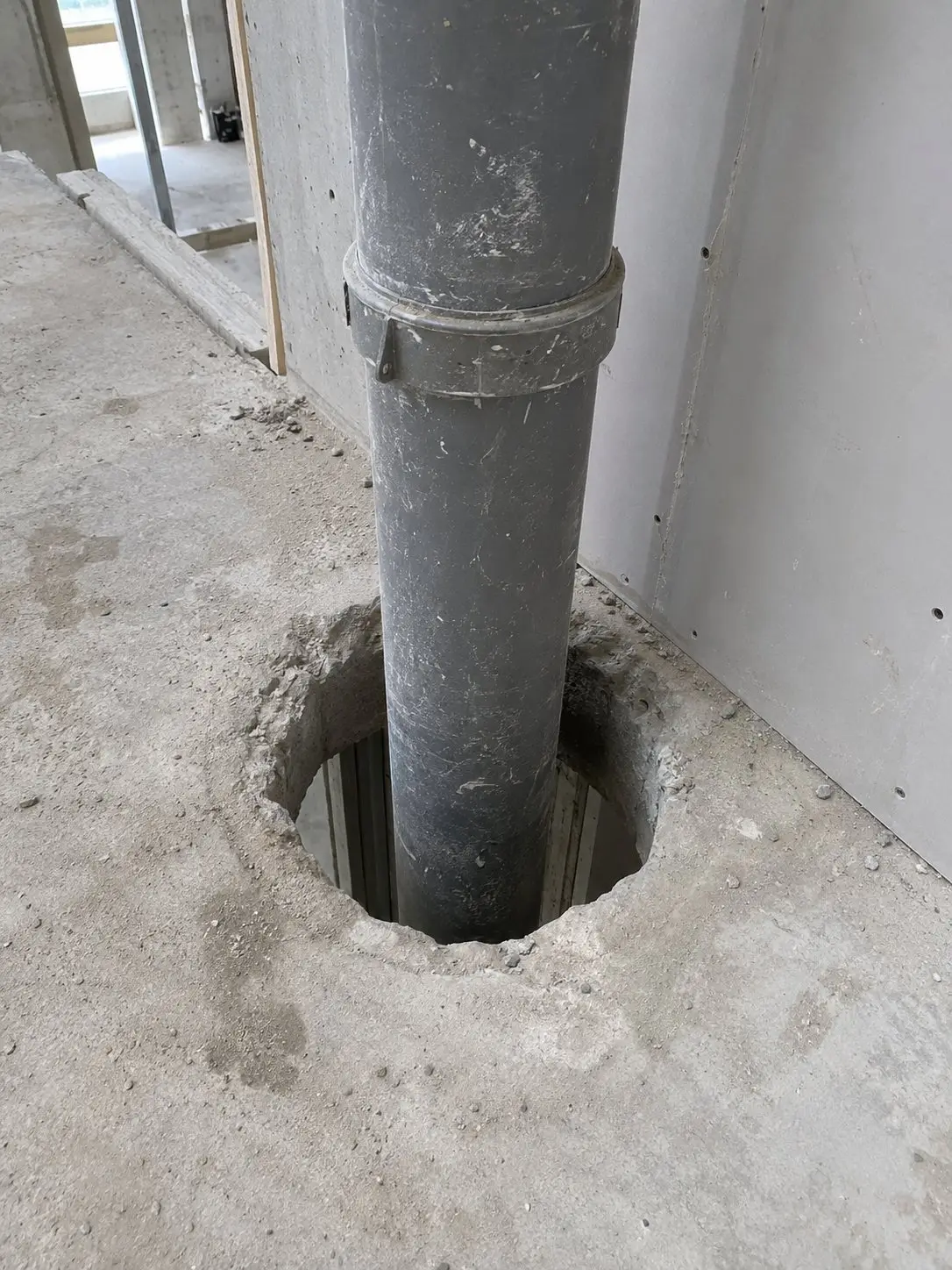
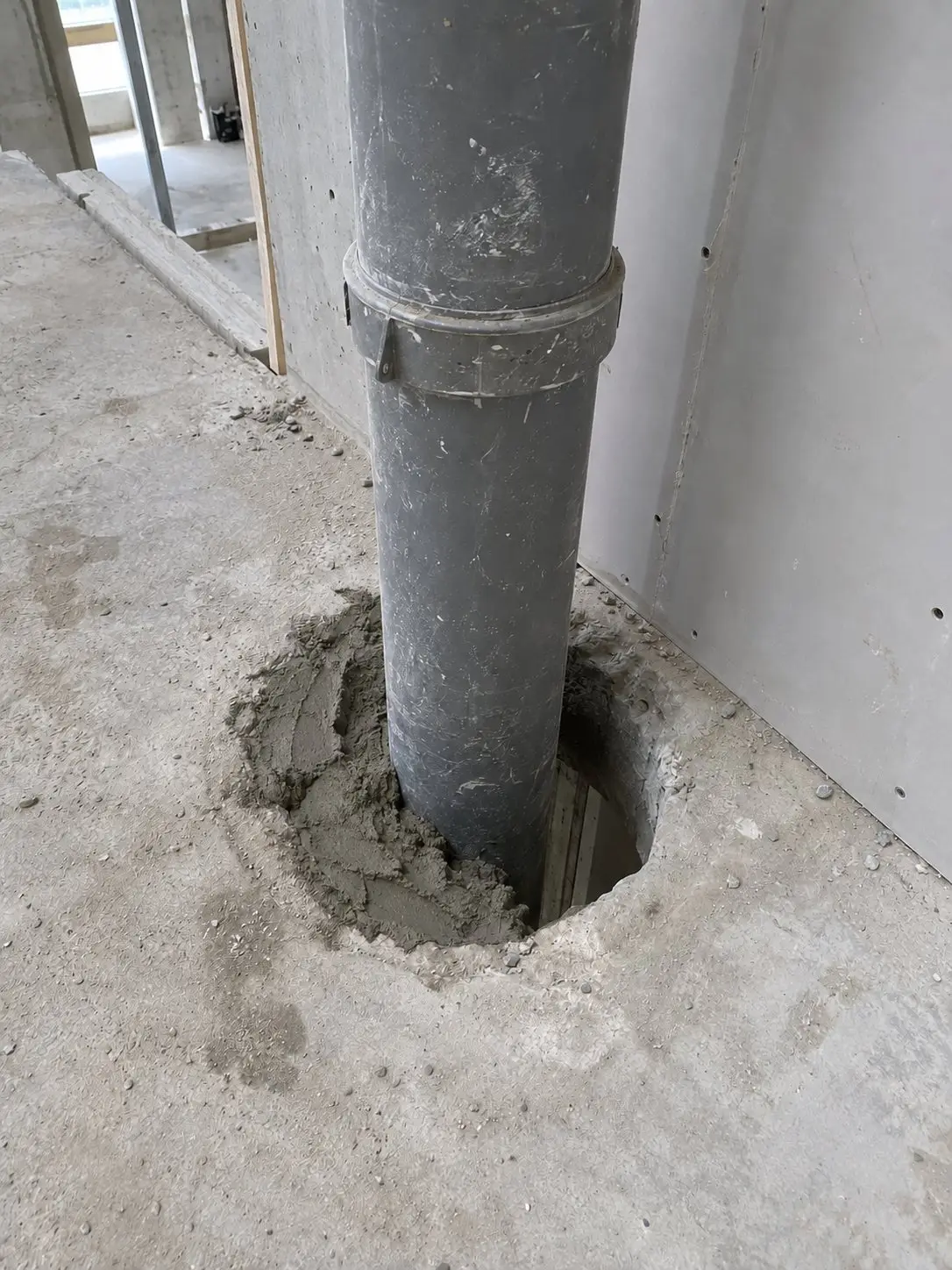
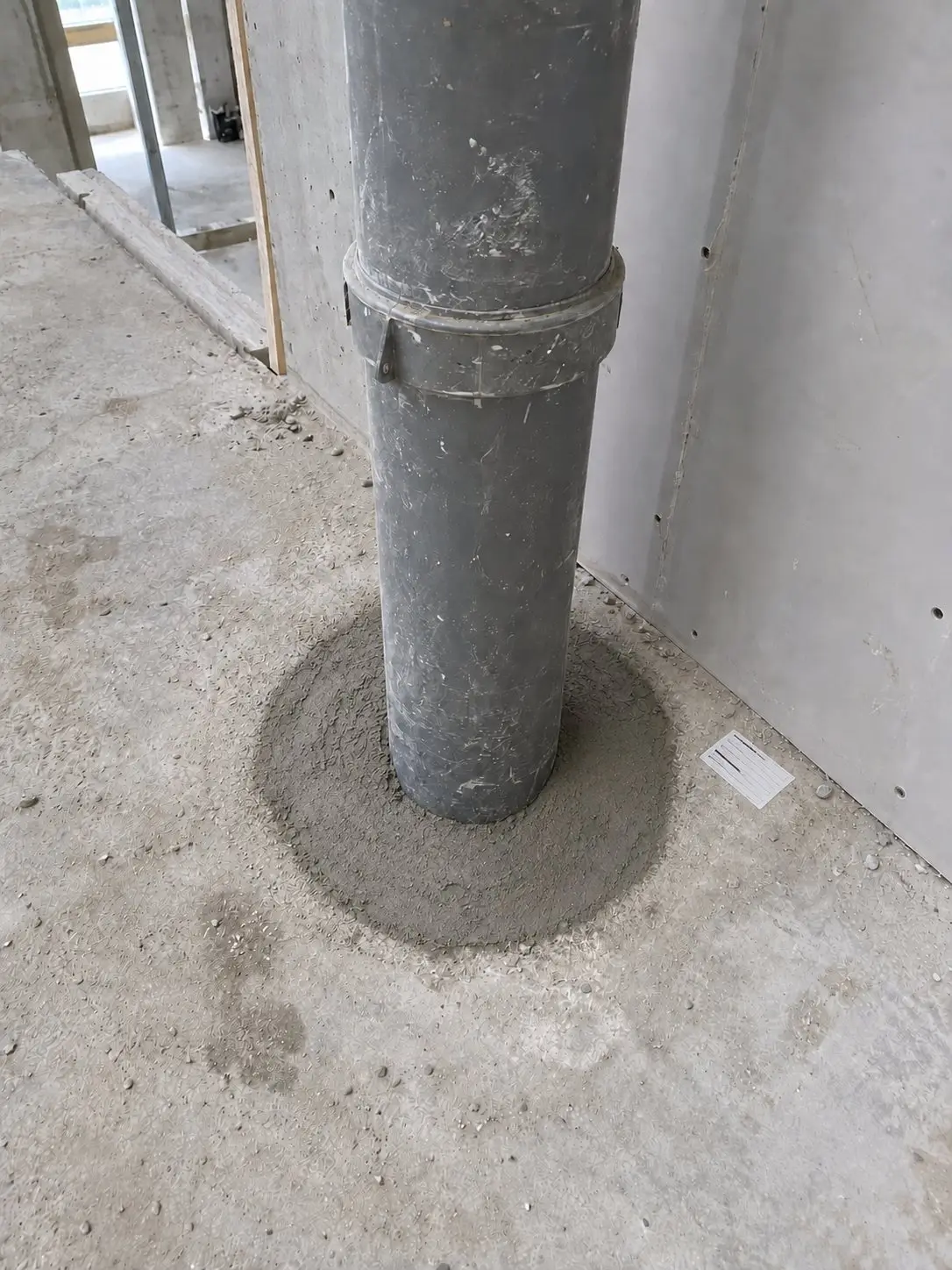
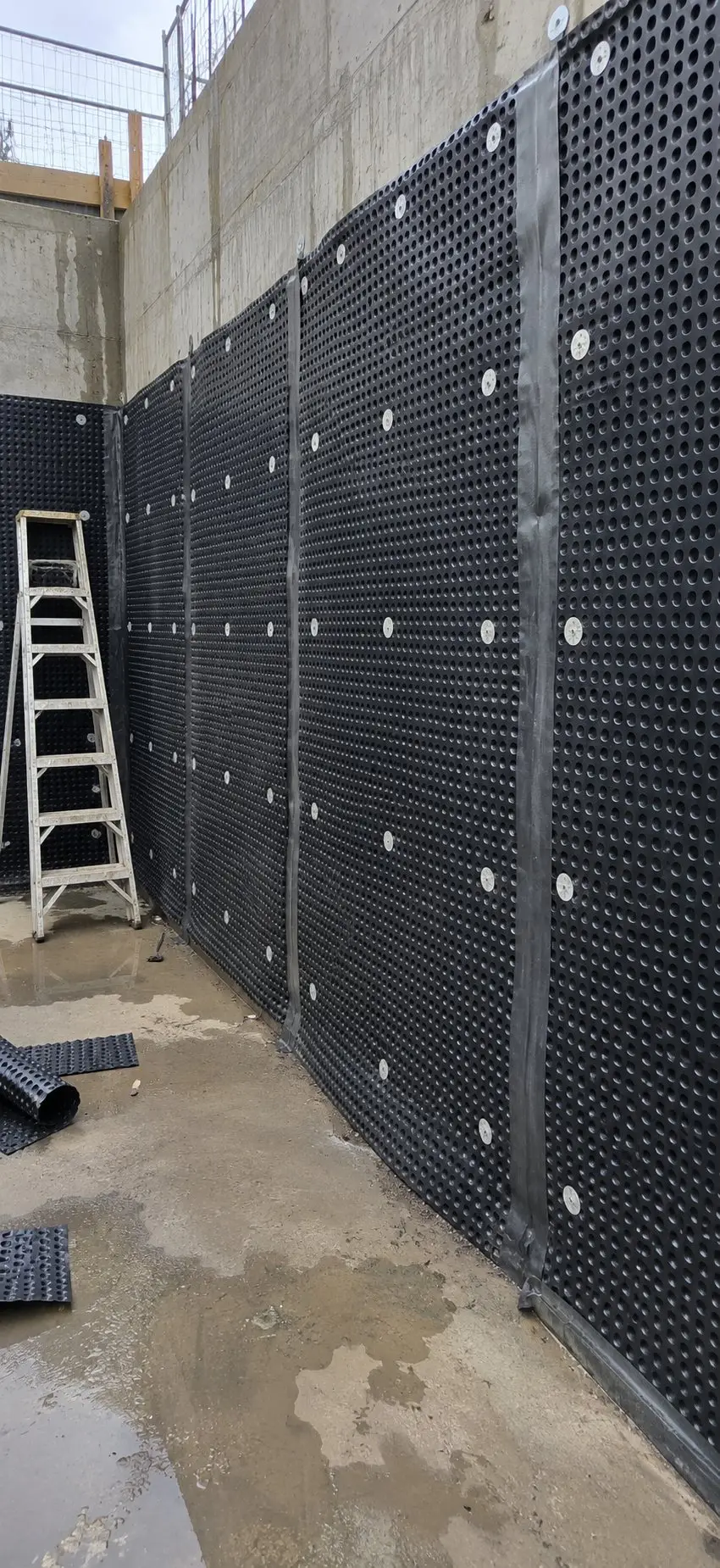
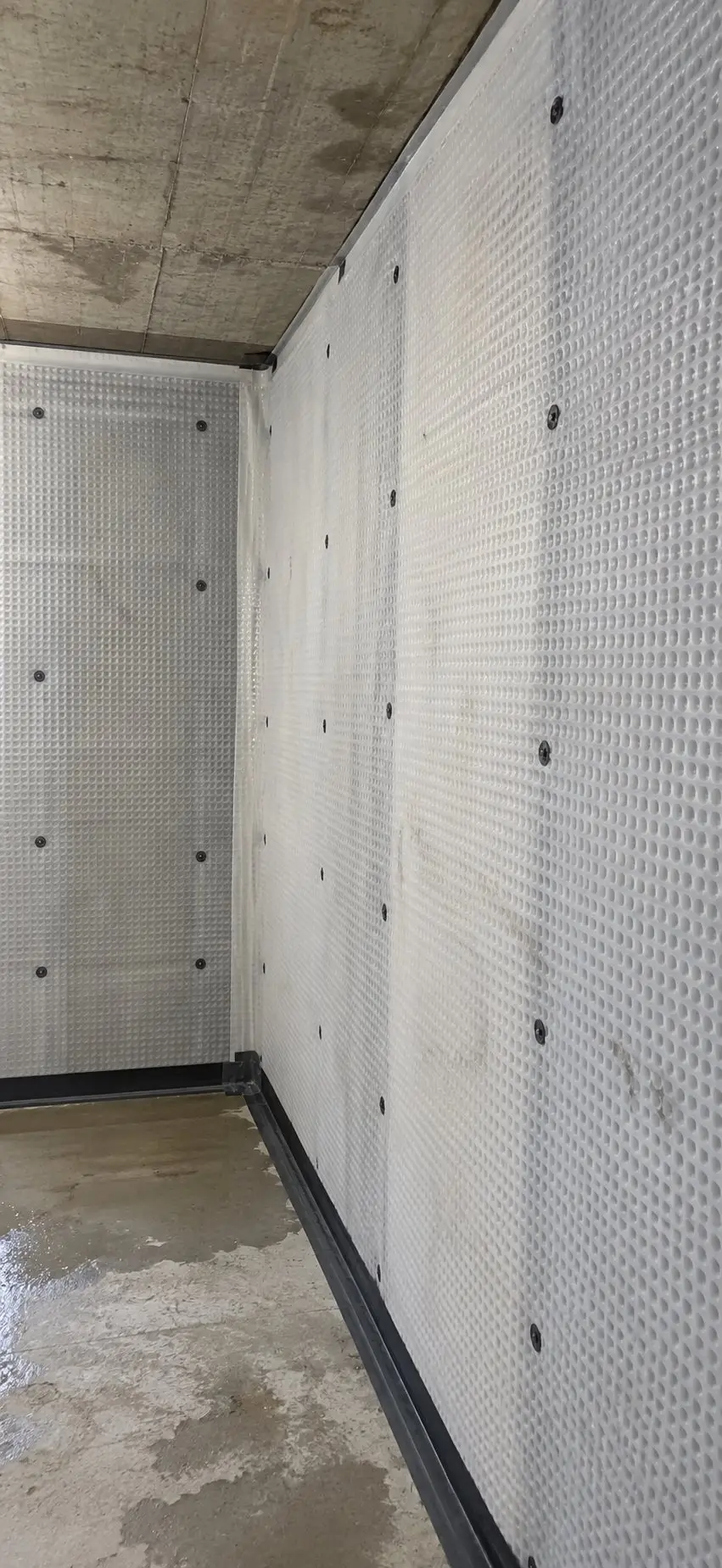
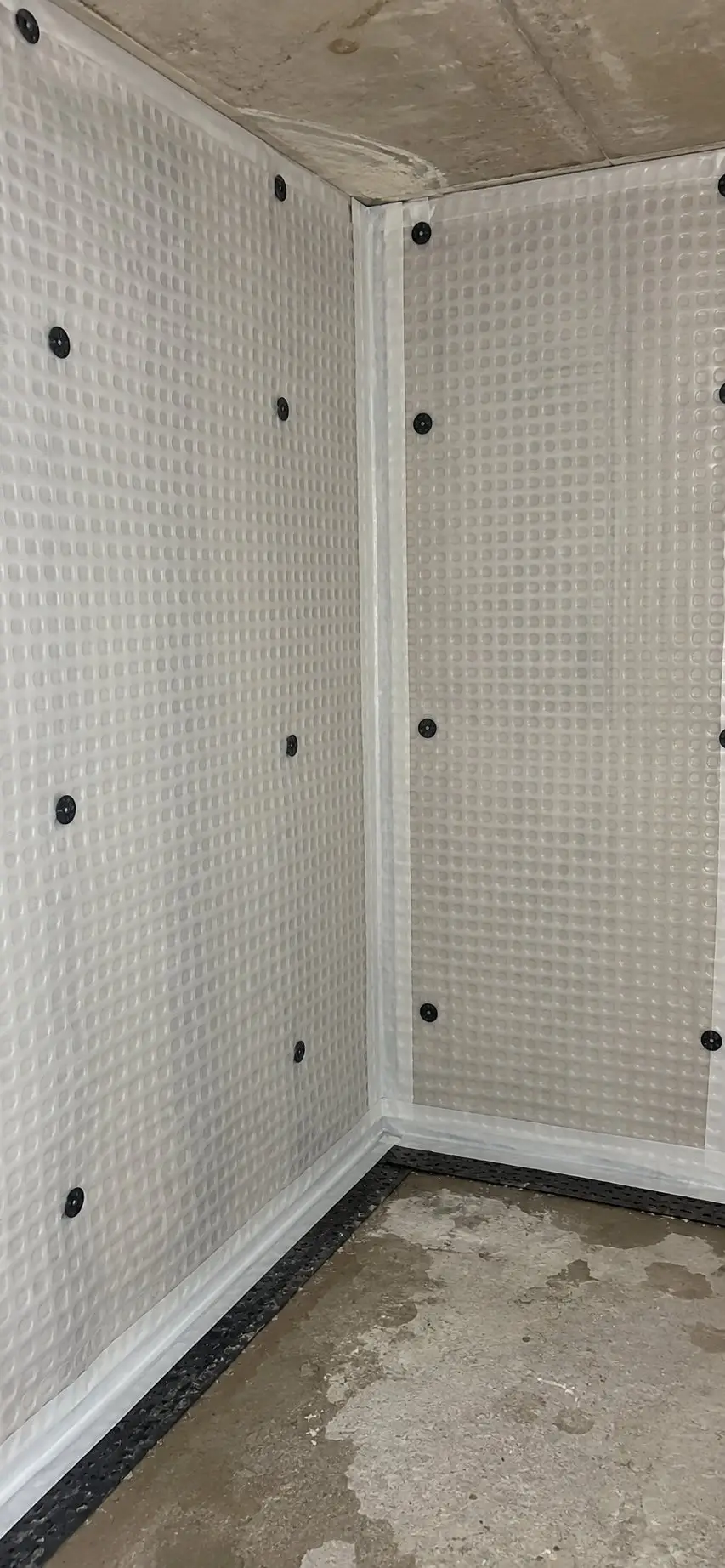
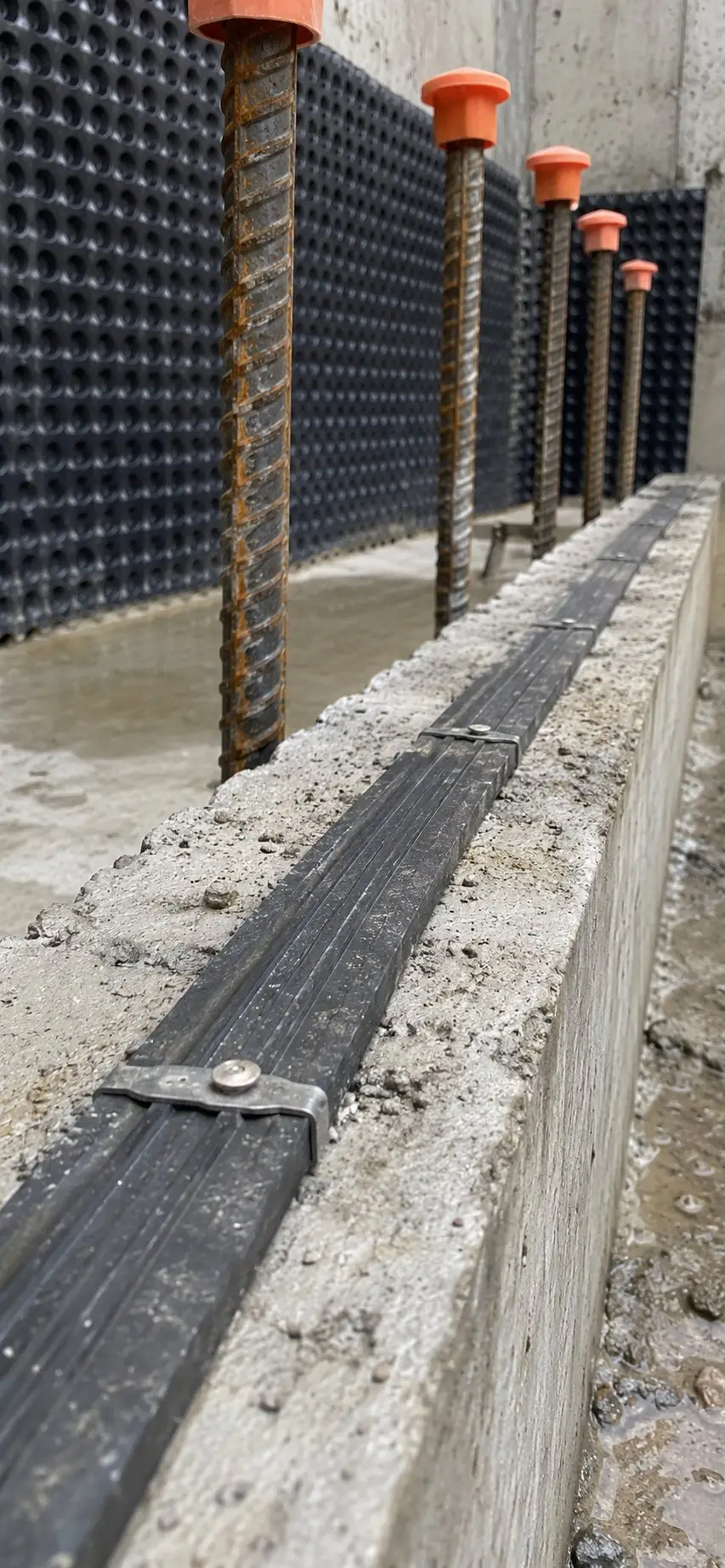
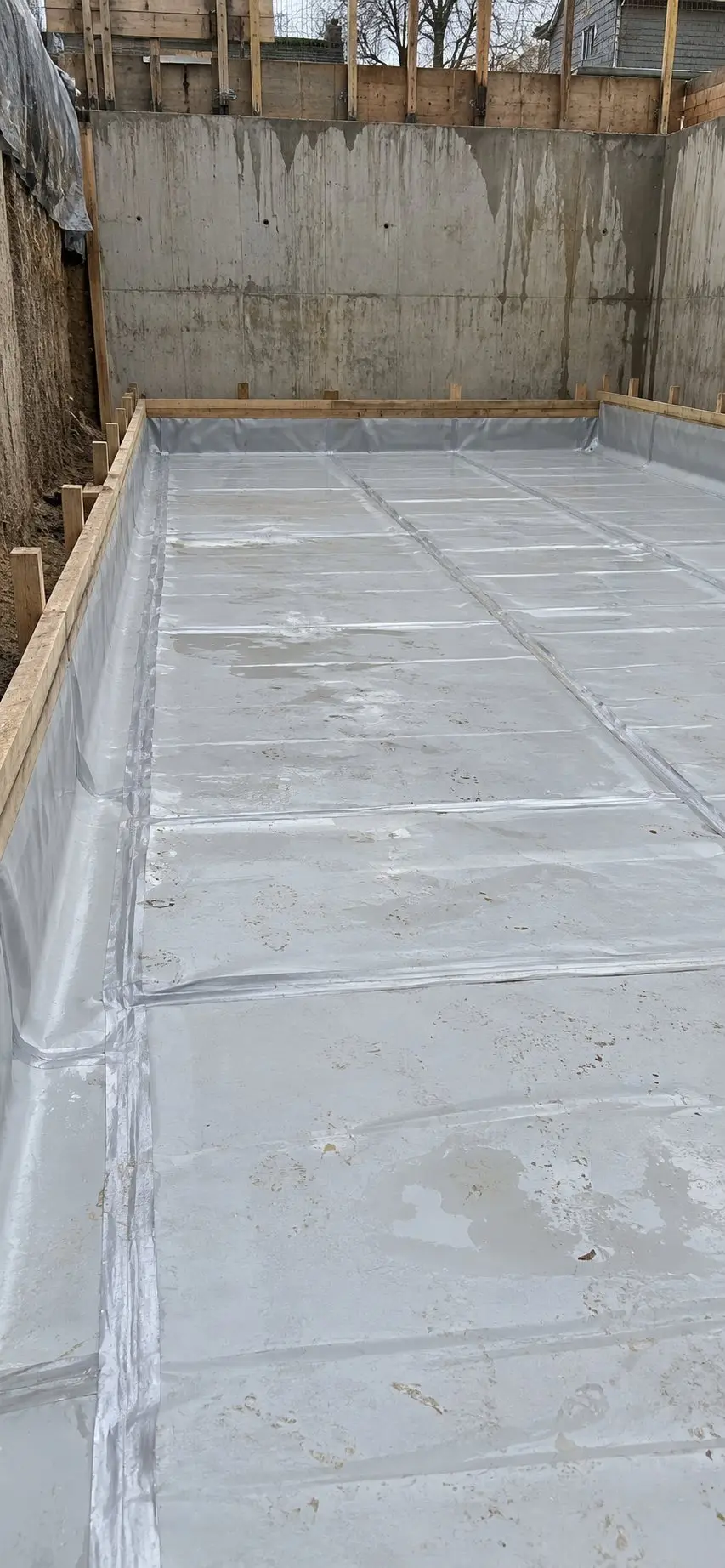
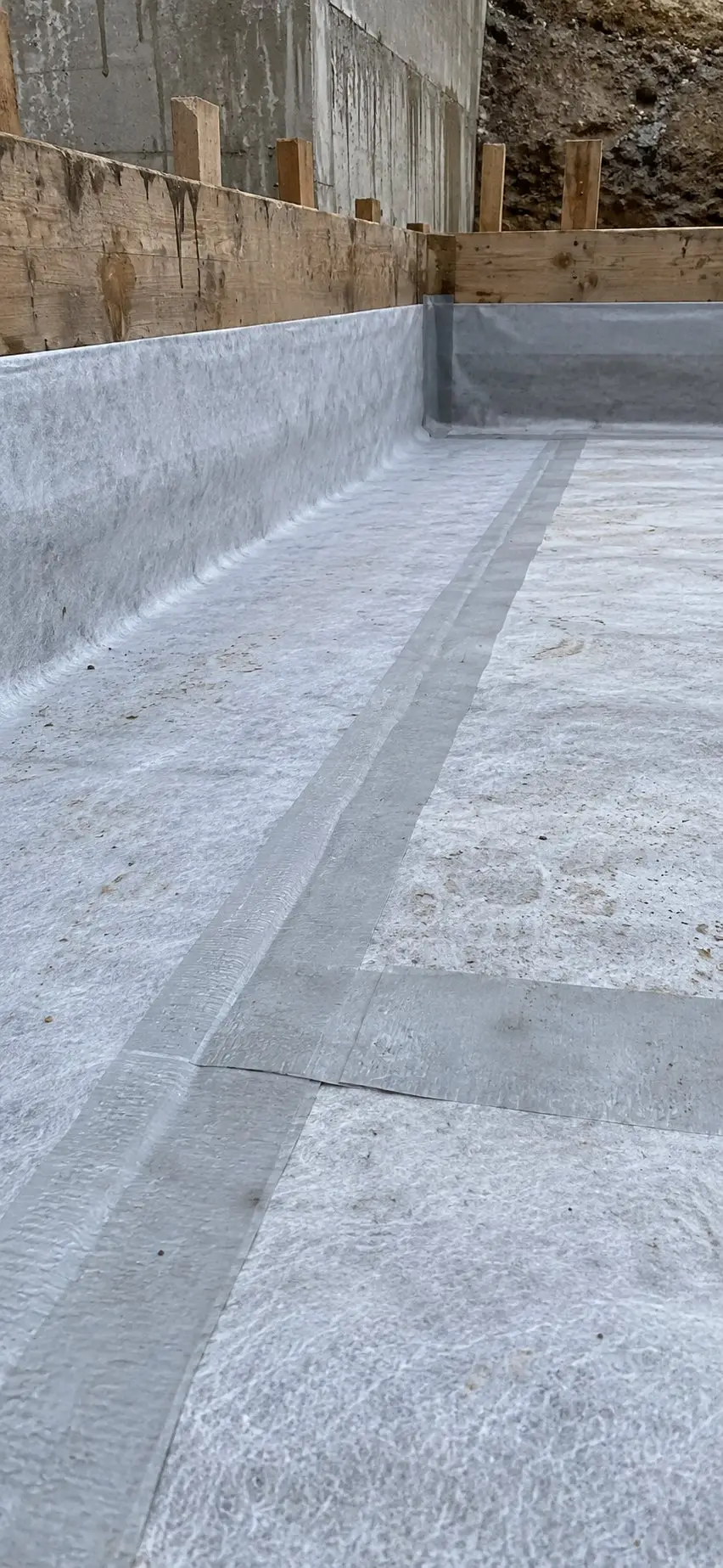
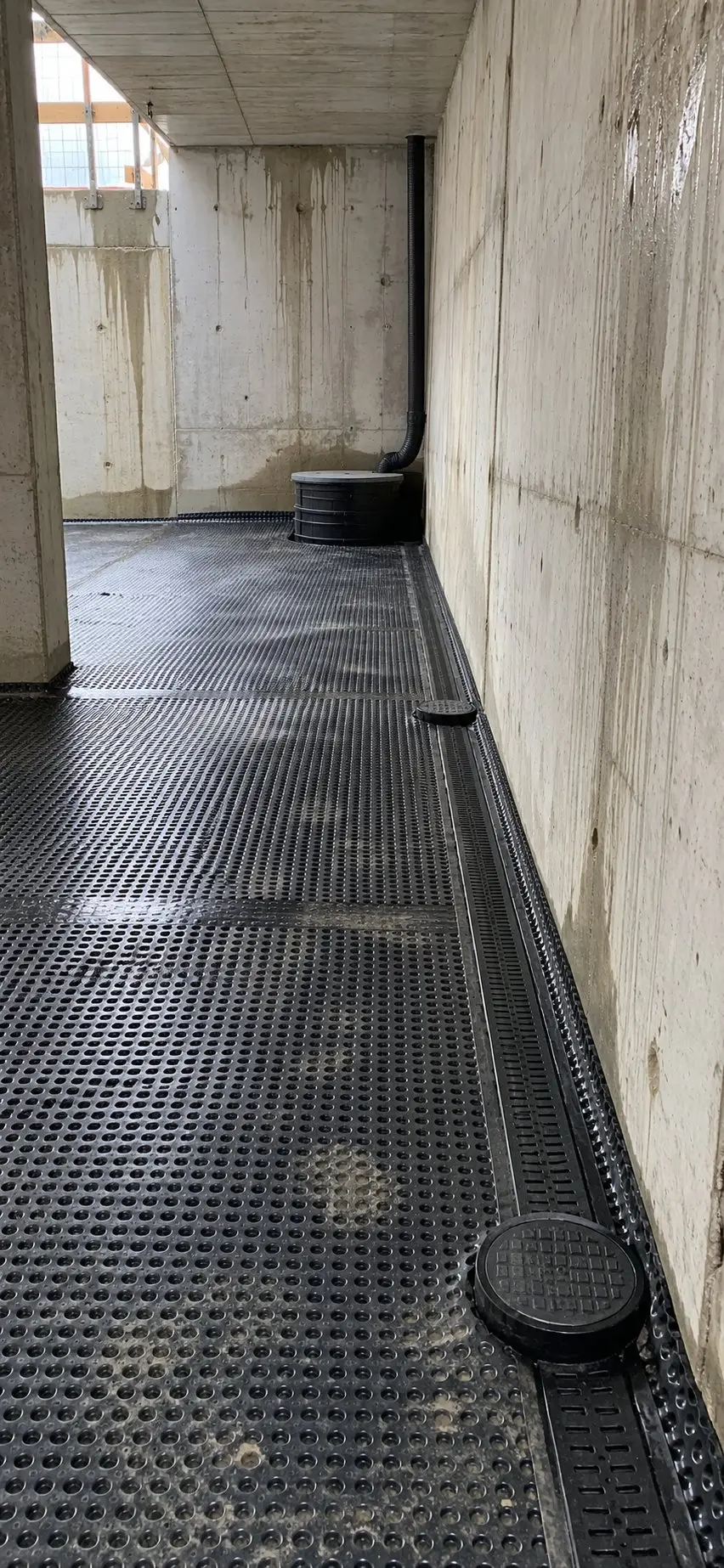
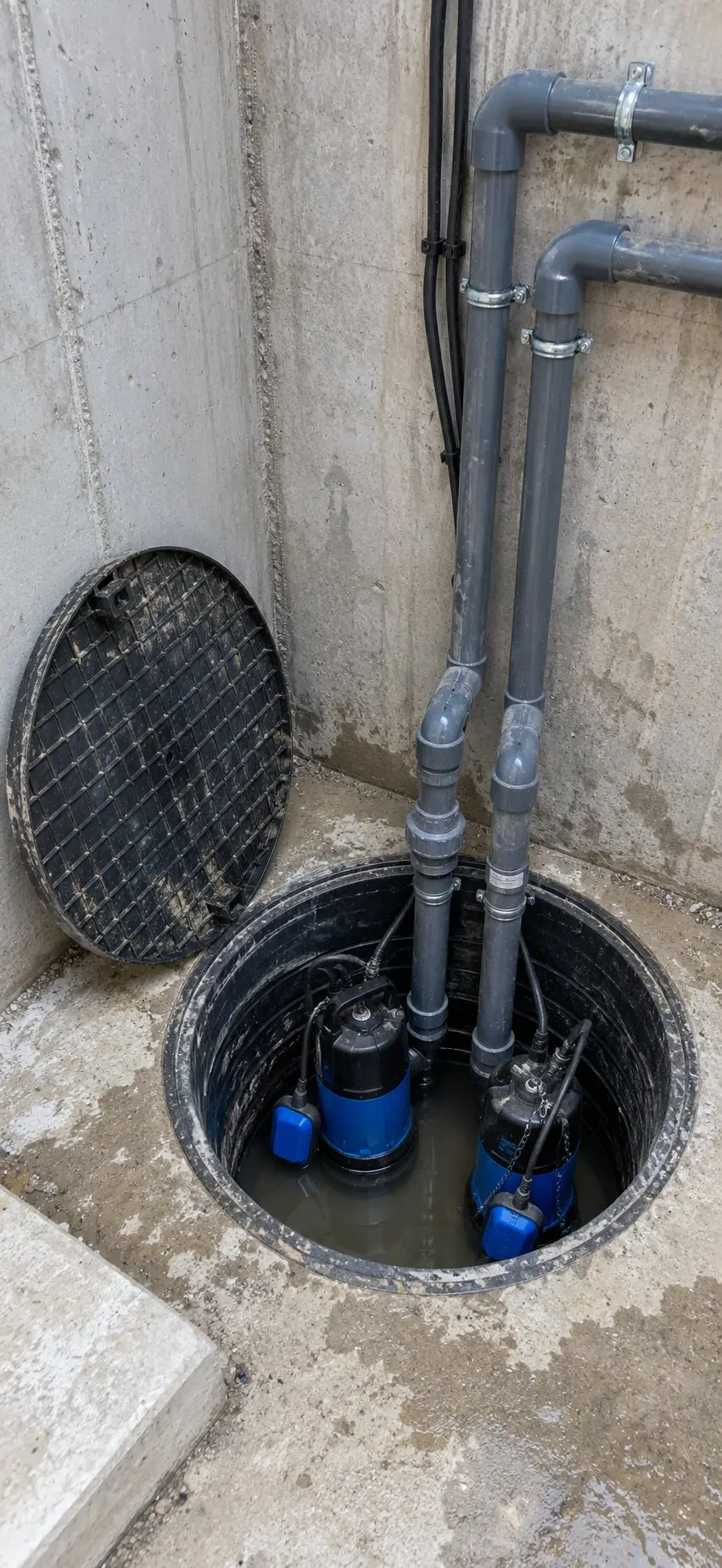
Show what was installed before it was hidden, with a dated record of reinforcement before a pour, installed waterproofing, first fix or finished work.
Each photo stays with its date, details and project tags, ready to review or include in a quality report.
Find it months later
Filter by element or level to pull up the photos of the rebar before the slab was poured.
Snagging in the same app
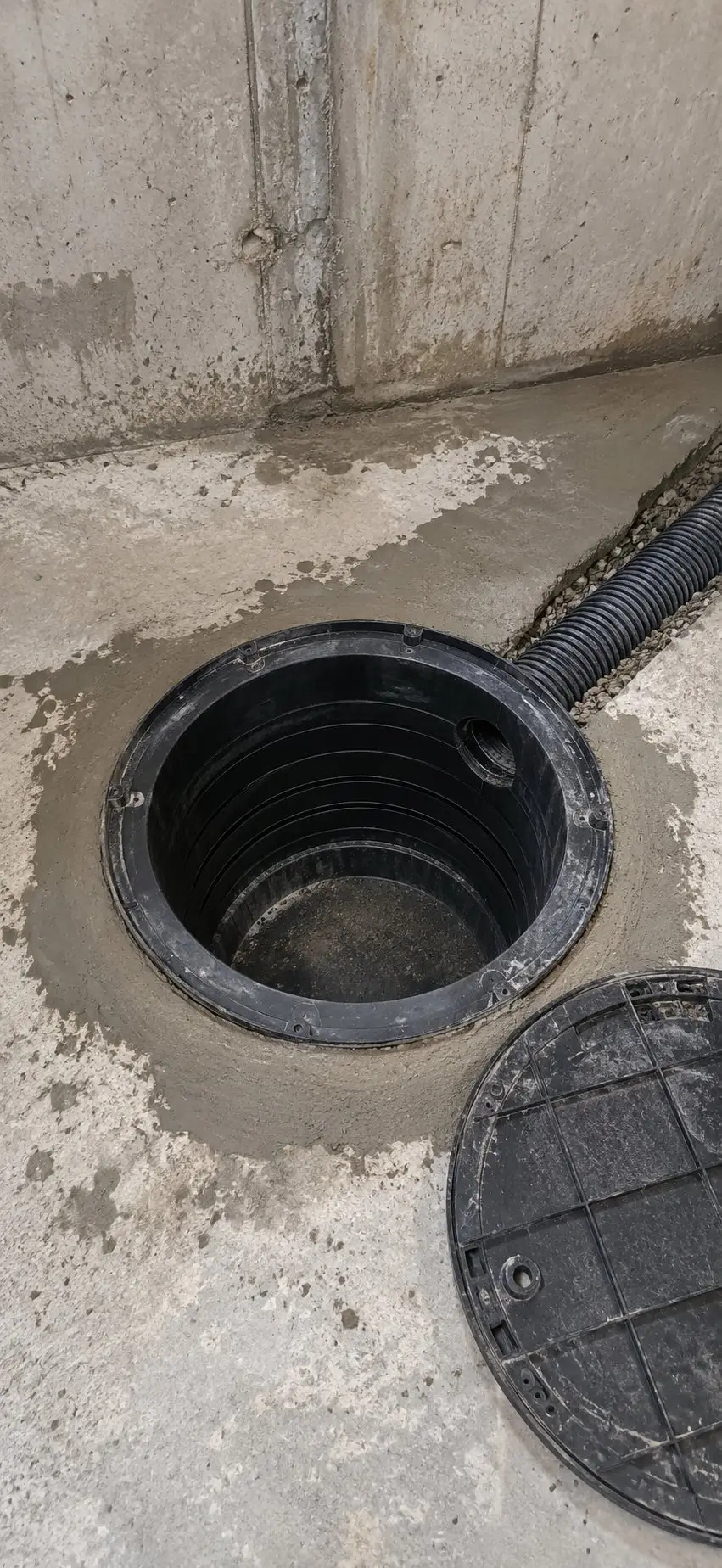
Choose the Snagging record type to photograph what needs fixing, then share the photos as a snag list.
Construction progress photos
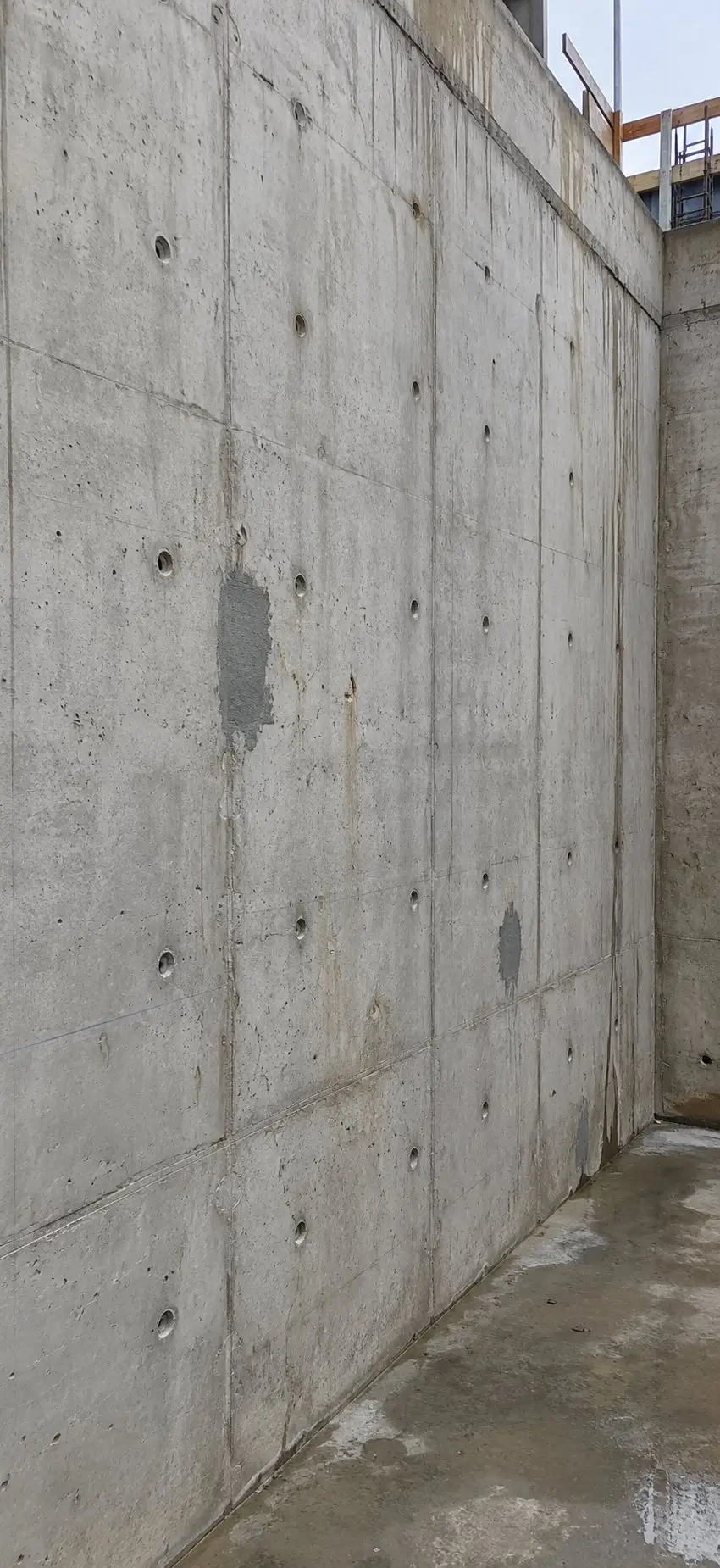
Show the client how each area has moved on over the weeks. Photograph the same spot as the work develops, even if you're returning to it much later, then filter by date and tags to make a progress report.
Walk the site
Take photos as you go, tagged by plot, block or level.
Pick the week
Filter by date and tags. You can choose more than one tag at once, such as Level 2 and Level 3.
Share the report
Choose how many photos go on each page, add a comment to any photo and share the PDF.
Professional reports ready to share
Create a PDF for a plot, inspection stage or type of work as soon as someone asks for it. Your photos are already filed under the right tags, waiting to be selected.
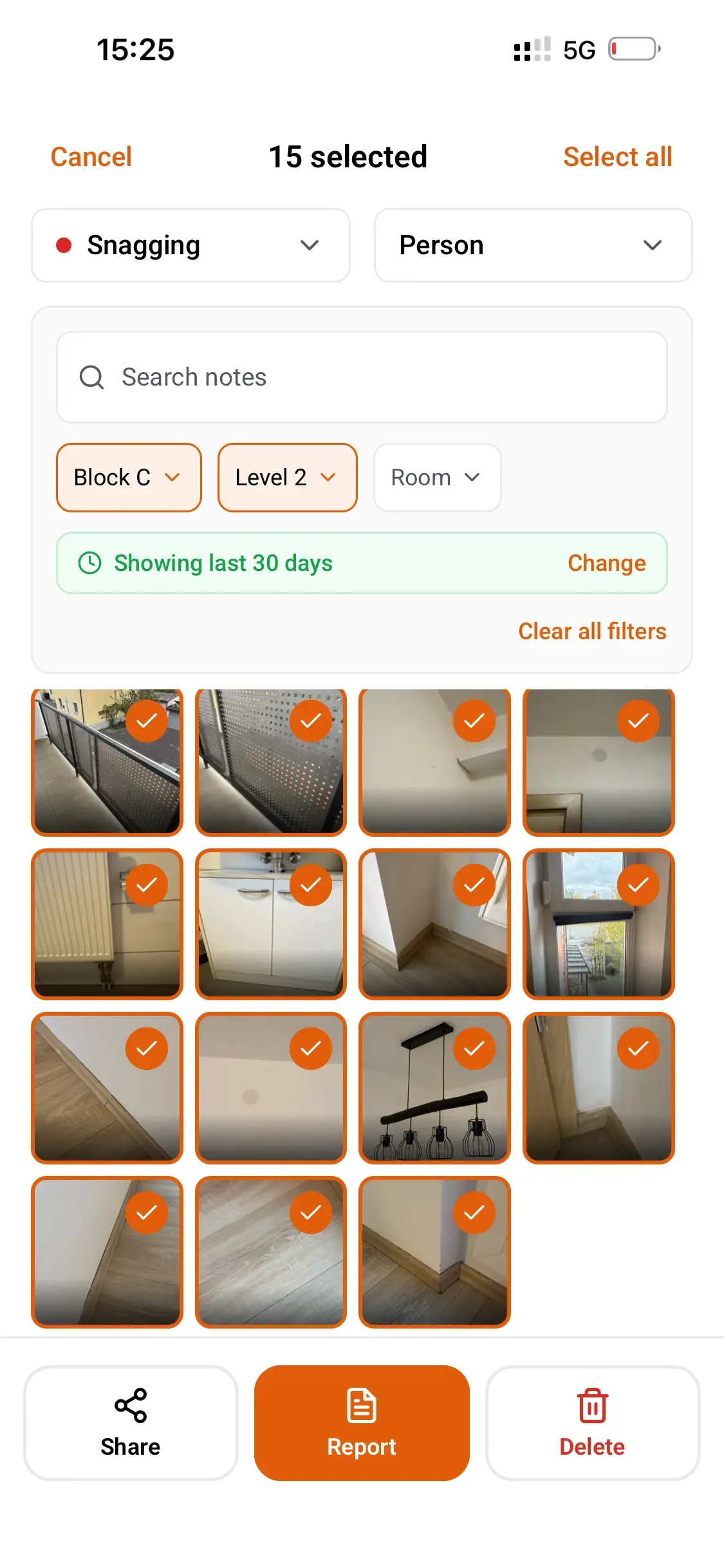
Choose the relevant photos
Filter by project, date, record type or tags, and select what you want to include.
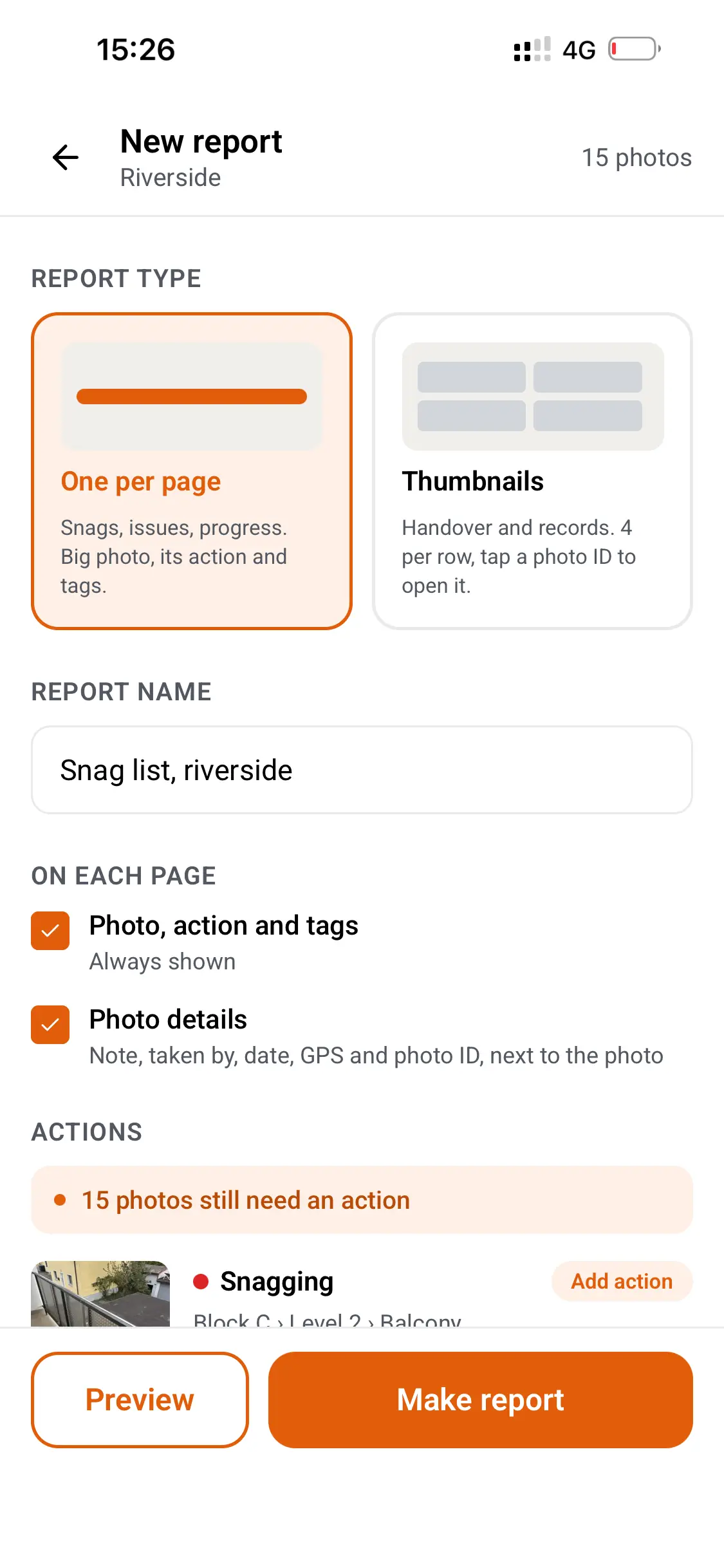
Include the important details
Show the photo's tags, dates and recorded information, with comments or actions where needed.
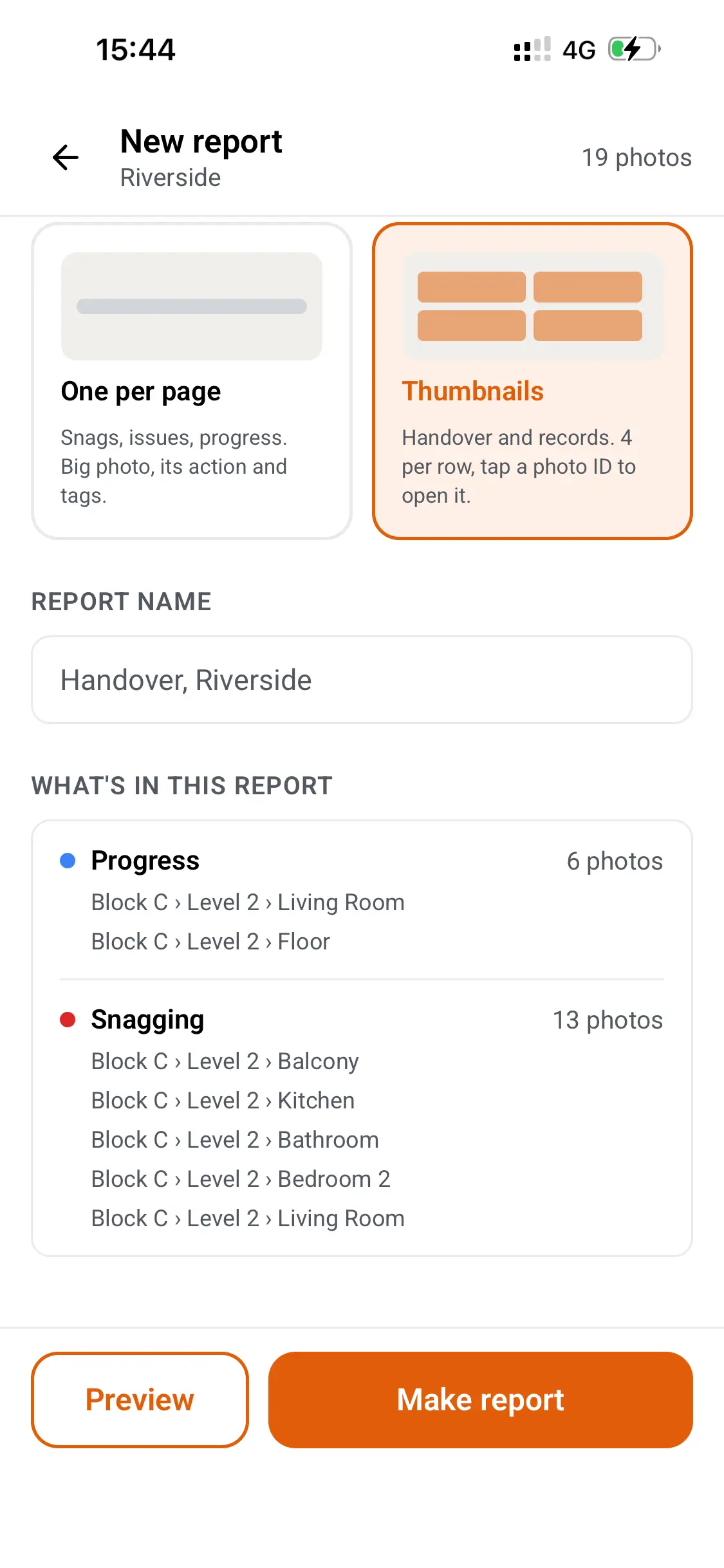
Share a clear PDF
Send your report to a client, assessor or inspector. They can open it without a Thanex account.
Questions about construction photo evidence
Can I use Thanex for Part L photographic evidence?
Yes. Choose the plot and detail reference before taking each photo in Thanex. The app saves the date, time and GPS location, and you can filter by plot to create a PDF report for your SAP assessor or building control.
What photographic evidence is needed for Part L?
For relevant projects, Approved Document L sets out which thermal details need photographing before they're covered, including junctions at floors, roofs and window openings. The exact requirements depend on the rules applying to your project, so check the details with your SAP assessor. Thanex saves the date, time and location when you take each photo in the app.
How do I organise Part L photographic evidence by plot?
Set up tags for each plot and the detail references your assessor needs. Choose those tags when taking the photos, then filter by plot to find the evidence for that home and create its own PDF report.
Can I create a Part L photographic evidence report for each plot?
Yes. Filter by plot and detail reference, select the photographs you need and create a PDF with their recorded details. You can share it with your SAP assessor or building control without asking them to use Thanex.
Can we photograph work before it's covered up for NHBC inspections?
Yes. Set up your plots and key stages as tags, and your team takes photos at each stage before the next trade covers the work. Every photo is saved with who took it, when and where. If NHBC asks to see a stage, filter by plot and stage and the photos are there.
Does Thanex help with the golden thread?
Yes, it supports the photo evidence in your golden thread record. Thanex keeps a dated photo record of the work as it's built, with who took each photo, when and where. You can make PDF reports by block, level or trade and add them to your client's golden thread system.
How do you record fire stopping before it's closed up?
Photograph each penetration once it's sealed and before the ceiling or boarding goes on. Tag the block, level and riser or room, and every photo is filed by location. Later, you can filter by level and share one PDF with all the fire stopping photos for that floor.
Can subcontractors add photos to our evidence record?
Yes. Invite them to your project and they'll take photos in Thanex like your own team, picking from the same tags. Their photos sit alongside everyone else's, with their name saved on each one. If you only need a few photos, send a link from Tasks and they can upload without an account.
Keep every inspection photo where you can find it
Download Thanex for free, and every site photo is filed with the details assessors ask for, and you can share any set of them as a professional report.