How it Works
Take the photo. Thanex does the rest.
Five steps from photo to filed record
01
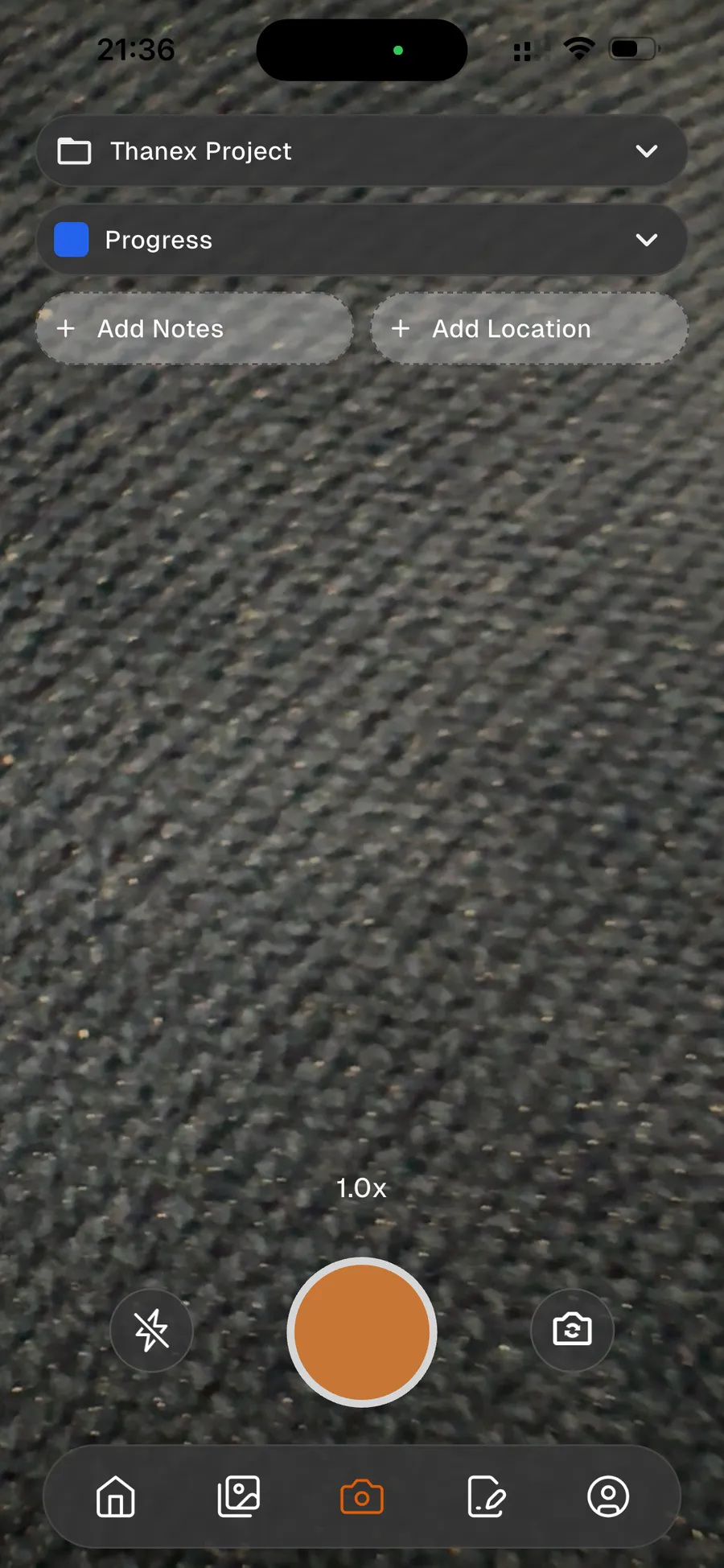
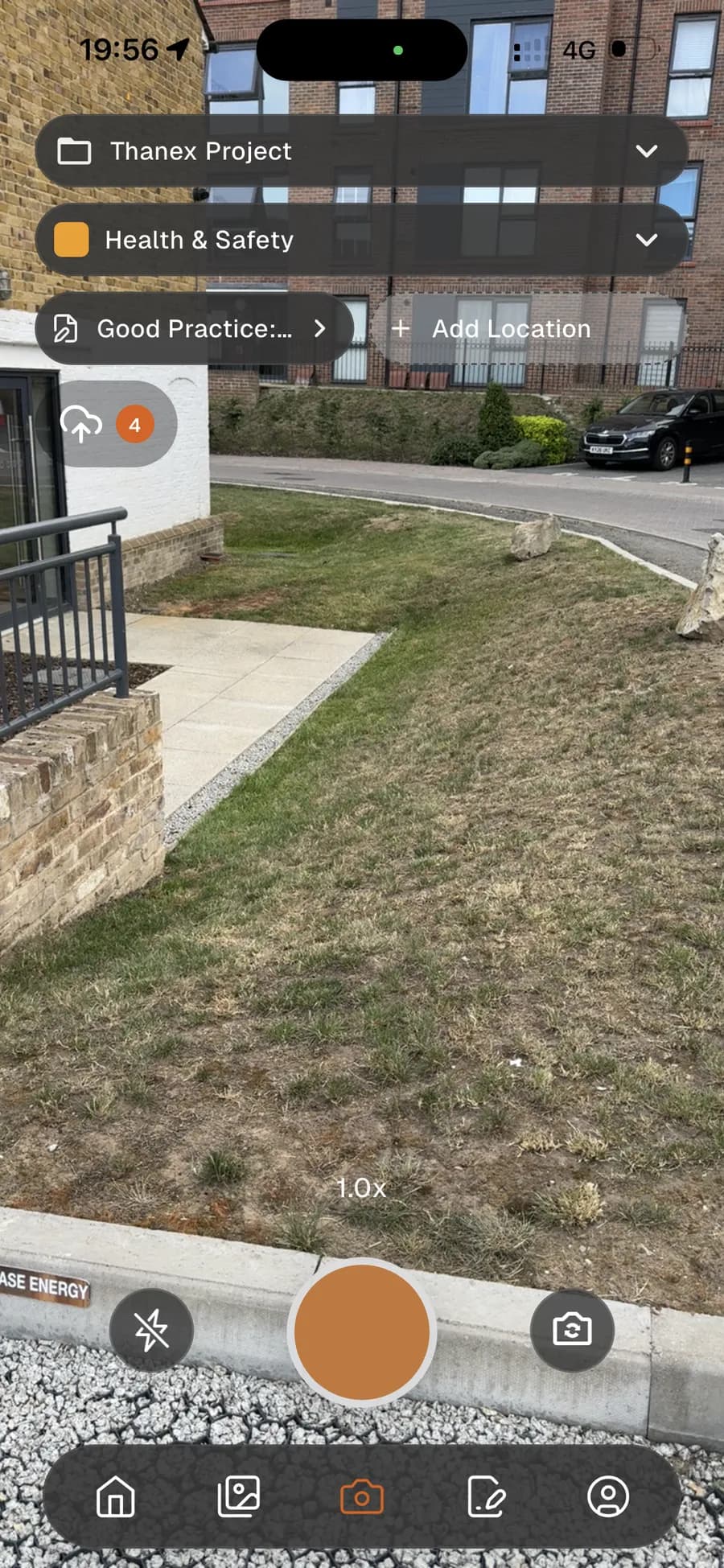
Open the camera.
Ready in a second.
02
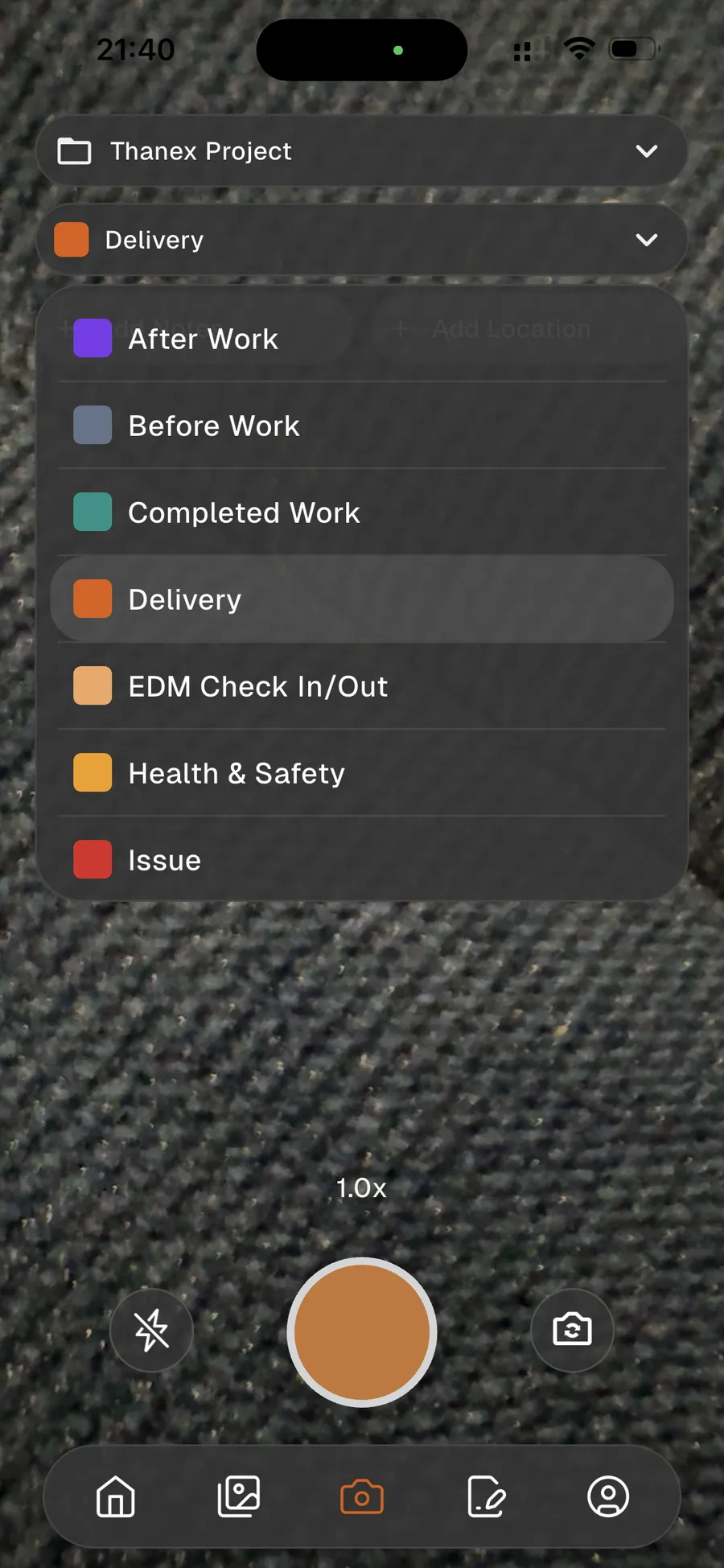
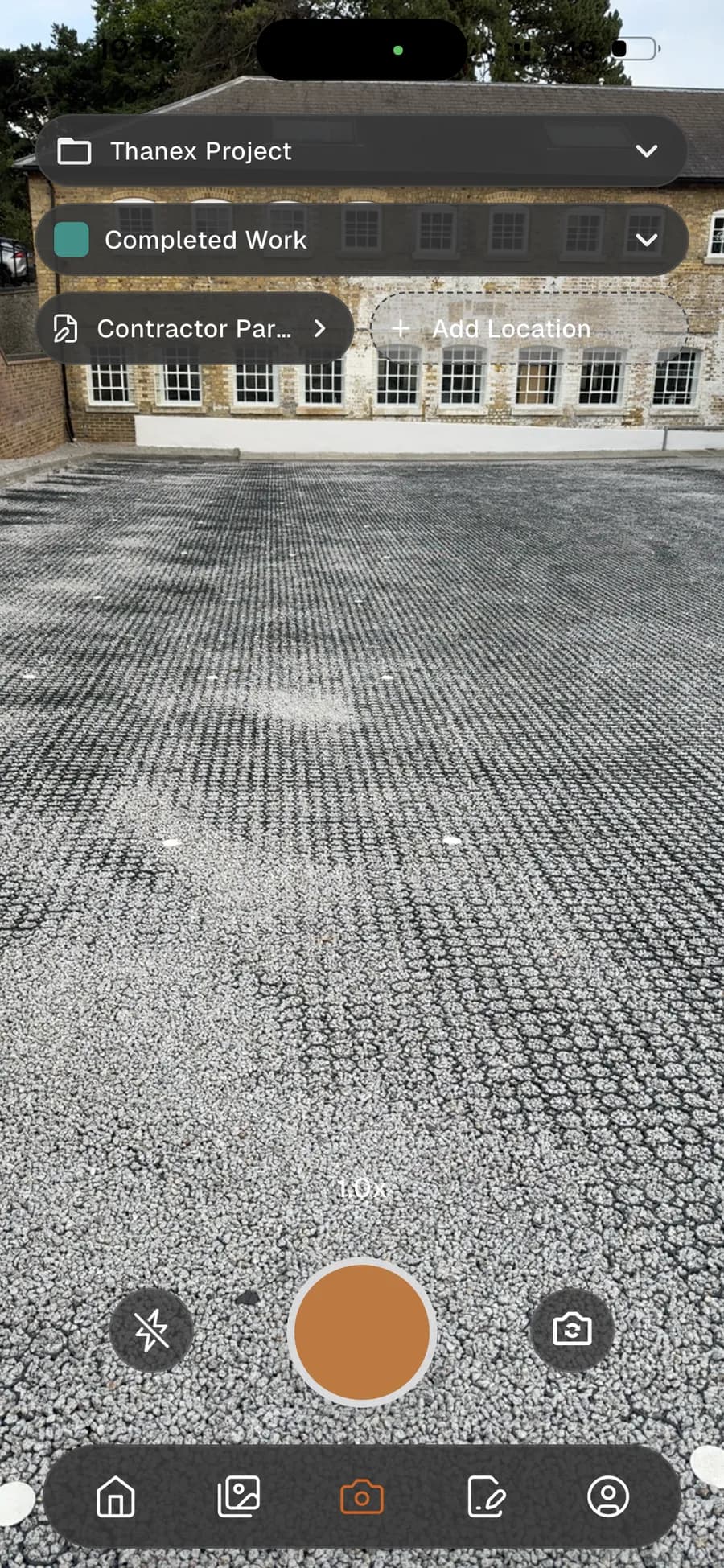
Tap what the photo is.
Progress, quality, health and safety, delivery.
03
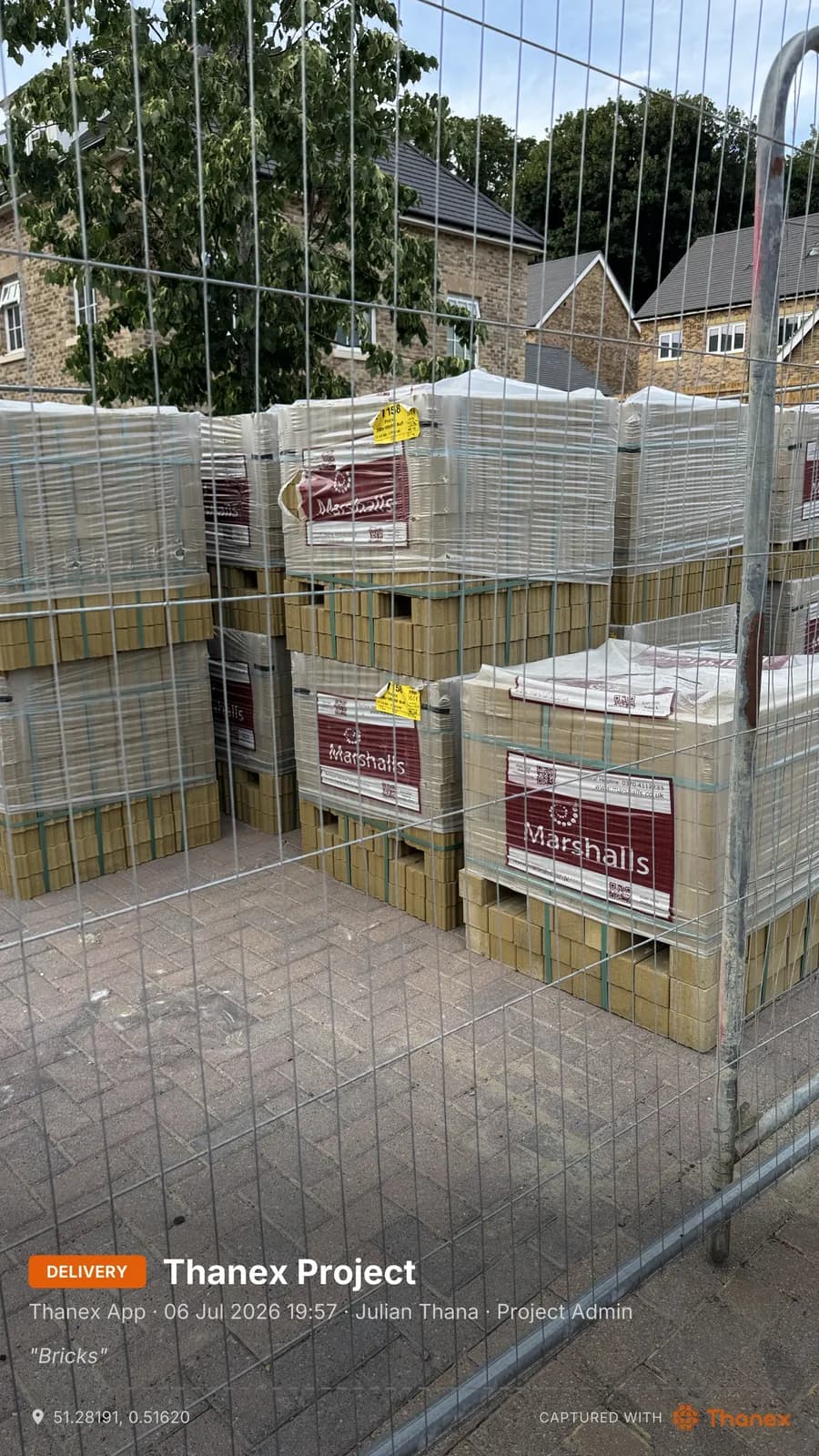
Take the photo. It is stamped and filed.
Project, who, when, where. On the photo, automatically.
04
Add a note or location when it matters.
Optional. Never required. Never slows you down.
05
Your office already has it.
Every photo lands in the company record as it is taken.
01
Open the camera.
Ready in a second.
02
Tap what the photo is.
Progress, quality, health and safety, delivery.
03
Take the photo. It is stamped and filed.
Project, who, when, where. On the photo, automatically.
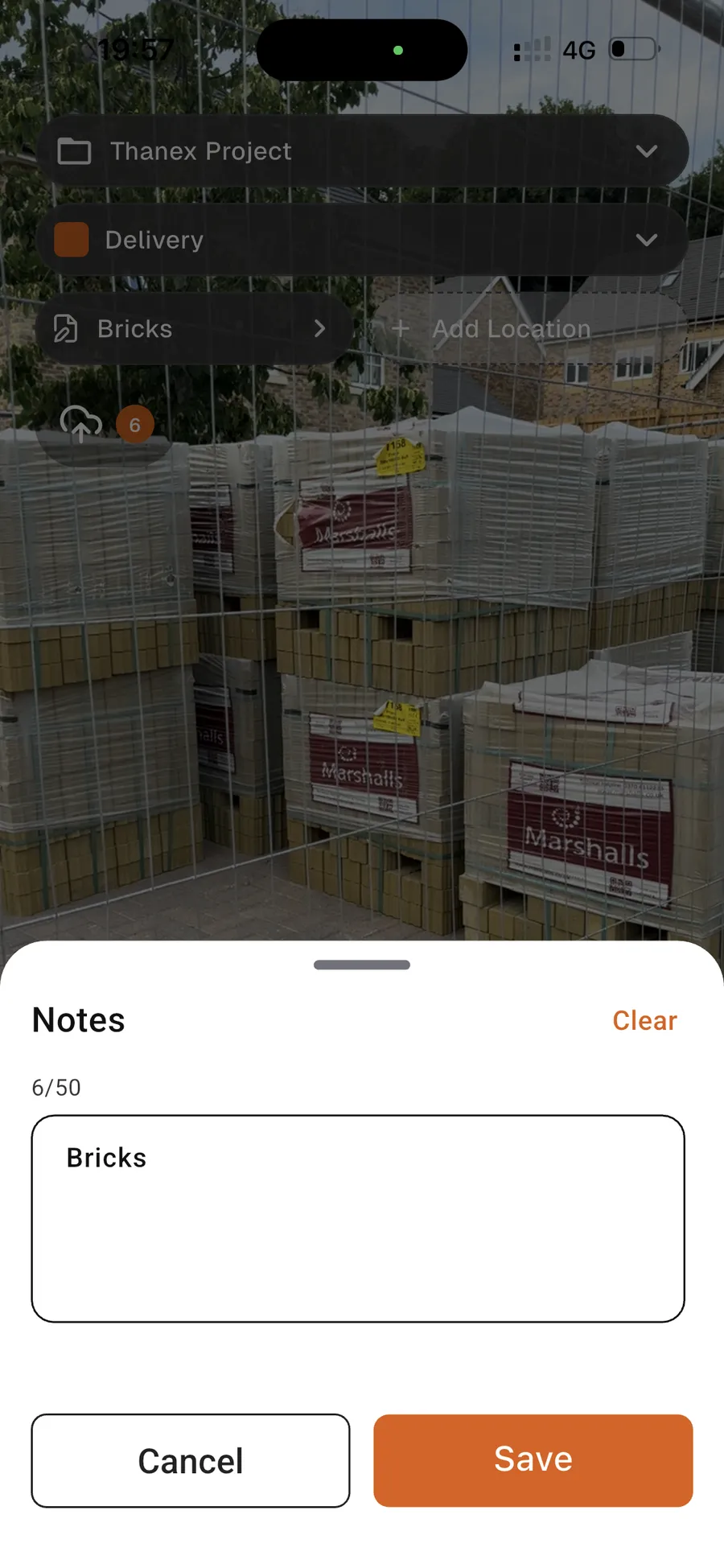
04
Add a note or location when it matters.
Optional. Never required. Never slows you down.
05
Your office already has it.
Every photo lands in the company record as it is taken.
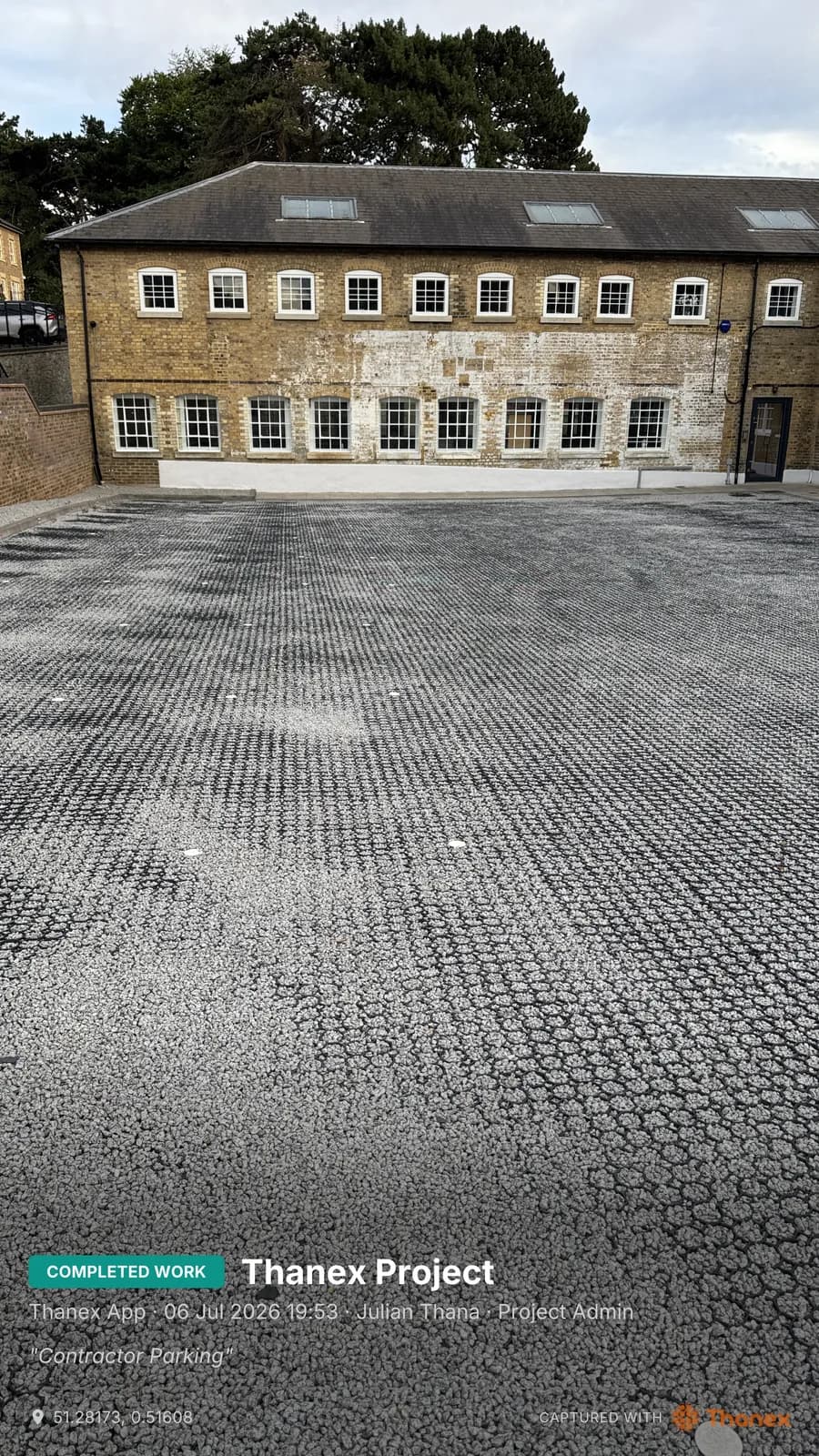
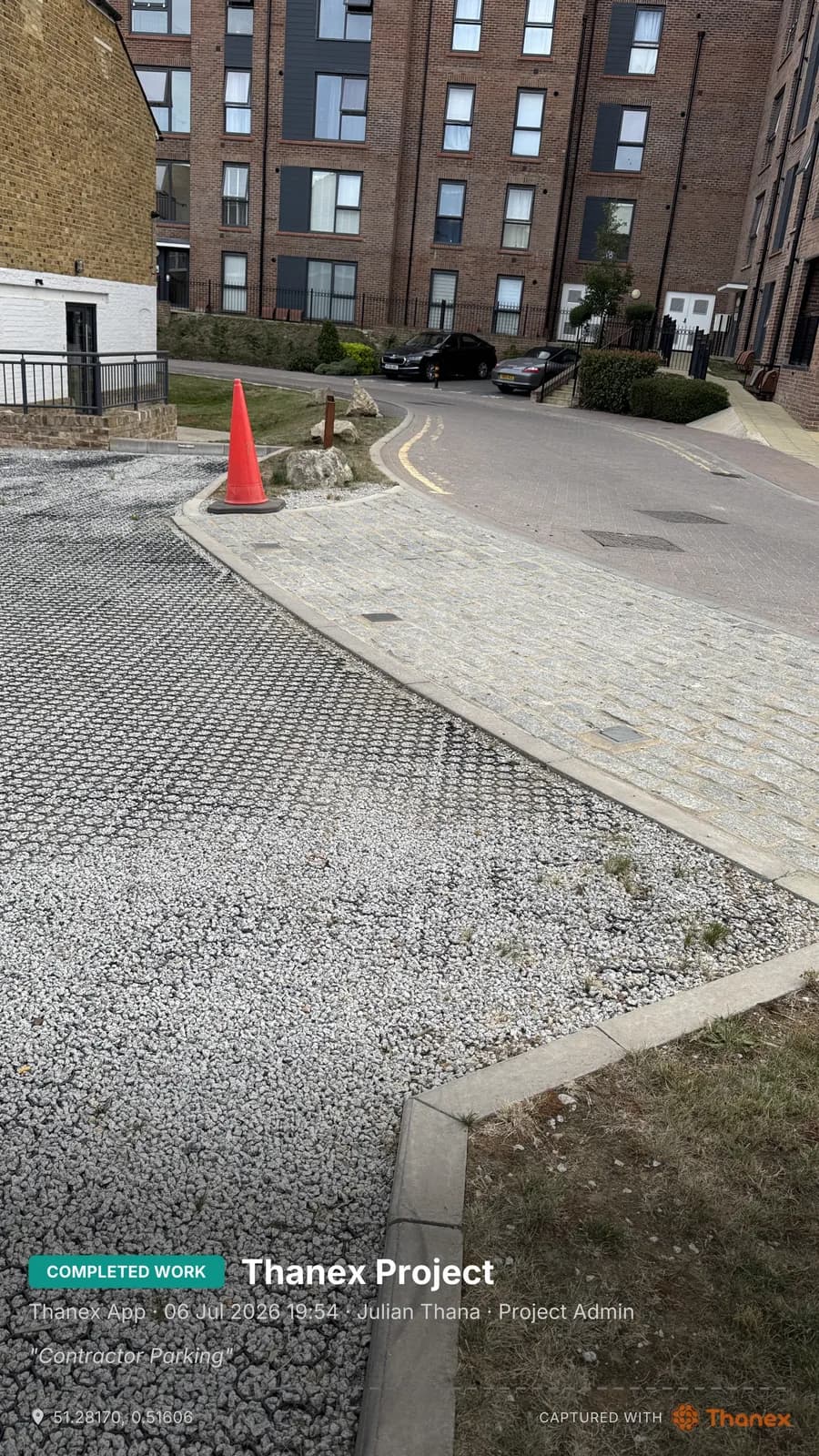
Real photos. Real jobs.
Straight from site. Stamped the moment they were taken.
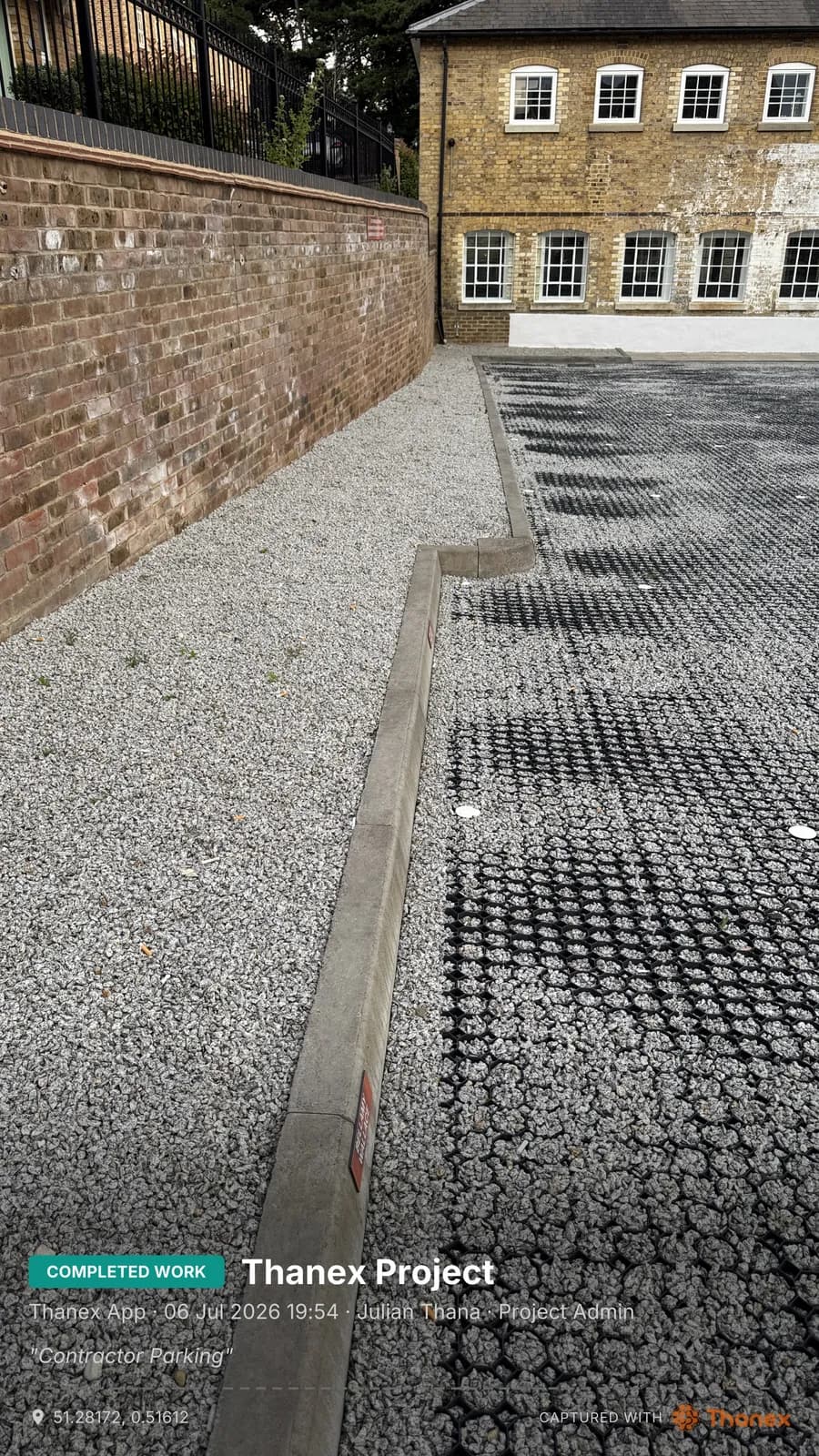
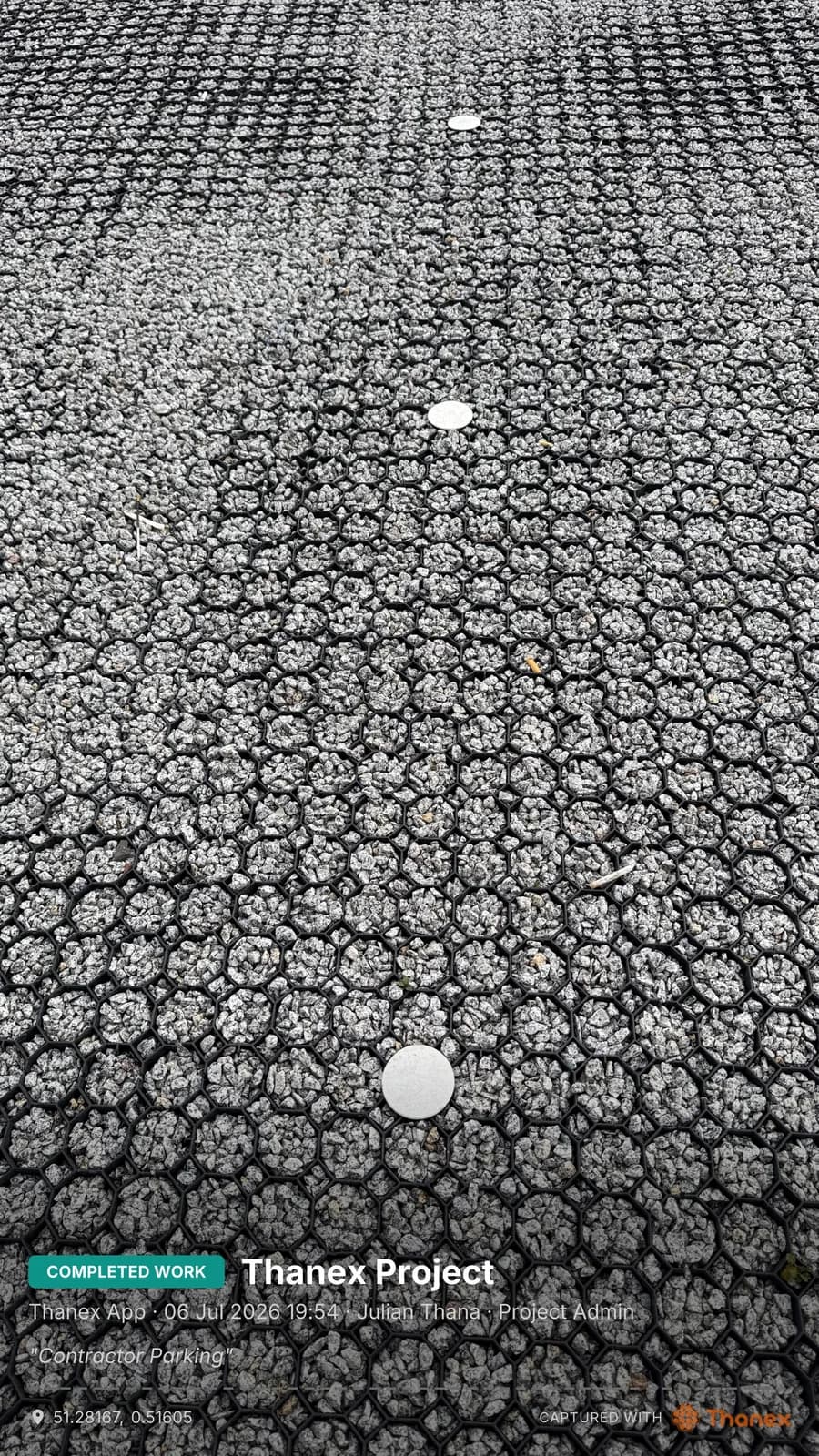
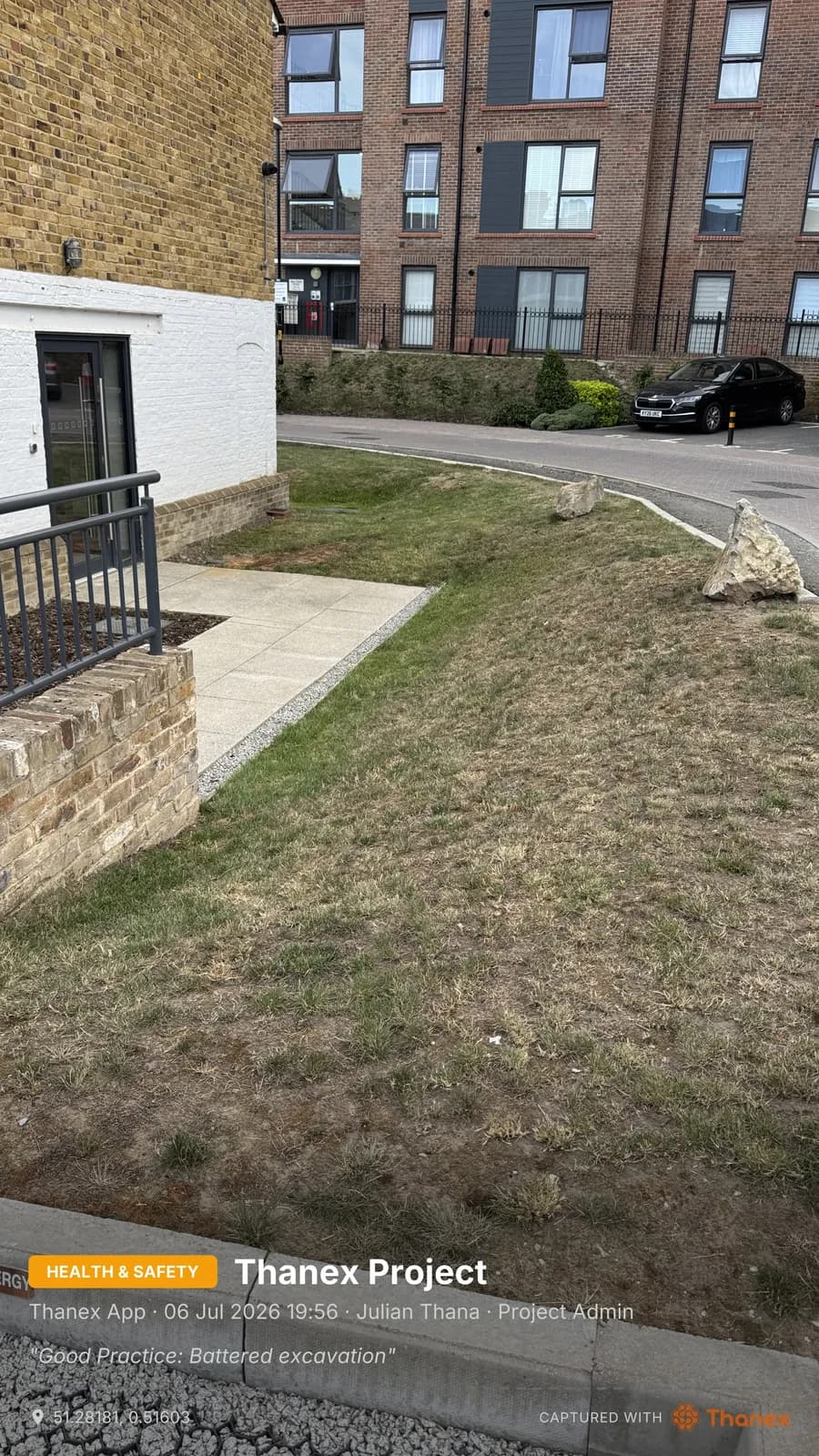
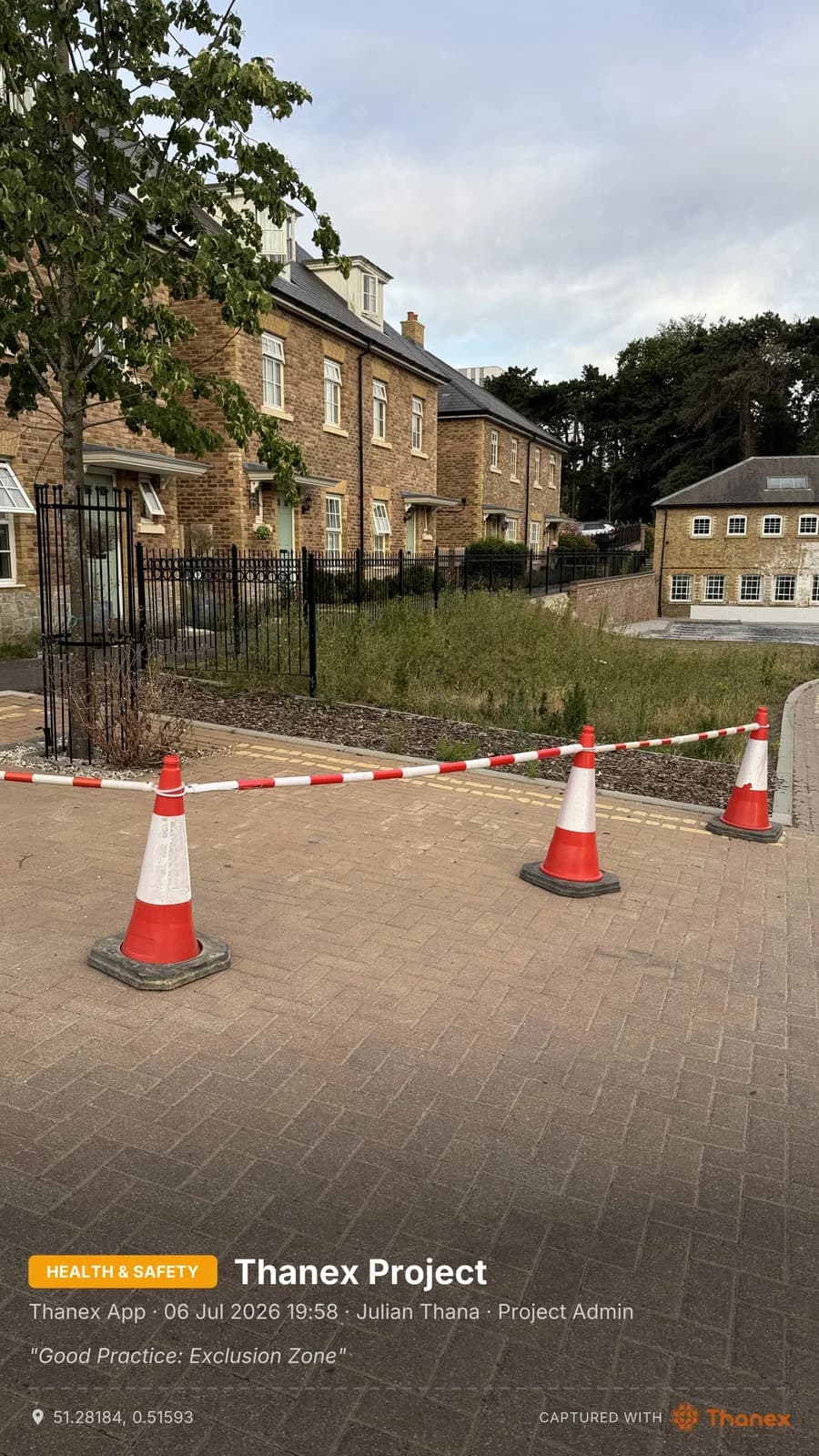
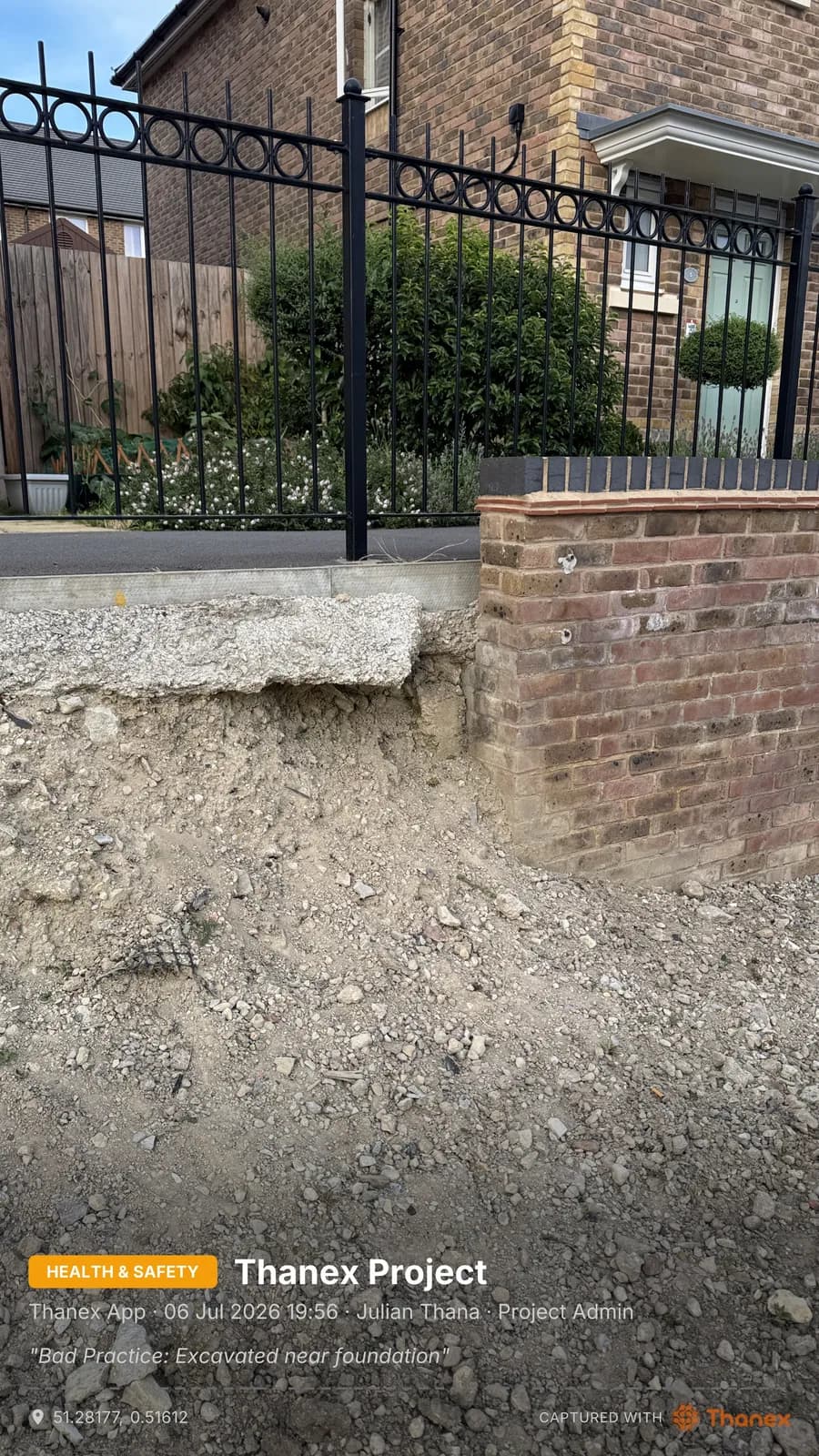
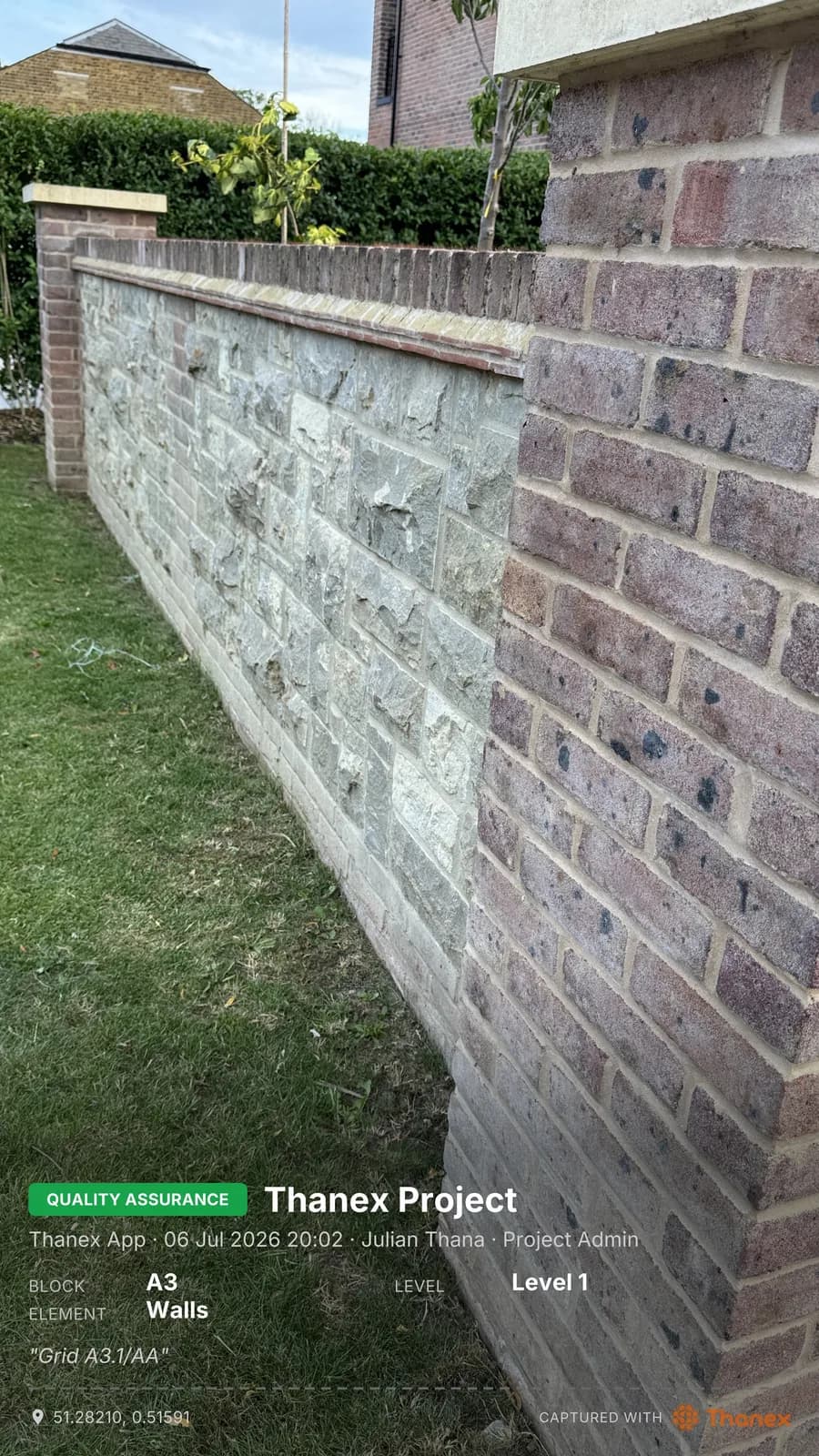
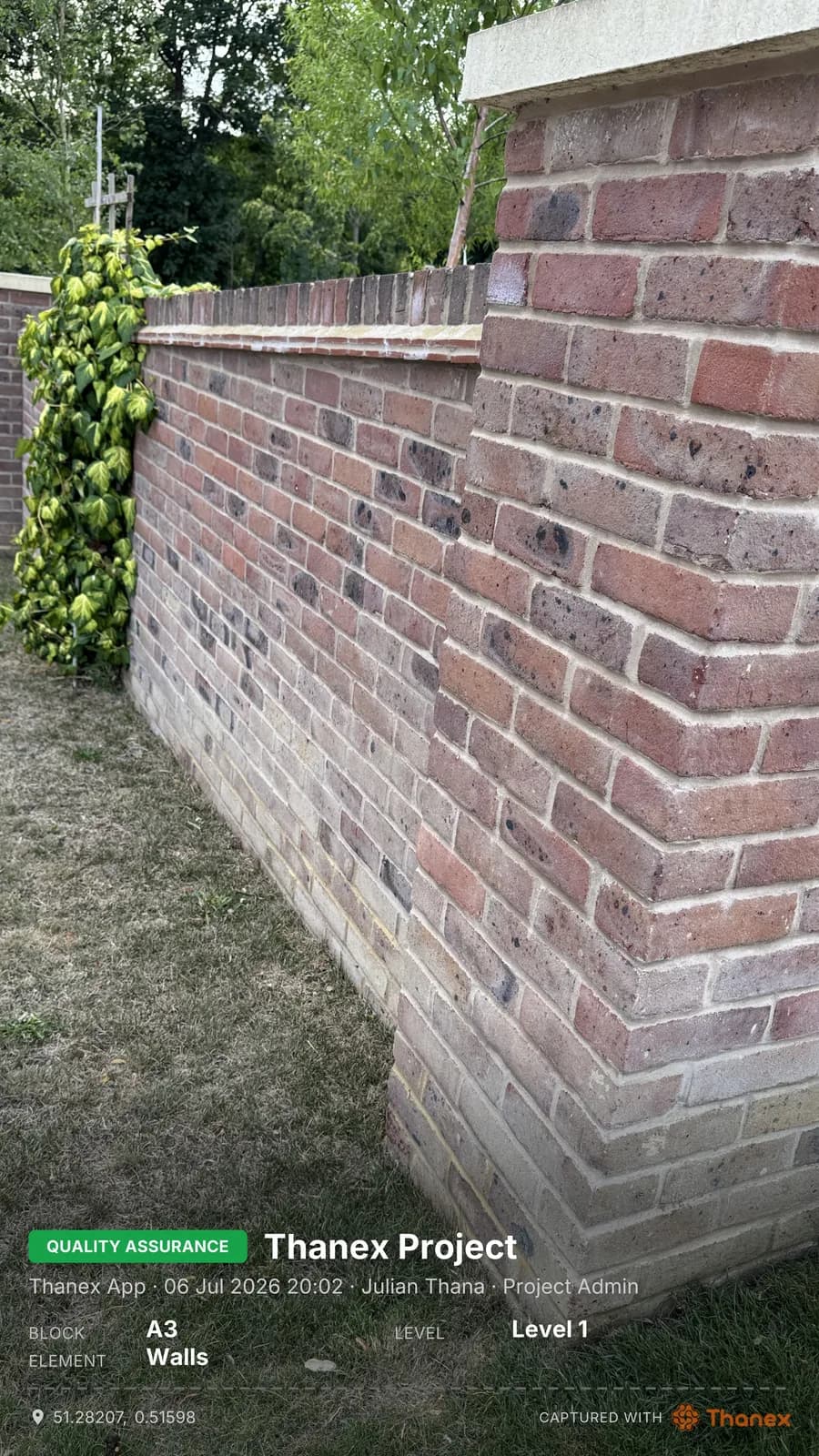
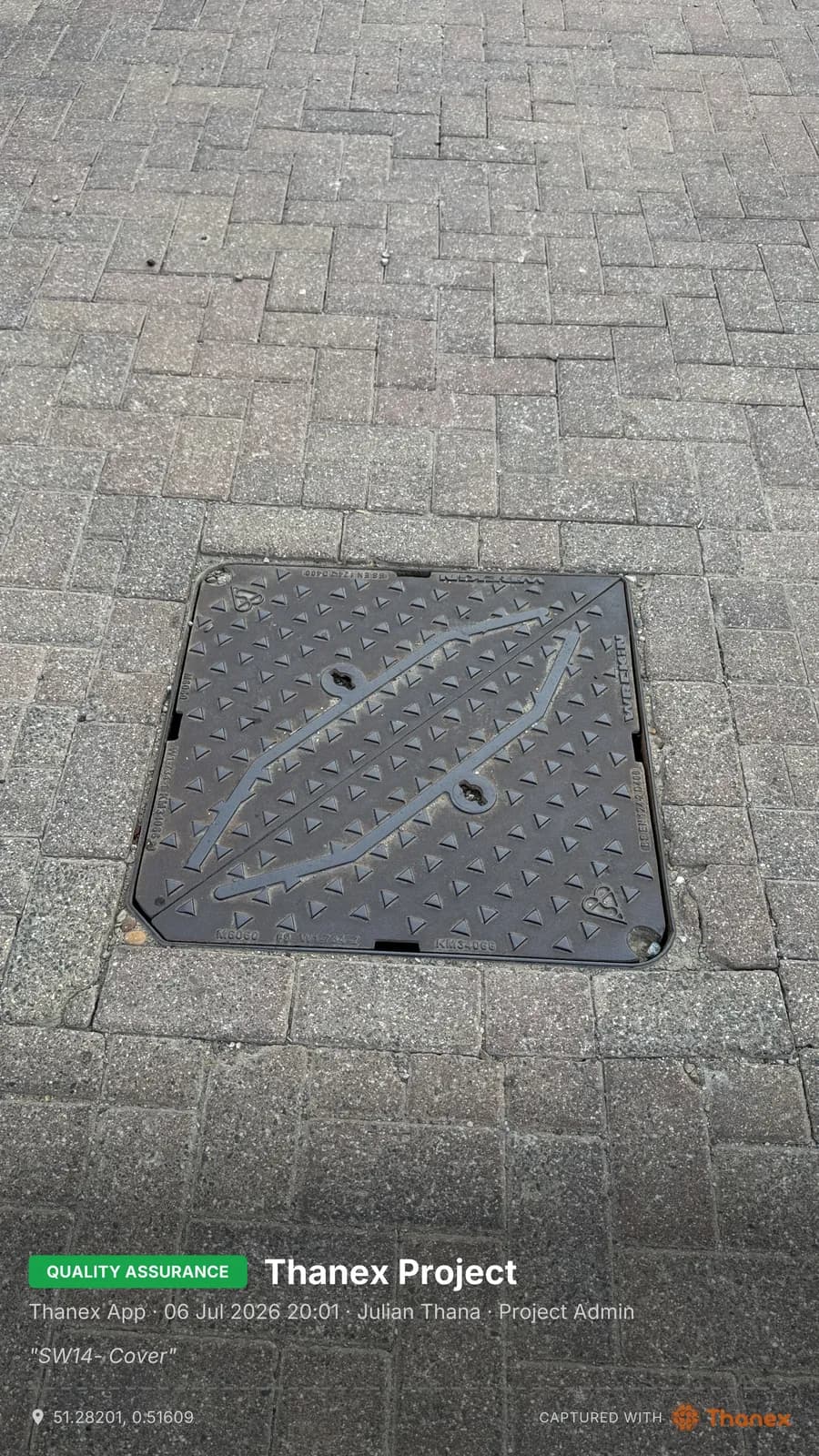
Filed means findable.
01
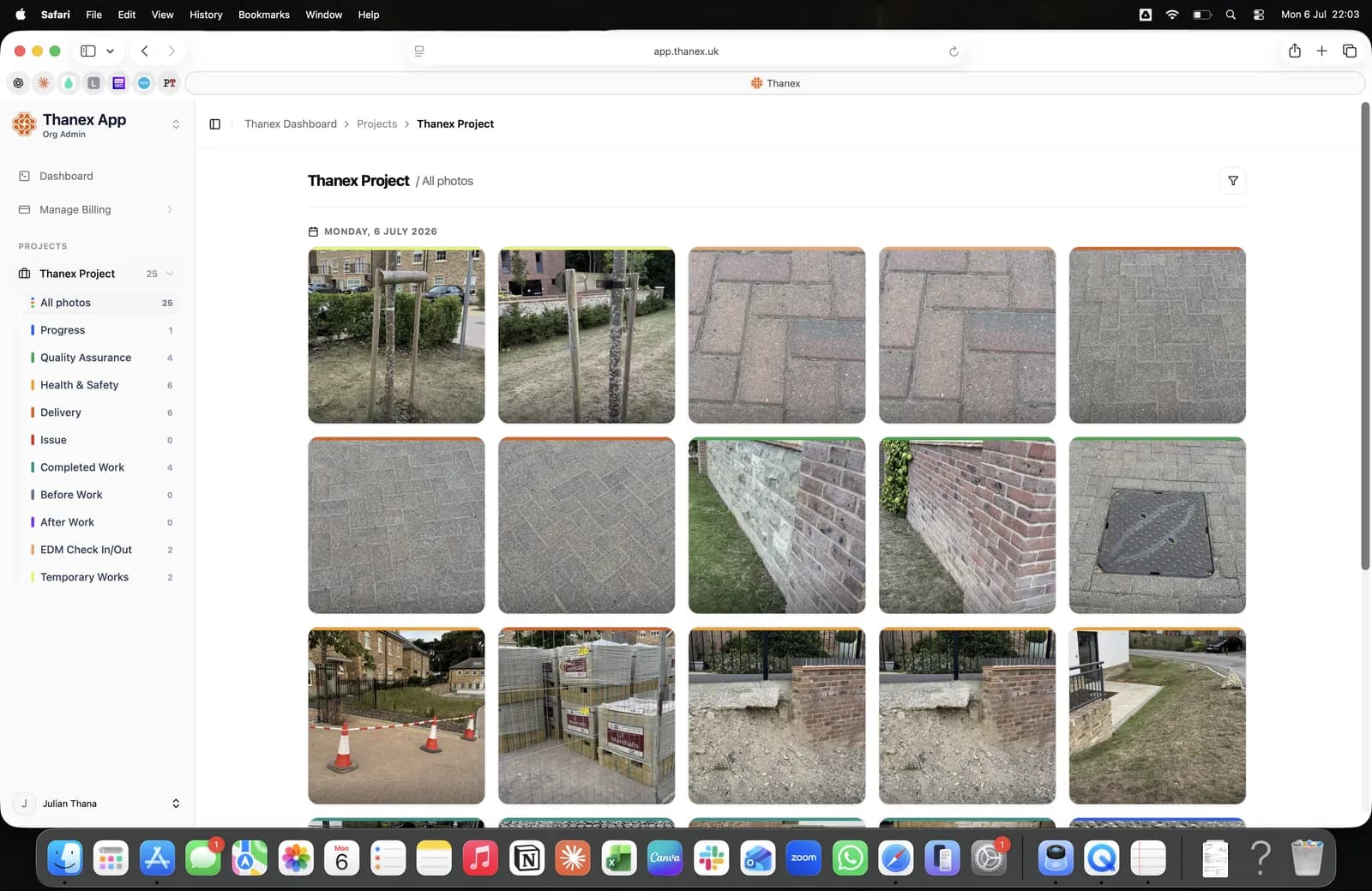
Every photo from every job.
The whole record in one place.
02
One photo type.
Only the quality photos. Only the deliveries. One click.
03
One person's work.
Filter by who took it and the job title they held.
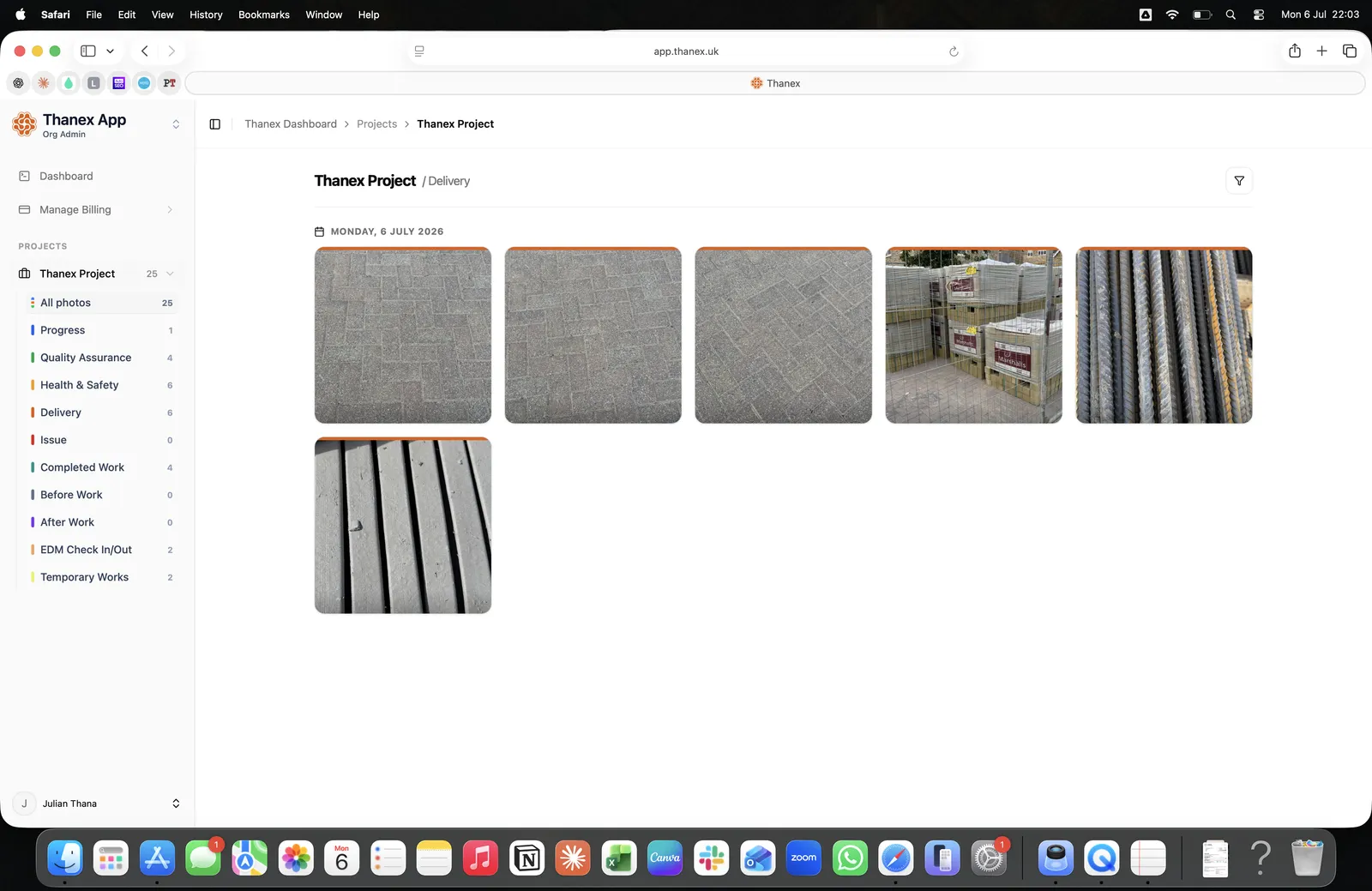
01
Every photo from every job.
The whole record in one place.
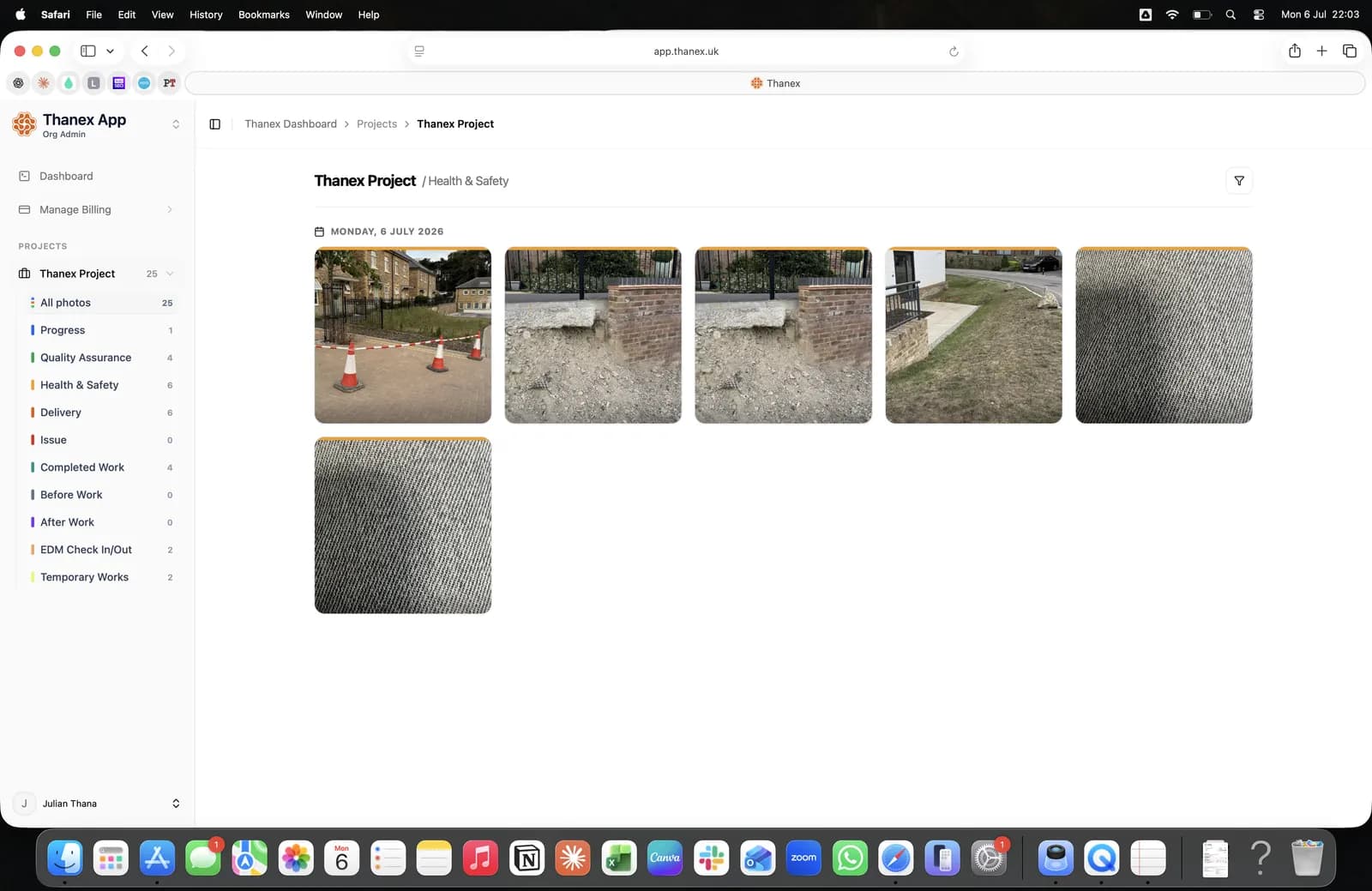
02
One photo type.
Only the quality photos. Only the deliveries. One click.
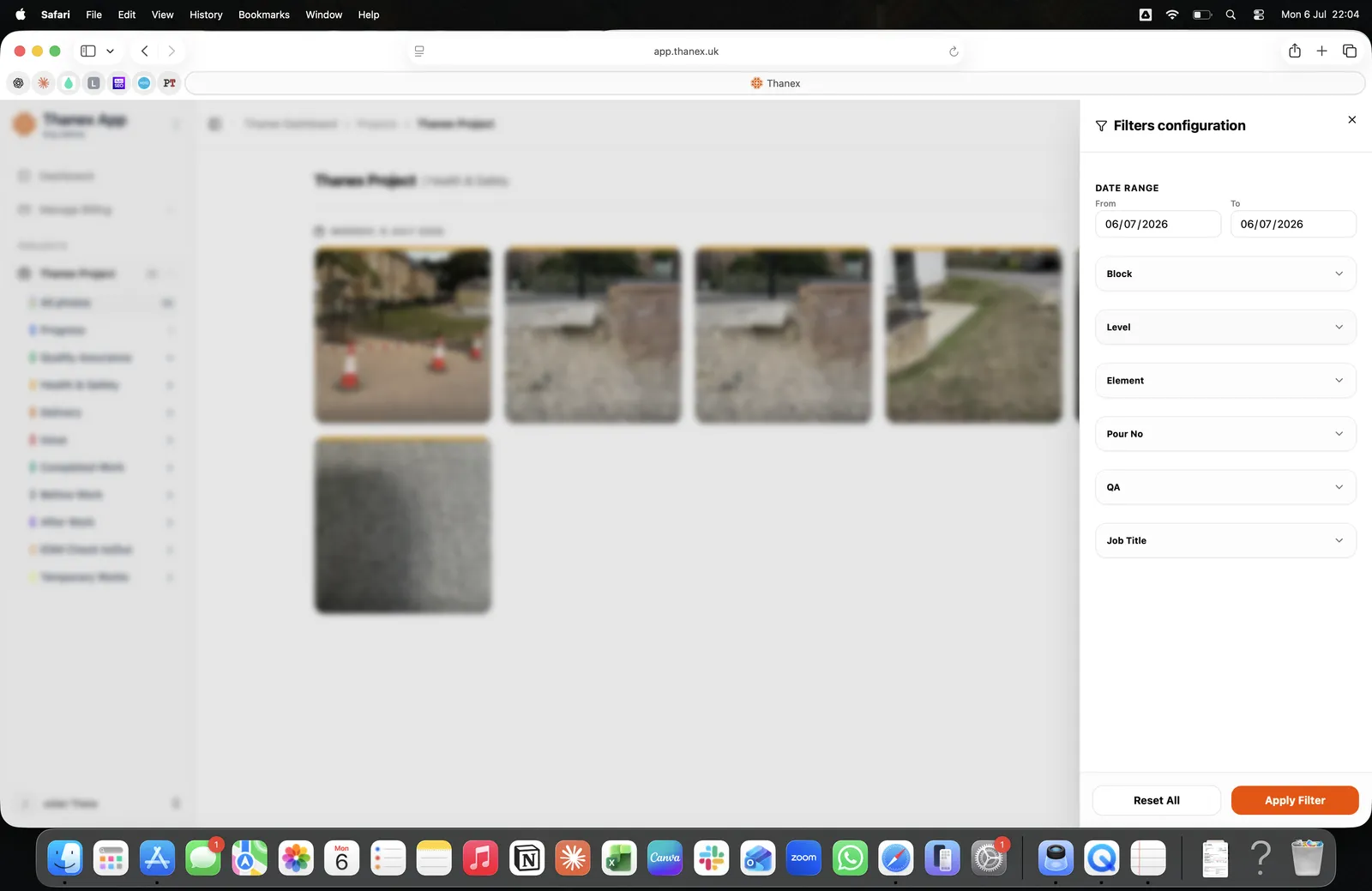
03
One person's work.
Filter by who took it and the job title they held.
What every photo records.
- Project
- Photo Type
- Who took it
- Role
- Date and time
- GPS
- Note
- Location