
Why site photo organisation fails (and how project tags fix it)
Site photos get lost without a system. Learn how project tags improve construction photo organisation and make photos easy to find later.
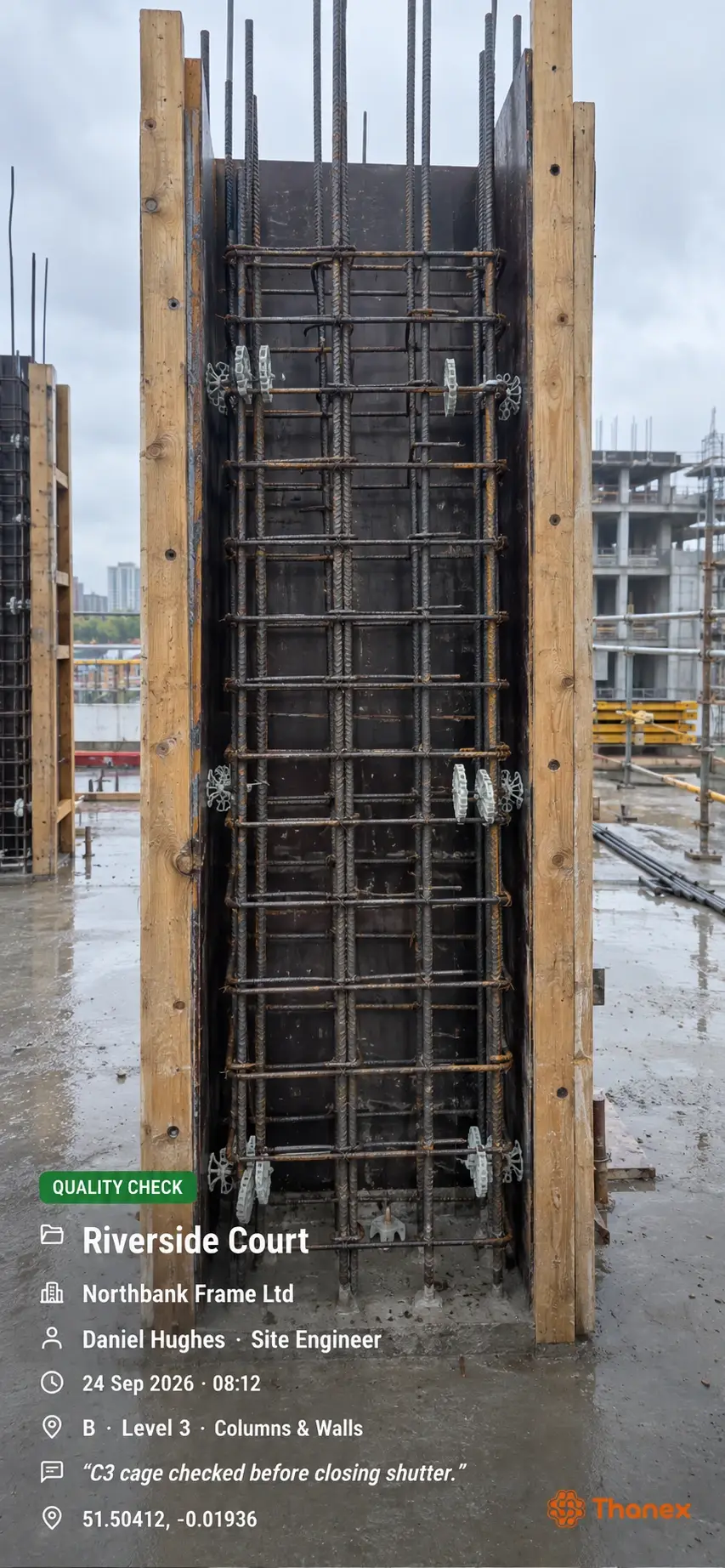
Most site photos are not lost. But they can be difficult to find. They’re sitting in someone’s camera roll between a school run and a holiday snap, with no sign of which plot, level, or trade they belong to. When the client is asking for proof of your first fix, you have got to scroll through your camera roll for 20 minutes and are unsure if you have got the correct photos.
That’s the real problem with construction photo organisation. The photos exist, but nobody can find them quickly. Project tags fix this by filing each photo when it’s taken, not when you’re chasing it later.
Where construction photo organisation breaks down
It usually fails in the same few places.
- Everything lands in the camera roll: Site photos mix with personal ones, and a week of work can run to hundreds of images.
- Photos get named or sorted later: Nobody has time at 5 pm on a Friday to rename 80 photos. So it doesn't happen, or it happens badly.
- Photos live on different phones: Your supervisor has the pre-plaster photos, the subcontractor has the second fix, and you've got a handful from the walk-round. Nothing sits in one place.
- There's no context: A photo of a wall with pipework in it tells you very little. Which room is it? Who took it? Was it before or after the board went on?
Weak construction photo management isn’t down to lazy teams. It’s down to a process that asks people to organise things at the exact moment they’re busiest.
What project tags actually do
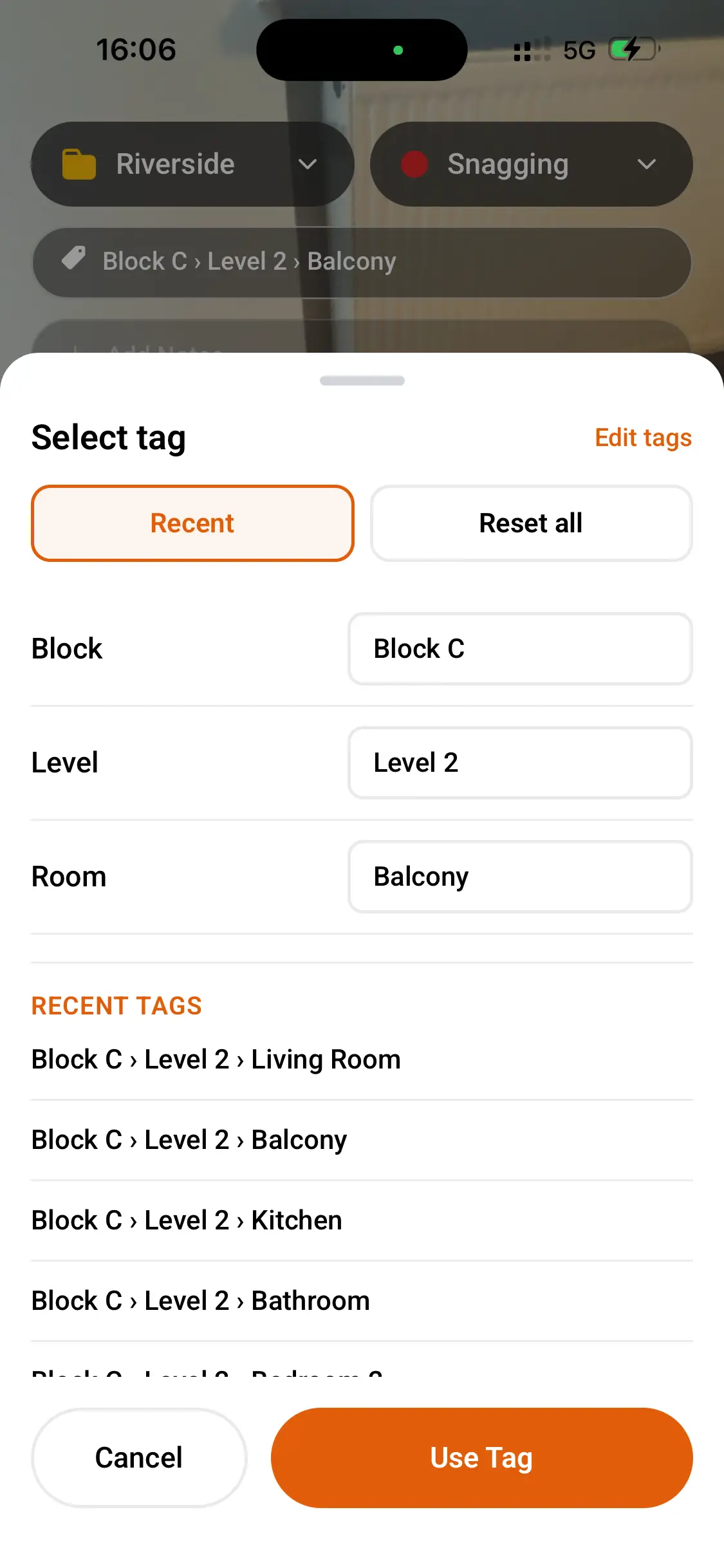
Project tags are short labels you attach to a photo, such as Block A, Level 2, Kitchen or Plot 14. Used consistently, they work like folders on a computer. Every photo for the same spot is filed together, even if you took them weeks apart.
The trick is adding the tag at the point of capture. If you’re standing in the room, you already know where you are. It takes a couple of seconds. Trying to remember it three weeks later takes a lot longer, and you’ll probably get it wrong.
A kitchen first fix example
Say you’re running a house build, and the first fix is going in. Before the boards go up, you photograph the pipework, the cable runs to the sockets and the back boxes, and the fixing of the extractor duct.
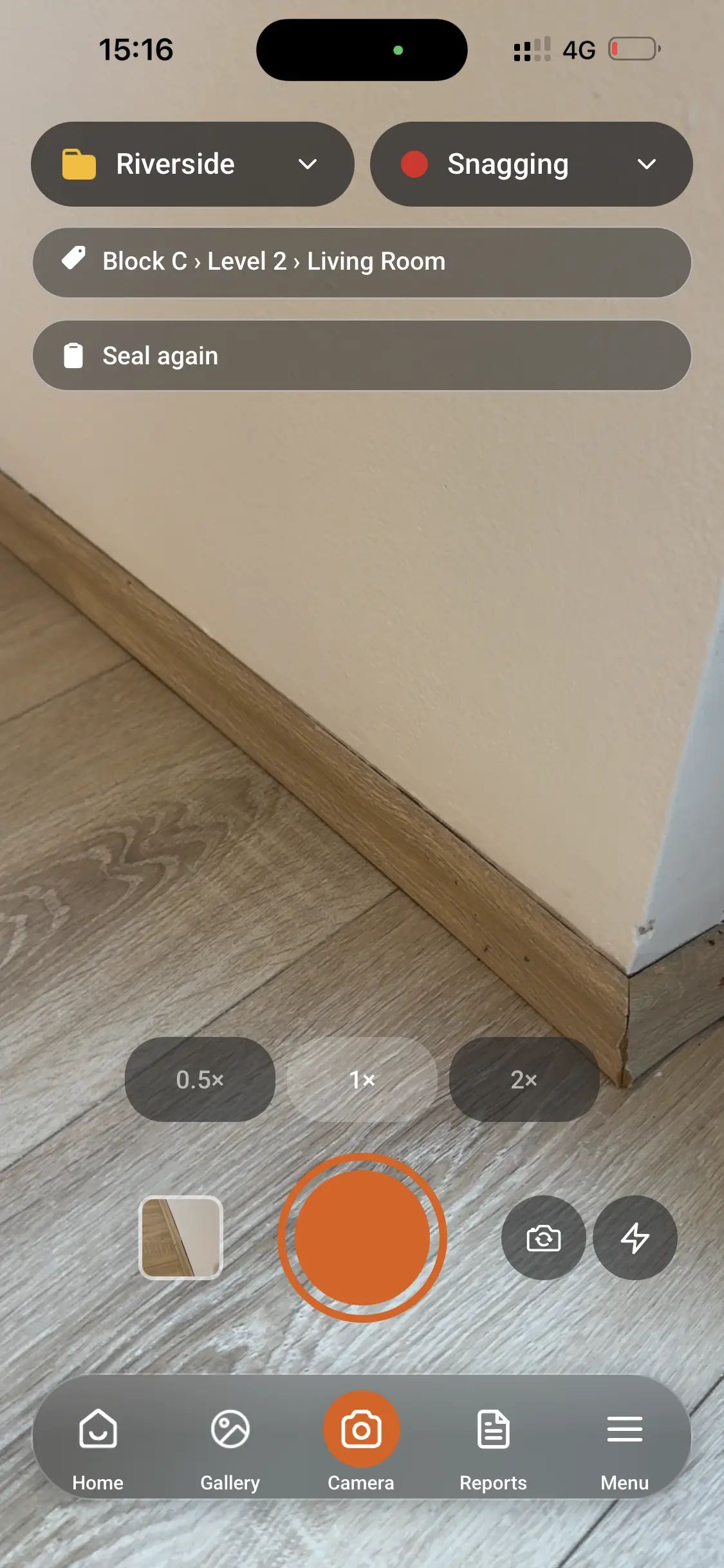
Without tags, those photos sit in your camera roll next to the bathroom and the loft. With project tags, you tag each one with the plot and Kitchen as you take it, and add a short note such as “cable runs to island, before boarding”. 3 weeks later, the owner’s agent is enquiring about the socket location. You can search on Kitchen and the plot. The images are there, sorted in order of date. No need to call your electrician to see if any images were taken.
How Thanex files photos as you take them
This is what Thanex does. You simply select your project, choose the type of recording you want to do, and enter your project tags. You can also add notes. Then just take the photo as usual, and it will be instantly filed.
Each photo also saves the details people ask for later:
- who took it
- the date and time
- the GPS location
- a unique Photo ID
Photos taken in Thanex stay in Thanex, so your personal camera roll stays clear. You can read more about how it works in the Thanex questions.
Finding photos when someone asks
Good filing only matters if finding things is quick. In Thanex, you can filter photos by date, tags, record type or person. That means you can pull up everything tagged Kitchen from the last month, or everything one supervisor photographed this week.
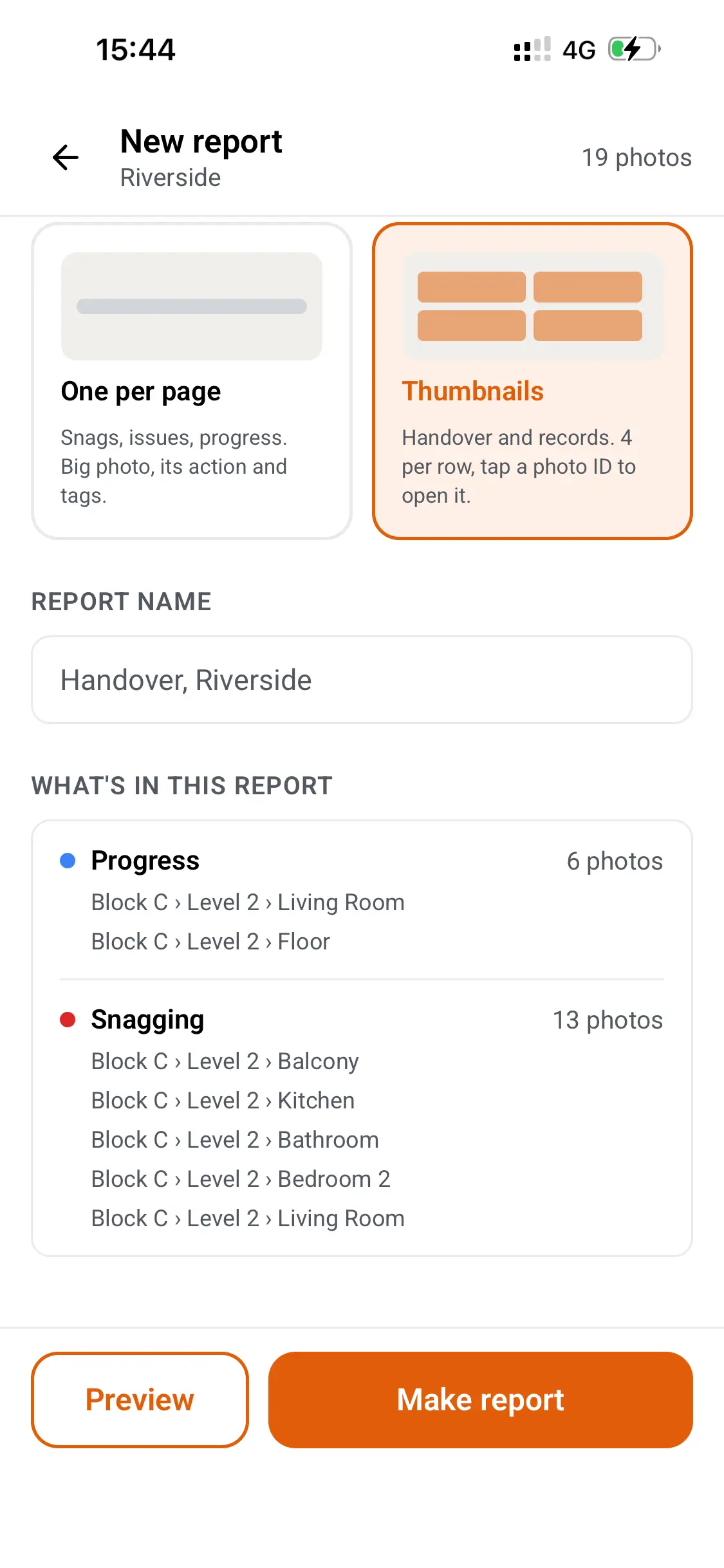
Photos from different team members can go into the same report. If your site manager and a subcontractor both photographed the same area, you select what you need from both. If your team all use the same tags, their photos appear in one shared workspace. You can see how that works for contractors.
When you need a report, you select the photos, add comments, choose a layout, and create a shareable PDF. It’s the same process whether you’re on your phone or at your desk. Thanex Web lets you find photos, download them, and create PDF reports from a browser, which is handy when you’d rather do it on a bigger screen in the site office.
Photos are a record and not an inspection
Thanex doesn’t certify work or confirm compliance either. It helps you keep a clear record that sits alongside your normal checks. For examples of the kind of records teams keep, take a look at site evidence.
Start with one habit
You don’t need to change how your whole team works overnight. Start with one habit. Pick your tags before you take the photo, every time. Block, level, room. Once your team does that, the filing takes care of itself, and the Friday scramble gets a lot shorter.
See a sample report to see how tagged photos turn into a PDF, or download Thanex free and start your first project at Thanex.