
How to create a weekly construction progress report using site photos
Learn how to create a weekly construction progress report using site photos, from capturing work on site to building a clear, shareable PDF for your client.
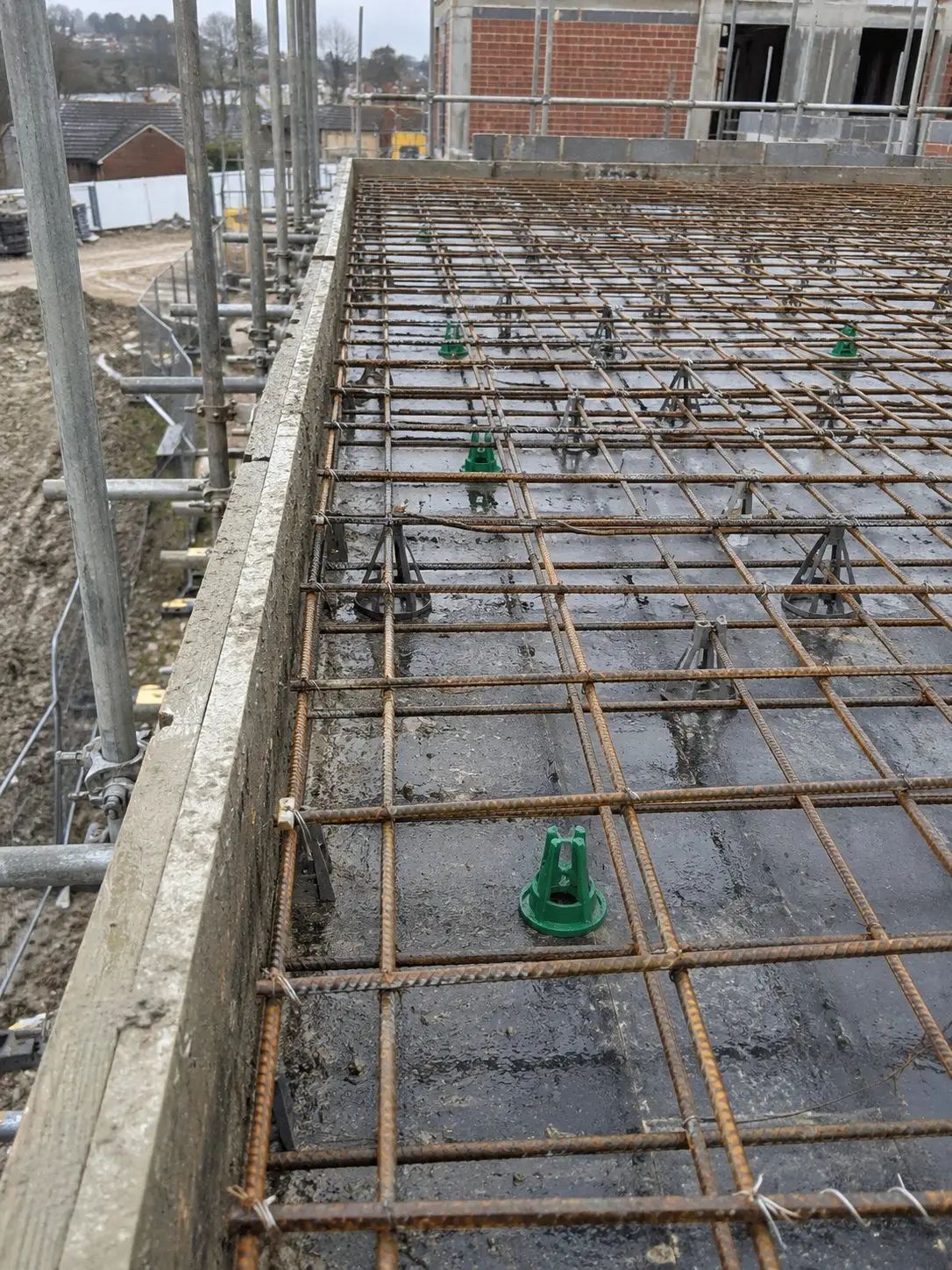
A weekly construction progress report is a great way to give project managers, contractors, and clients an understanding of what’s been done, what is in progress, and any problems that need to be addressed. Site photos can help clarify and document these changes.
The secret to a good weekly construction progress report is to photograph during the week, rather than rushing it together on Friday.
Your reader will read what you did, where you did it, and what still needs to be decided.
What to include in the report
Make the report as short and consistent as possible, week by week. Provide readers with an overview of the project and what they will find in the report. A concise introduction outlining the project’s progress and upcoming activities is a good way to achieve this.
- Work done: To tell in a line or two what you have completed this week.
- Photos by area: Provide a photo of each area of the site to allow the reader to link words to work.
- Issues and decisions: Make a list of things that are delaying your job, and who is responsible.
- Next week: Communicate what is forthcoming, so the team can arrange deliveries and trades.
That’s all most clients want. A clear one-page construction progress report beats a long one nobody finishes.
Take photos as the work happens
Some jobs can’t be photographed later. Once the plasterboard is up, you can’t see the cables behind it. Once the screed is down, the pipes are gone.
So take photos at the key moments.
- Reinforcement before a pour.
- Waterproofing before it’s covered.
- A delivery checked in at the gate.
Each one takes seconds, and each one could save you a long argument later.
Tag every photo when you take it
A photo is only useful if the reader knows what it shows. Before you take it, add the project, the area and a short note. Don’t leave it for later, because later you’ll forget.
Here’s a house example. You’re on a refurbishment, and the kitchen first fix is finished. You’d tag the photo with the project name, “Kitchen” as the area, and “First fix” as the work. Now anyone can find that photo in seconds, and nobody has to ask what they’re looking at.
A construction photo app like Thanex makes this part easy. You add the project details and tags as you take each photo. Thanex also keeps the date and time, the GPS location and a photo ID that shows who took it. That gives you proper site evidence without any extra paperwork.
Pick the right photos for the week
Filter by date, tags, record type, or person. Compare new photos with earlier ones of the same spot, then choose images that show completed work, work in progress, or an issue to discuss. Leave out duplicates. If a supervisor and a subcontractor both photographed the same area, you can select photos from different team members for one report.
Build the report in about a minute
This is where a weekly construction progress report used to eat your evening. With Thanex, you can do it on your phone, on site, in a few taps.
- Filter your photos by date and area.
- Select the ones you want.
- Choose One per page or Thumbnails.
- Tap Make report.
That’s it. Thanex groups the photos by record type and area, and it adds a contents page. You don’t lay anything out by hand.
To show how quick it is, I made a 21-page report from 196 photos in about a minute. That’s a full week of site photos, sorted, laid out and ready to send.
Before you send it, give it a quick check.
Then share the PDF with your client or project manager.
Mistakes to avoid
- Don’t send photos without a clear label or area name.
- Don’t bury the issues at the bottom of a long report.
- And don’t wait until Friday to sort images, because details fade fast.
A short, steady construction progress report is easier to read and easier to trust.
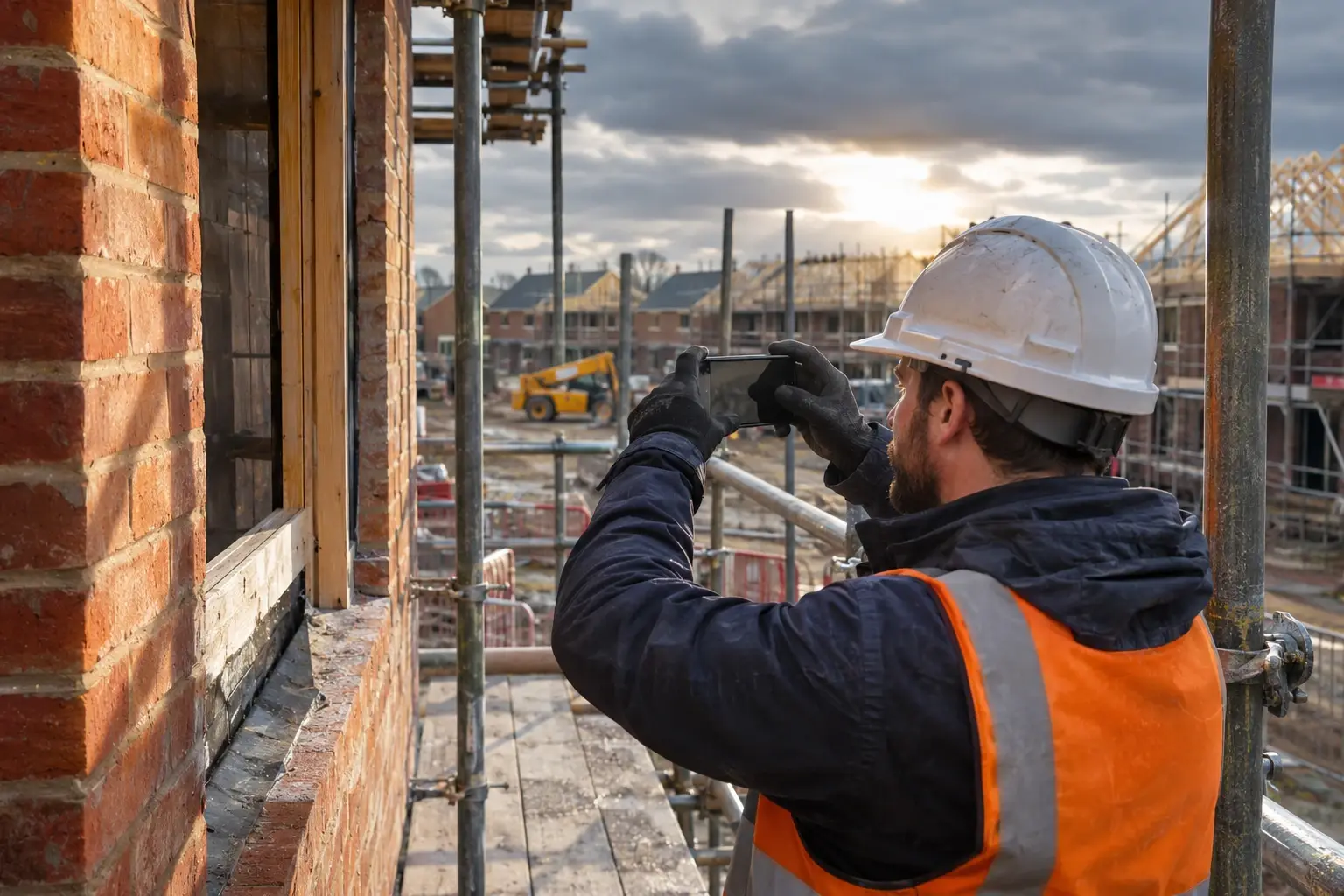
How Thanex helps
Thanex files your site photos under project tags as you take them. So when Friday comes, you start with organised images, not a full camera roll.
You can build the report on your phone, which suits a quick end-of-week round on site. If you’d rather sit down at your desk in the site office, Thanex Web lets you find and download photos and create PDF reports from a browser. Same photos, same tags, same result.