The hidden cost of using personal phones for site evidence
- Scrolling through thousands of personal photos to find one pipe fitting is not a job description.
- Group chats are where important evidence gets buried under site banter and unrelated messages.
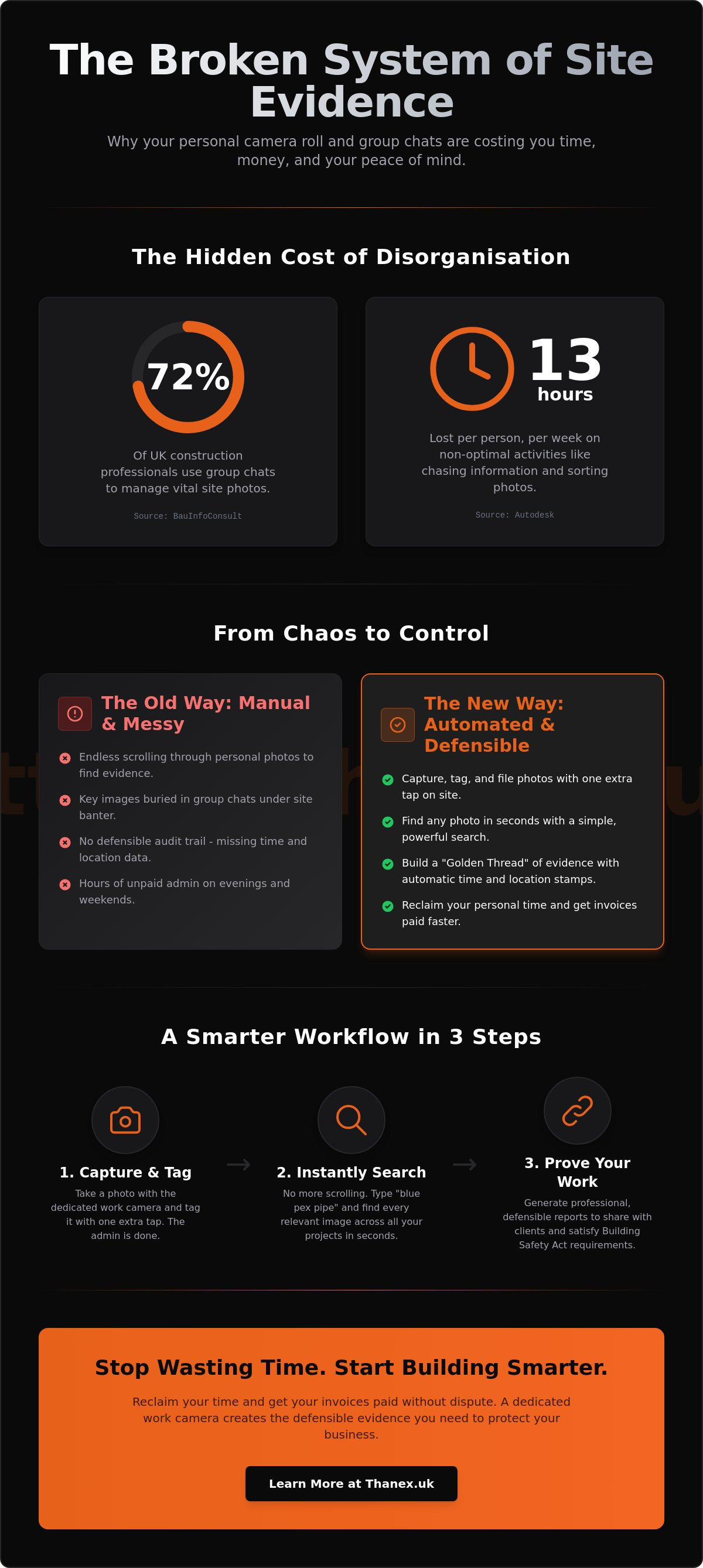
- Autodesk data shows that site teams lose 13 hours per week on non-optimal activities like sorting photos.
- The system is broken. Not you. Using a consumer camera roll for professional evidence is a recipe for lost records.
It is Sunday night. The site is quiet but the work is not over. You are scrolling through a phone gallery filled with family photos, screenshots, and weekend memories. You are looking for that one picture of the damp-proof membrane before the concrete pour. The client is questioning the invoice and you need the proof. You find three blurry images and one good one, but it is mixed in with a hundred other messages in the site group chat. This is the hidden tax on your time. It is a slow, frustrating process that steals hours you will never get back.
Why your camera roll is a liability
- Personal galleries lack the metadata and structure needed for a defensible audit trail.
- Losing a single device can mean losing thousands of photos, much like the 15,000 images lost on a USB stick in our founding story.
- Professional work requires a professional tool that separates your personal life from your liability.
Imagine the sound of a phone hitting concrete from the second lift of a scaffold. The screen shatters. With it goes every photo of the first-fix electrics for that floor. Or a team member leaves the company, taking their phone and all its evidence with them. A personal camera roll ties your business's legal and financial security to a fragile, personal device. It is a single point of failure. A professional system for construction photo management moves that liability from an individual's pocket to a secure, central location owned by the business.
According to Construction management, this is a well-documented area of ongoing research and practical application.
The group chat trap for contractors
- 72% of UK construction professionals still use group chats for work communication despite the lack of organisation.
- Photos in chats are often compressed, losing the detail needed to prove quality of work.
- Main contractors need to see every photo, whilst subcontractors should only see their own work to maintain privacy.
The site group chat starts with good intentions. It is a quick way to share updates. Then the memes start. Then the arguments about parking. Soon, the critical photo of a steel beam connection is buried under fifty messages about the weekend. When you finally find it, the image is compressed and pixelated. You cannot zoom in to read the serial number. Group chats are built for conversation, not documentation. They create noise, compromise image quality, and offer zero control over who sees what.
Why a dedicated work cam changes your daily output
- A work cam is a dedicated application that captures, tags, and organises site evidence with one extra tap.
- It removes the need for manual folders, naming conventions, or Sunday night admin sessions.
- Every photo is automatically categorised by Photo Type, making it instantly searchable later.
- The goal is to make the work of organising photos disappear entirely so you can focus on the build.
The feeling of leaving site on a Friday changes completely. There is no looming dread of photo admin over the weekend. Every piece of evidence captured during the week is already filed, secure, and findable. Taking a photo is no longer the start of a new admin task. It is the end of one. This shift in process gives you back your mental energy. It allows you to focus on managing the project and solving problems on the ground, confident that your documentation is building itself correctly in the background.
Organising without the extra work
- Capture evidence at the source and let the system handle the filing.
- Use an AI-queryable work photo library to find specific images by typing what you see, such as 'blue pex pipe'.
- It works with your AI to ensure you never have to scroll through a gallery again.
You are in the site cabin. The client is on the phone asking for proof of the fire stopping around a specific service penetration on level three. The old way involved frantic scrolling and calling team members. The new way is different. You open your work photo library. You type what you are looking for. The system searches the content of your organised photos and finds the exact image in seconds. You share it while still on the call. The query is answered. The conversation moves on.
Research published by construction photo documentation guidelines shows that this is a well-documented area of ongoing research and practical application.
Meeting the Golden Thread requirements
- The Building Safety Act requires a digital Golden Thread of information for buildings over 18 metres or 7 storeys.
- High-quality photo documentation is the backbone of this regulatory compliance.
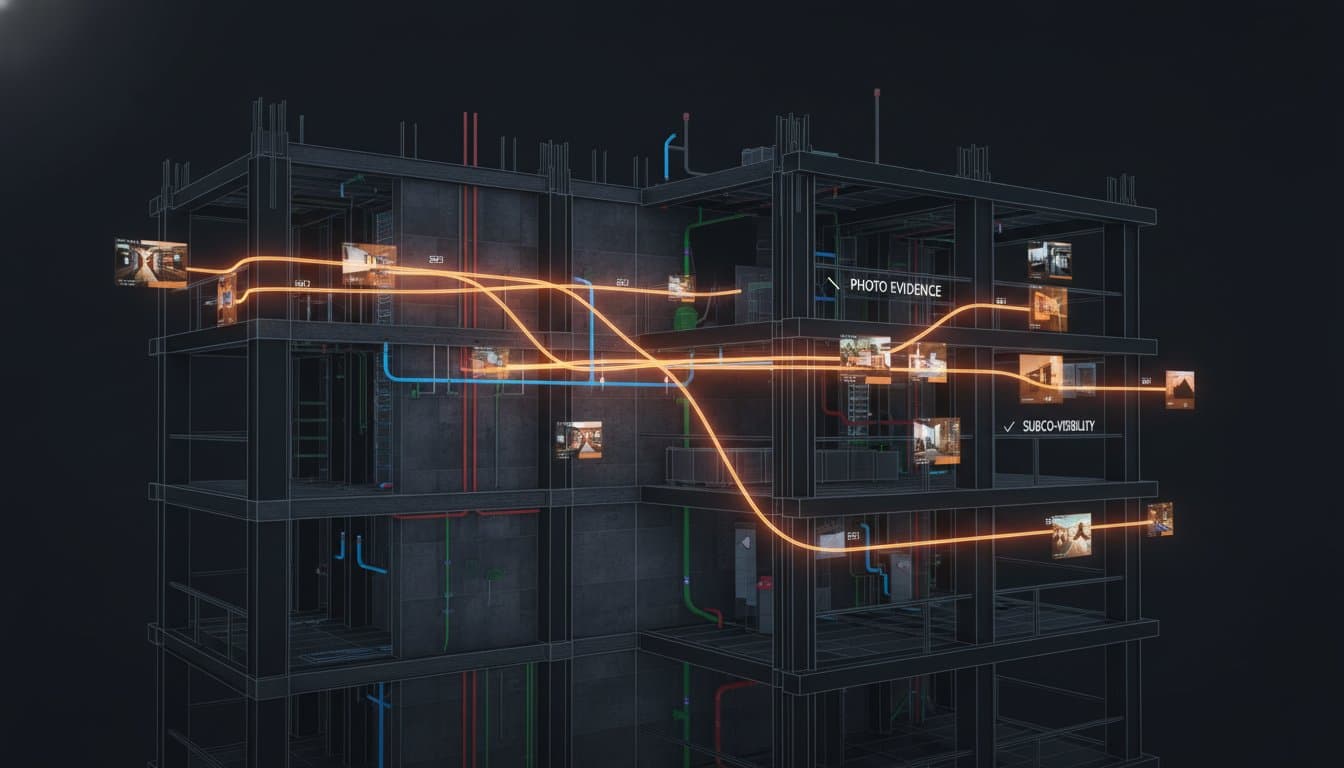
- Defensible evidence means having time-stamped, location-tagged records that prove exactly what was installed behind the walls.
The pressure of the Building Safety Act is real. The demand for a 'Golden Thread' of information means every decision and every installation on a higher-risk building needs a clear, digital audit trail. Photo evidence is the most powerful way to create this record. Having a time-stamped, location-tagged photo of a correctly installed fire door, or the specific type of insulation used, is not just good practice. It is a regulatory necessity. It is your proof of compliance when the building inspector asks for the records.
Getting paid faster with defensible evidence reports
- Disputed invoices happen because of a lack of clear, organised evidence.
- Shareable evidence report links allow you to send a professional gallery to clients in seconds.
- When the boss can see real-time visibility of subcontractor work, trust increases and payments move faster.
- Professionalism on site leads to fewer questions from loss adjusters and building inspectors.
Cash flow is the lifeblood of any construction business. Waiting 60 or 90 days for an invoice to be paid puts a strain on everything. The delay is rarely about the money. It is about a lack of confidence. A client or quantity surveyor queries an item because they do not have clear proof of what was done. A simple, professional evidence report, linked directly from your invoice, removes that doubt. It answers their questions before they have a chance to ask them, collapsing the payment cycle.
Turning photos into invoices
- Attach a shareable link to your invoice to provide undeniable proof of work completion.
- Reduce the time spent on 'back and forth' emails by providing all the context upfront.
- Protect your margins by ensuring every variation and extra is documented as it happens.
Think about the last time you submitted a variation claim. It probably involved a long email chain with poorly organised photos attached. Now, imagine capturing the extra work with your work cam as it happens. When you send the invoice, you include a single, secure link. The client clicks it and sees a clean, professional gallery showing the problem, the work in progress, and the completed job. Each photo is dated and timed. The argument is over before it begins. Your margin is protected.
Research published by formal project documentation requirements shows that this is a well-documented area of ongoing research and practical application.
Real-time visibility for the whole team
- Main contractors get a birds-eye view of the project without leaving the office.
- Subcontractors can prove their progress instantly, ensuring they get paid for the work they have done.
- Internal link: Learn more about construction photo management
Trust is built on transparency. For a main contractor, being able to see daily progress from every subcontractor without walking the site is a game changer. It reduces the need for constant check-ins and builds confidence in the project timeline. For a subcontractor, the ability to instantly share a report of completed work means payment applications get approved faster. This clear, evidence-based approach to construction photo management reduces friction between parties and keeps the entire project moving forward.
You spend your weekends sorting photos. You chase subcontractors for evidence. You worry about proving your work to get paid. This broken system costs you time and money.
A dedicated work cam fixes the process. It organises your site evidence so you can focus on the build.
Thanex launches in May 2026. Join the early access list today.
Frequently Asked Questions
How does a work cam help with Building Safety Act compliance?
A work cam provides a structured way to build your digital Golden Thread of information. Every photo is captured with essential metadata like time, date, and location. By selecting a Photo Type at capture, you create an organised, searchable, and auditable record of work. This defensible evidence proves what was installed and when, which is critical for meeting your obligations under the Act. You can learn more in our guide to meeting Golden Thread requirements with a photo evidence system.
Can I search for specific photos without manually tagging them?
Yes. The organisation happens at the moment you take the photo. You select a 'Photo Type' from your company's list, such as 'First Fix Plumbing' or 'Snagging'. This one tap files the photo correctly. Later, you can use the AI query to search the visual content of your photos within those organised categories. For example, you can search for 'copper pipe elbow' and the system will find relevant images within your work library, without you ever having to type a tag.
What happens to my photos if a worker leaves the company?
The photos are safe. All evidence captured with the work cam is stored in your central company account, not on the individual worker's device. If a team member leaves, you simply revoke their access to the system. All the photos they took remain securely in your company's possession, forming a complete and unbroken record of their work. This is a key difference from using personal phone galleries, where the evidence is lost when the person leaves.
Is a work cam better than using a standard group chat for site photos?
Yes, because they are built for different jobs. A group chat is for communication. A work cam is for documentation. Group chats compress images, bury evidence in unrelated conversations, and lack a searchable structure. A dedicated work cam captures high-quality, uncompressed images and files them instantly into a secure, organised library. It is a professional tool designed for the specific task of construction photo management, ensuring your evidence is always clear, findable, and defensible.